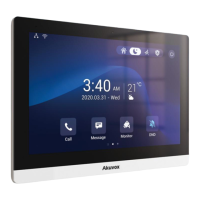
C315 Indoor Monitor Administraor Guide
Note
•
You can press the System Info icon and then press the Network tab on
the Settings screen to check the device networkstatus.
•
The default system code is 123456.
•
Static IP: select the static IP mode by ticking the DHCP check box. When static IP
mode is selected, then the IP address, subnet mask, default gateway, and DNS
servers address have to be manually configured according to your actual network
environment.
•
IP Address: set up the IP Address if the static IP mode is selected.
•
Subnet Mask: set up the subnet mask according to your actual network environment.
•
Default Gateway: set up the correct gateway default gateway according to the IP
address of the default gateway.
•
LAN DNS 1/2: set up preferred or alternate DNS Server (Domain Name Server)
according to your actual network environment. Preferred DNS server is the primary
DNS server address while the Alternate DNS server is the secondary server address
and the door phone will connect to the alternate server when the primary DNS server
is unavailable.
10.1.2
Configuring Device Network Connection on the WebInterface
To check the network on the web Status > Network information interface.


 To Next Page
 Loading...