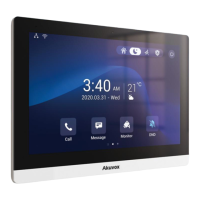
C315 Indoor Monitor Administraor Guide
15.8
Client Certificate Setting
Certificates can ensure communication integrity and privacy when deploying the device.
So, when the user needs to establish an SSL protocol, it is necessary to upload
corresponding certificates for verification. C315 series allows the user two types of
certificates to be uploaded into the device system. To set it up, go to Security > Advanced.
•
Web Server Certificate: it is the certificate that sends to the client for authentication
when the client requires an SSL connection with Akuvox IP Phone. Currently, the
format of the certificate that can be accepted by the device is *.PEM file.
•
Client Certificate: when Akuvox IP Phone required an SSL connection with a server,
the phone must verify the server to make sure it can be trusted. And the server will
send its certificate to the Akuvox IP Phone. Then the phone will verify this certificate
according to the client certificate list.


 To Next Page
 Loading...