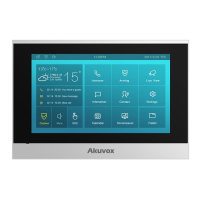
C315 Indoor Monitor Administraor Guide
•
Screen Lock: tick the screen lock if you want to lock the screen after the screen is
turned off (turn dark). You are required to enter the system code to unlock the screen
or you can unlock the screen by facial recognition.
•
Screen Saver Type: select screen saver type among seven options: SDMC Pictures,
Local Pictures, SDMC+Local Pictures, SDMC Videos, Local Videos, SDMC+Local
Videos, Clock. Details for the screen saver types are shownbelow:
Display pictures from SDMC as the screen
saver.
Display picture uploaded to the indoor
monitor as the screen saver.
Display pictures from SDMC and the indoor
monitor in rotation as the screen saver.
Display videos from SDMC as the screen
saver.
Display videos from the indoor monitor as
the screen saver
Display videos from SDMC and the door
phone in rotation as the screen saver.
Display the clock as the screen saver.


 To Next Page
 Loading...