E18 Door Phone Administrator Guide
Parameter Set-up:
Auto Answer: tick the checkbox to enable the auto-answer function.
Auto Answer Delay: set up the delay time (from 0-5 sec.) before the call
an be answered automatically. For example, if you set the delay time as 1
second, then the call will be answered in 1 second automatically.
Auto Answer Mode: set up the “Video” or “ Audio mode” you preferred for
the automatic call answering.
8.5. Call Settings
8.5.1.Maximum Call Duration Setting
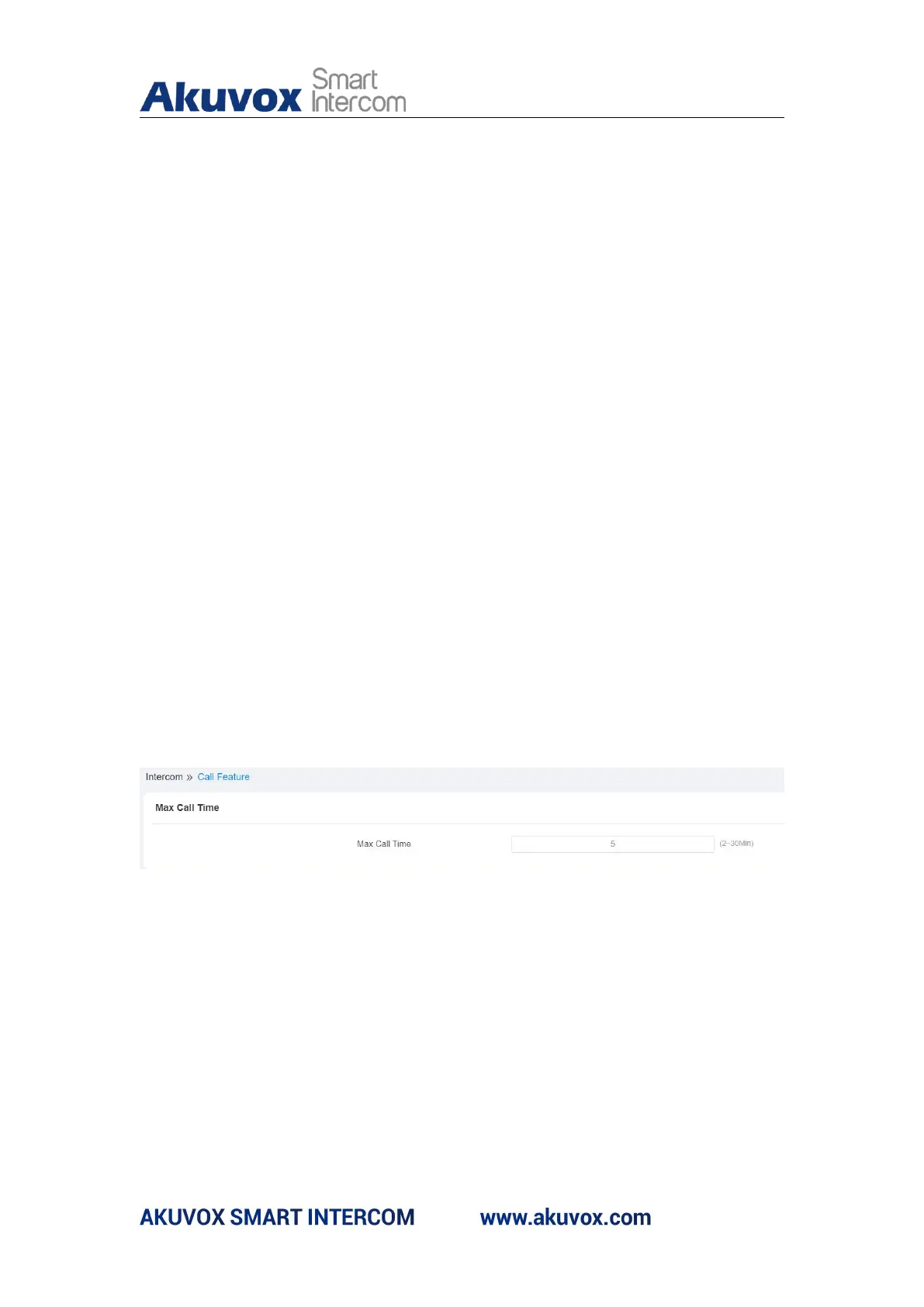
E18C door phone allows you to set up the call time duration in receiving the
call from the calling device as the caller side might forget to hang up the
phone. When the call time duration is reached, the door phone will terminate
the call automatically. Path: Intercom > Call Feature > Max Call Time
Parameter Set-up:
Max Call Time: enter the call time duration according to your need
(Ranging from 2-30 min.). The default call time duration is 5 min.



 To Next Page