E18 Door Phone Administrator Guide
11.1.4. Edit the Door Access Schedule
11.1.4.1. Edit the Door Access Schedule on the Web Interface
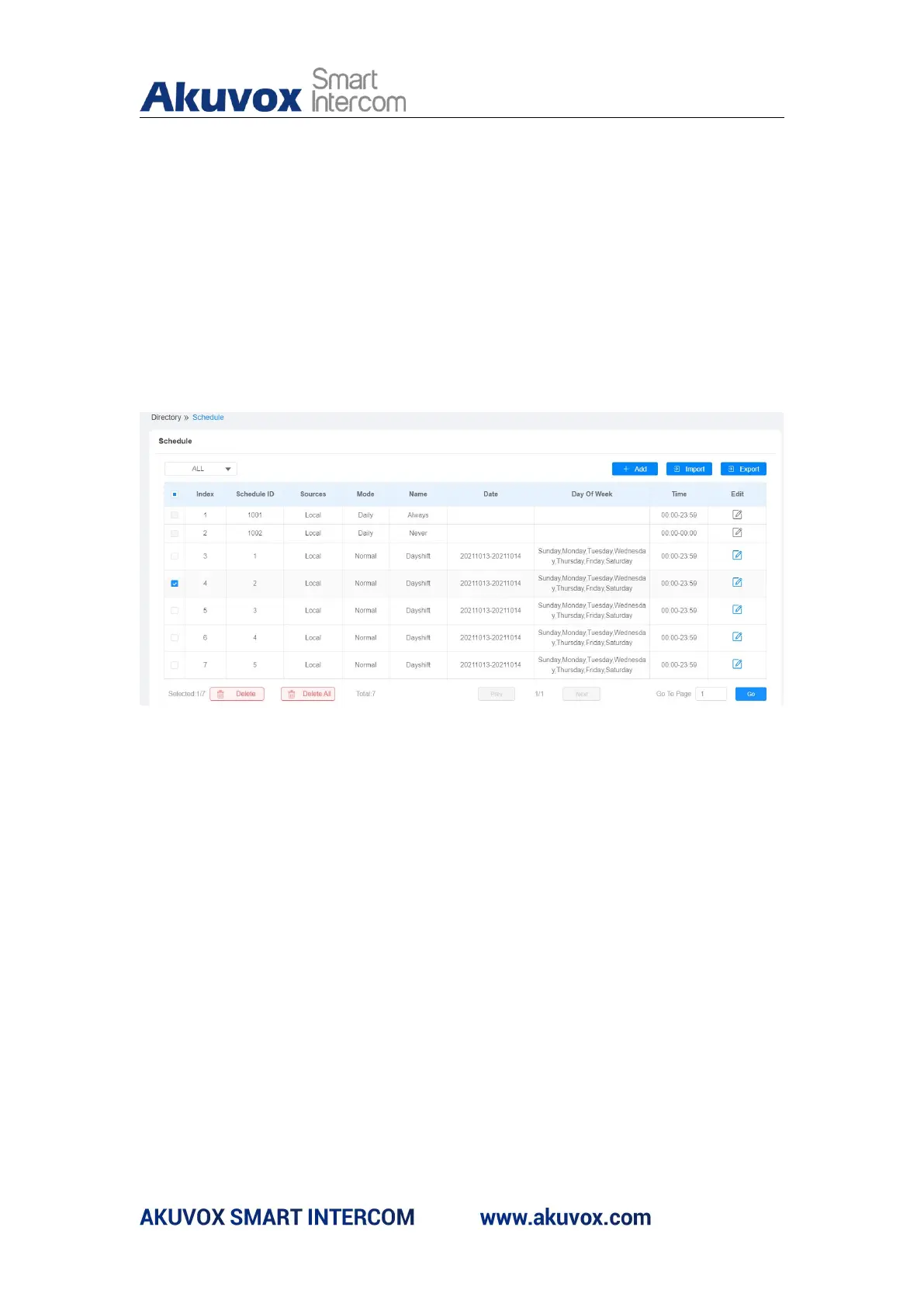
If you want to edit or delete your door access schedule you created, you can
edit or delete the configured schedule separately or in batch on the web
interface. Path: Access Control > Schedule
11.1.4.2. Edit the Door Access Schedule on the Device
You can also edit or delete the door access schedule on the device. Path:
Schedule > Schedule.



 To Next Page