IV-20
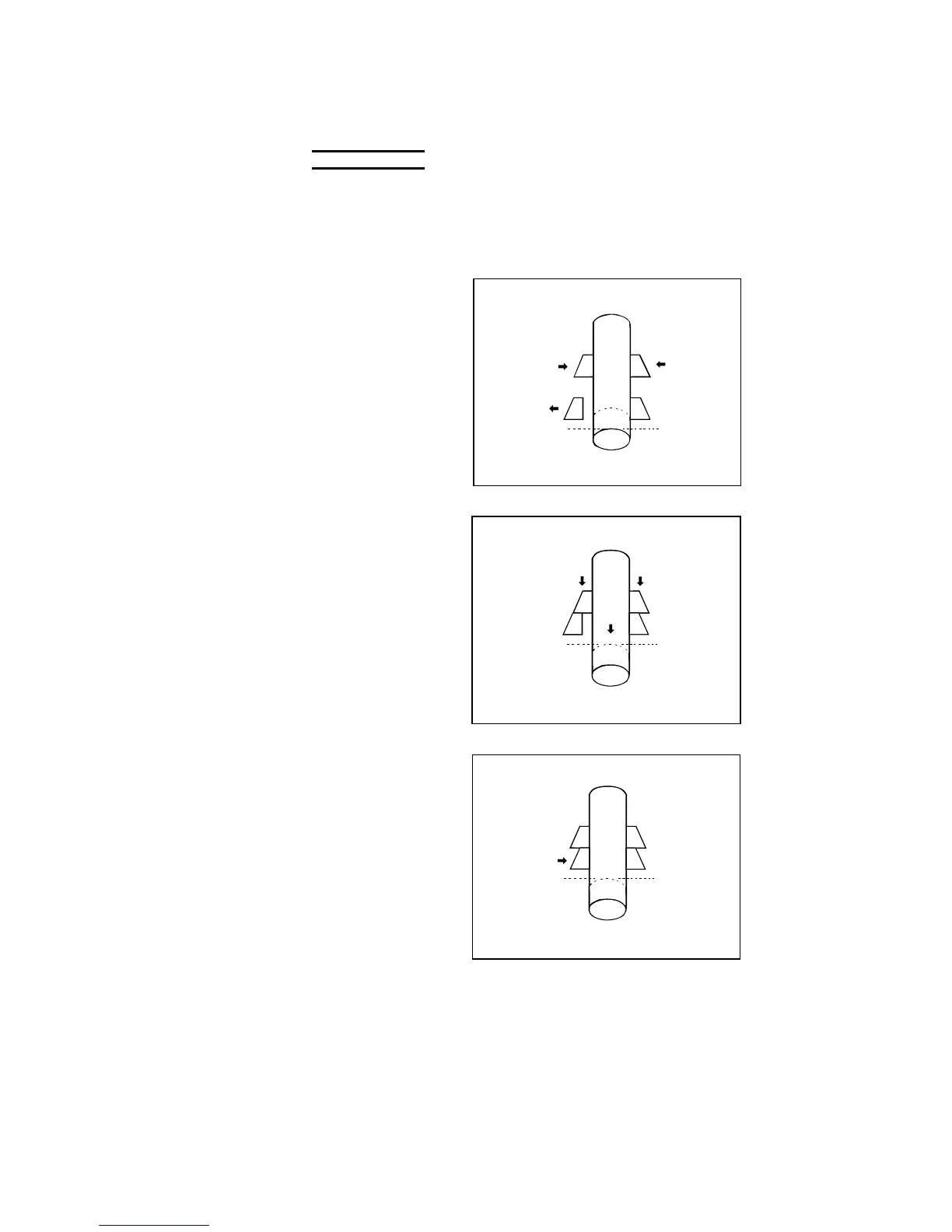
7 Turn the AUTO/MANUAL switch to MANUAL.
NOTICE
O Before turning the AUTO/MANUAL switch to MANUAL, be sure to check
that the positioning of the rear vise is completed and that the REAR
VISE POSITIONED light is illuminated. If the AUTO/MANUAL switch is
turned to MANUAL while the rear vise is moving backward, the rear vise
stops in that position.
8 Press and hold the
REAR VISE CLOSE
button to clamp the
work with the rear
vise.
9 Press and hold the
FRONT VISE OPEN
button to open the
front vise.
10 Press and hold the
REAR VISE
FORWARD button to
move the work
forward until the
REAR VISE
FORWARD LIMIT
light illuminates.
FORWARD
LIMIT
11 Press and hold the
FRONT VISE CLOSE
button to clamp the
work with the front
vise.



 To Next Page