IV-27
RUNOUT DETECTOR (OPTIONAL)
When using the optional runout detector during cutting, set the runout
tolerances of the saw blade before starting the machine. The runout
detector automatically stops the machine at the prescribed time after it
detects the runout of the saw blade that exceeds the tolerances.
Setting runout tolerances
The runout tolerances of the saw blade are stored in memory even after
the power of the machine is turned off. This means that the previous
runout tolerances are retained in memory when the power of the
machine is turned on the next time.
Set the runout tolerances of the saw blade as described below.
1 Turn the machine circuit breaker switch to ON.
NOTE
O The power of the runout detector is interlocked with that of the machine.
As soon as the machine circuit breaker switch is turned to ON, the
power of the runout detector is automatically turned on.
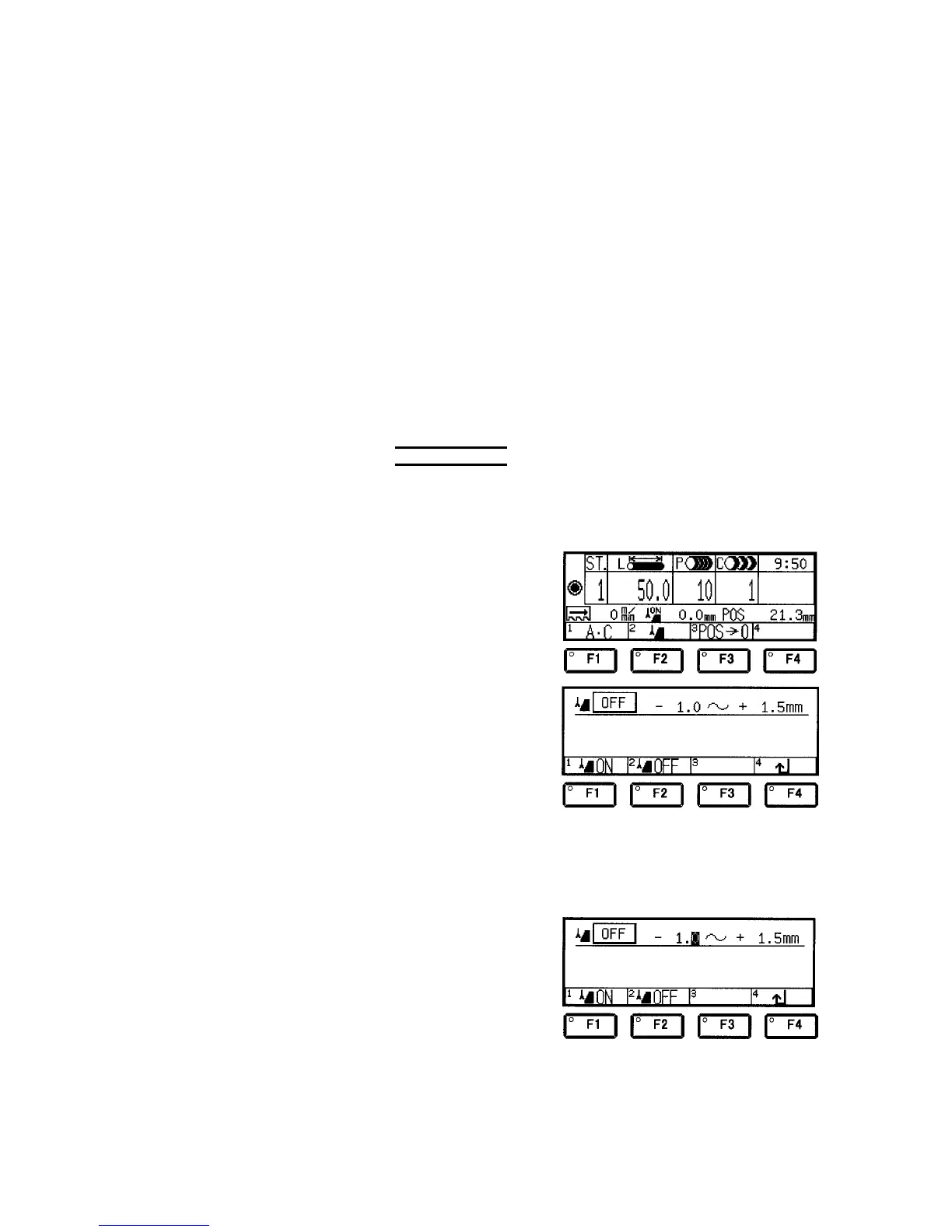
2 Press the F2 (runout)
key on the station
data setup display to
go to the runout setup
display.
3 Set the minus runout tolerance.
Example: Change the minus runout tolerance from 1.0 mm to 1.5
mm.
Check that the cursor
is positioned on the
“–” side.
If the cursor is
positioned on the “+”
side, move the cursor
to the “–” side with the
cursor keys.



 To Next Page