III-23
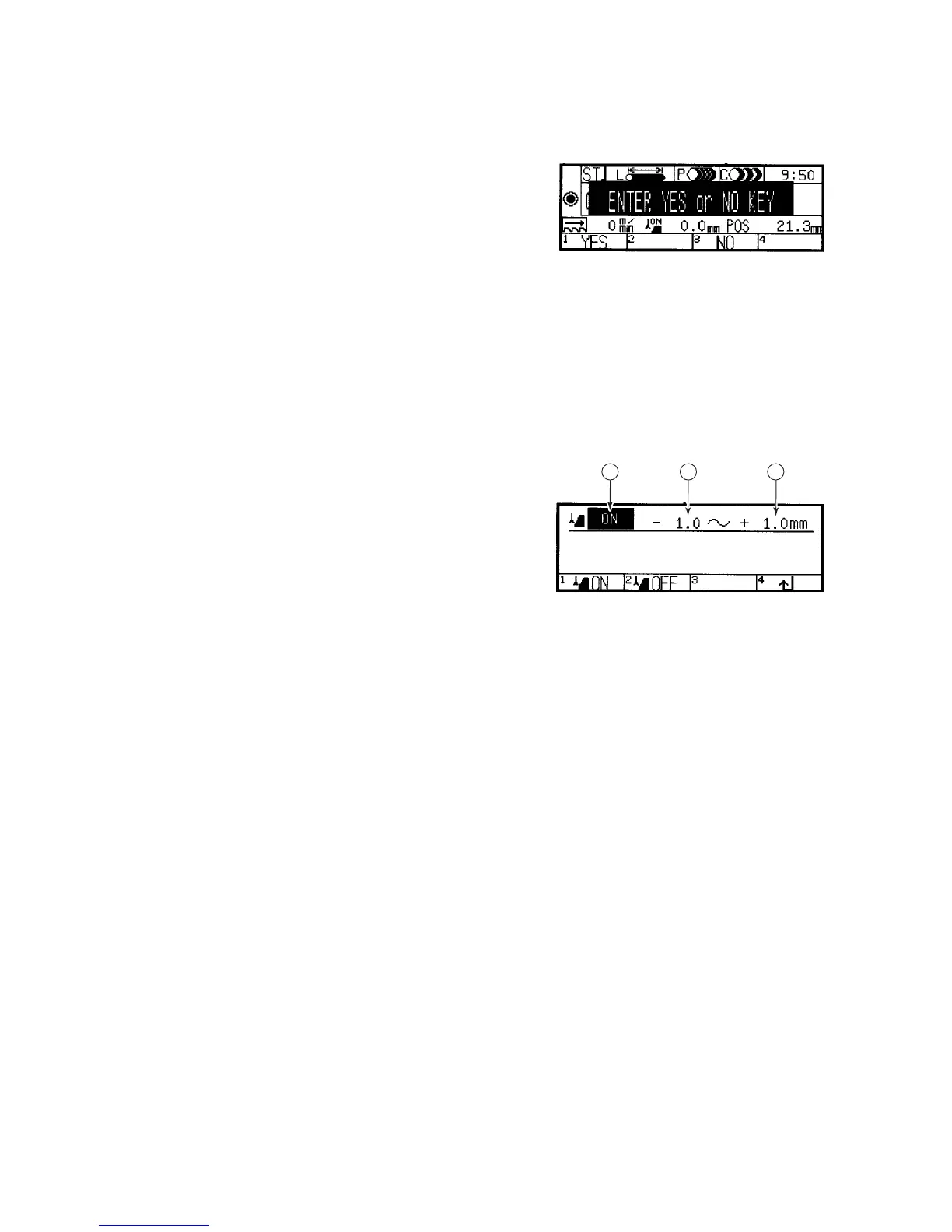
ALL STATION DELETE CONFIRMATION DISPLAY
This display appears when
you press the F1 (A•C) key
on the station data setup
display (menu 1). The
functions of the function
keys on the display are as
described below.
Functions of function keys
F1 (YES) key: Pressed to delete all of the cutting data of all stations.
F3 (NO) key: Pressed to abort the delete processing of cutting data of
all stations.
RUNOUT SETUP DISPLAY
This display appears when
you press the F2 (runout)
key on the station data
setup display (menu 1).
The contents of the item
fields and the functions of
the function keys on the
display are as described
below.
1 2 3
Displayed contents of item fields
◯
1
Runout setup ON/OFF field
Indicates whether the saw blade runout detection function is set ON
(enabled) or OFF (disabled). Press the F1 (ON) or F2 (OFF) key to set
the function ON (enabled) or OFF (disabled).
◯
2
Minus runout tolerance field
Sets the minus runout tolerance of the saw blade. Move the cursor to
the field, enter the minus runout tolerance in the field with the numeric
keys, and press the ENT key. The setup range is –99.9 to 0 mm {–
9.999 to 0 in.}.
◯
3
Plus runout tolerance field
Sets the plus runout tolerance of the saw blade. Move the cursor to the
field, enter the plus runout tolerance in the field with the numeric keys,
and press the ENT key. The setup range is 0 to +99.9 mm {0 to +9.999
in.}.
Functions of function keys
F1 (ON) key: Pressed to set the runout setup ON/OFF field to ON and
enable the runout tolerances (runout detection function).
F2 (OFF) key: Pressed to set the runout setup ON/OFF field to OFF and
disable the runout tolerances (runout detection function).
F4 (↵) key: Pressed to return to the station data setup display.



 To Next Page