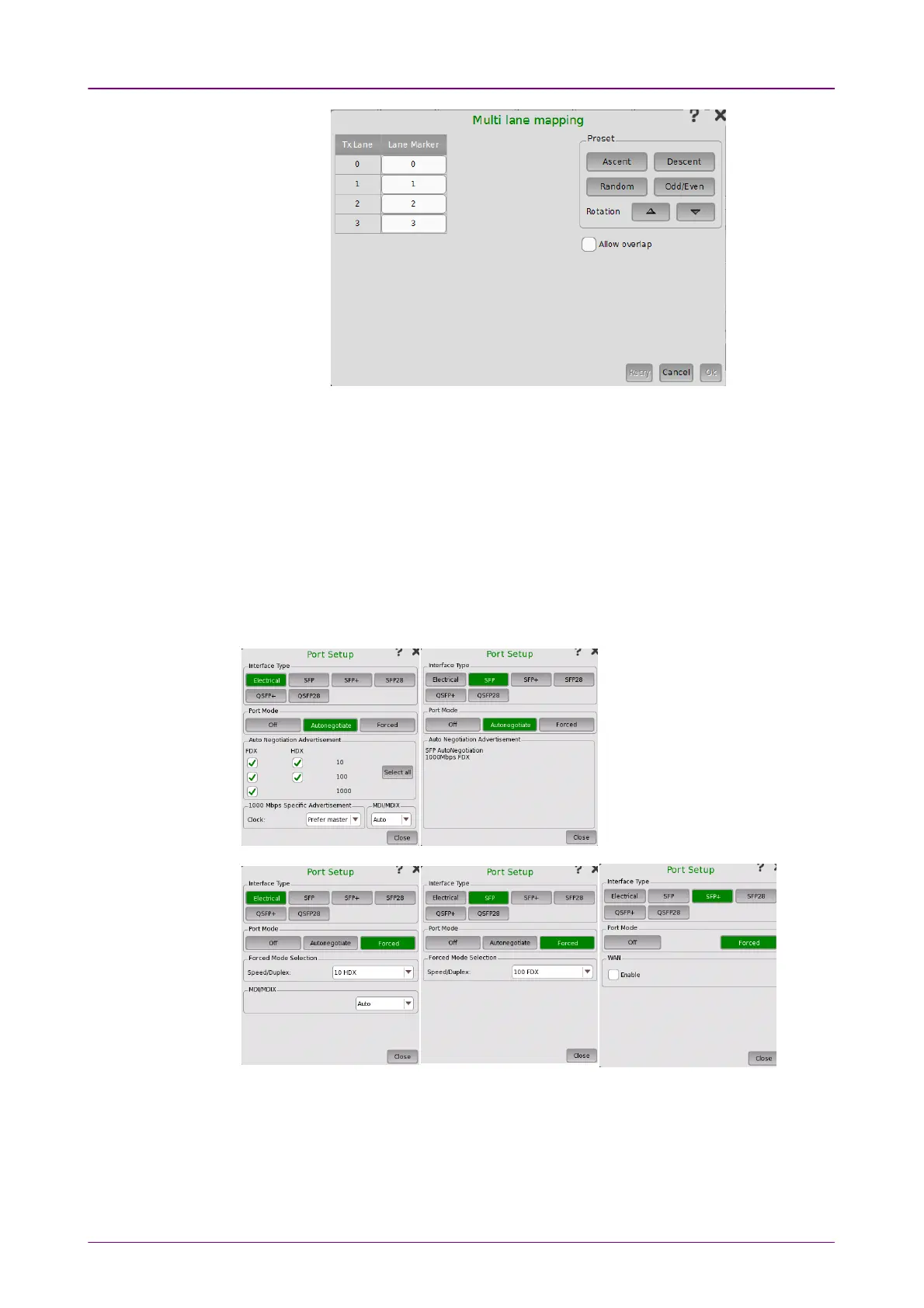
The number of lanes depends on the interface type. Touching Lane MarkerLane Marker
field allows to set the PCS lane marker.
Use buttons in PresetPreset frames to preset the lane markers.
Allow overlapAllow overlap
If check box is selected, you can set overlapped number to the lane marker.
66..11..11..22 Port Setup (detailed mode)Port Setup (detailed mode)
The contents of the dialog box (i.e. which parameters are displayed) depends
on your combined choice of Interface TypeInterface Type and Port ModePort Mode.



 To Next Page