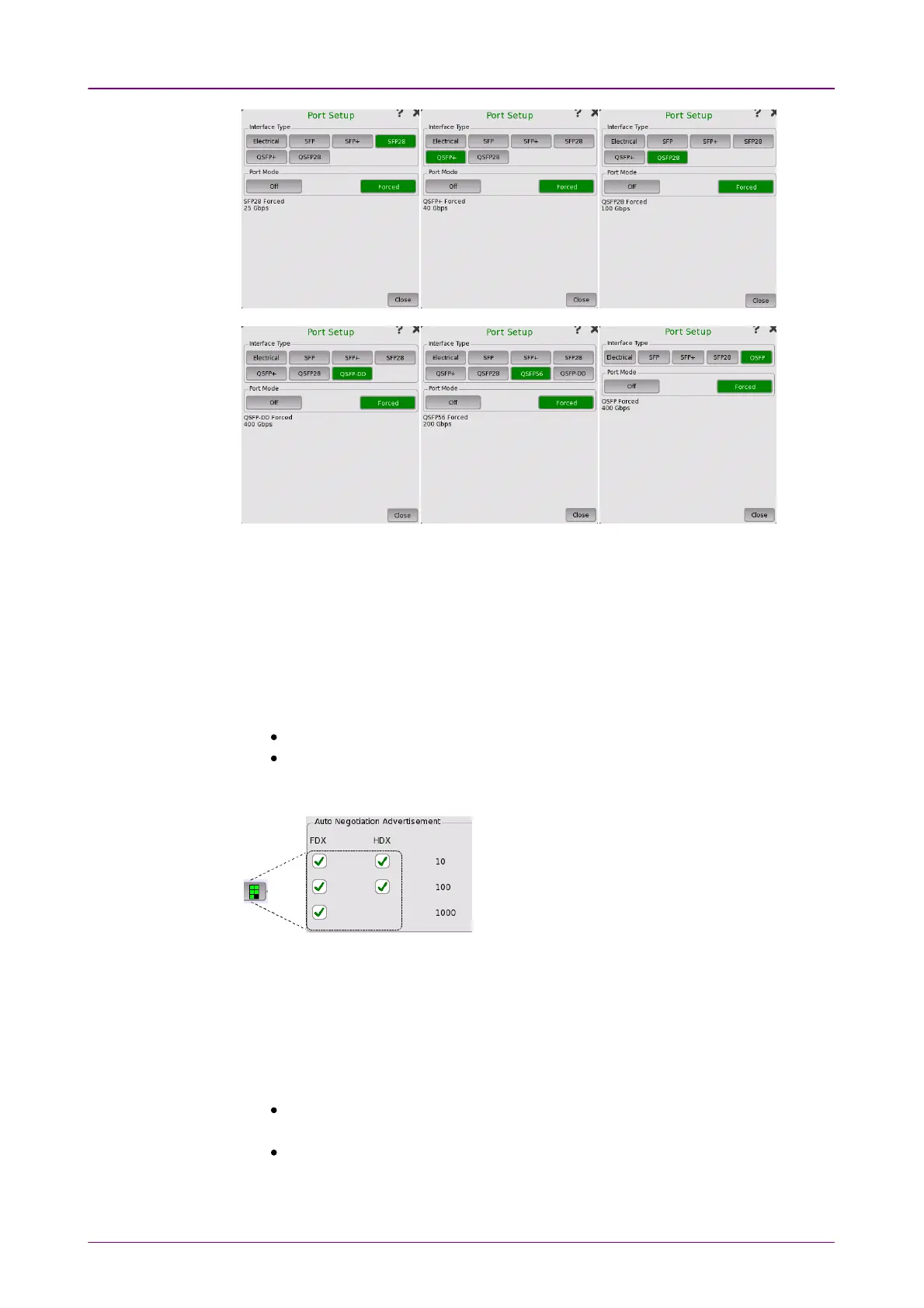
Port Mode = OffPort Mode = Off
Electrical +Electrical +
AutonegotiateAutonegotiate
Selecting the OffOff port mode will shut down the Ethernet port and stop the
physical link.
Selecting the AutonegotiateAutonegotiate port mode with interface type specified as
ElectricalElectrical will display the following parameters:
Auto Negotiation AdvertisementAuto Negotiation Advertisement
Allows you to set the speed and duplex capabilities that are advertised to the
link partner.
FDXFDX can be set to 1010, 100100 and 10001000.
HDXHDX can be set to 1010 and 100100.
Using the Select allSelect all will automatically set check marks in every check box.
The selected negotiations are
indicated by the icon on the button.
1000 Mbps Specific Advertisement1000 Mbps Specific Advertisement
Open the ClockClock drop-down menu to select one of the following settings:
Prefer masterPrefer master, Prefer slavePrefer slave, MasterMaster, or SlaveSlave.
MDI/MDIXMDI/MDIX
Set the pin assignment of the electrical port.
AutoAuto sets the pin assignment of the Network Master electrical port to MDI or
MDIX automatically.
MDIMDI sets the electrical port to Medium Dependent Interface. Pin 1 and 2 of the
electrical port on Network Master are used for the transmission, pin 3 and 6
are used for the reception.



 To Next Page