ETHETH
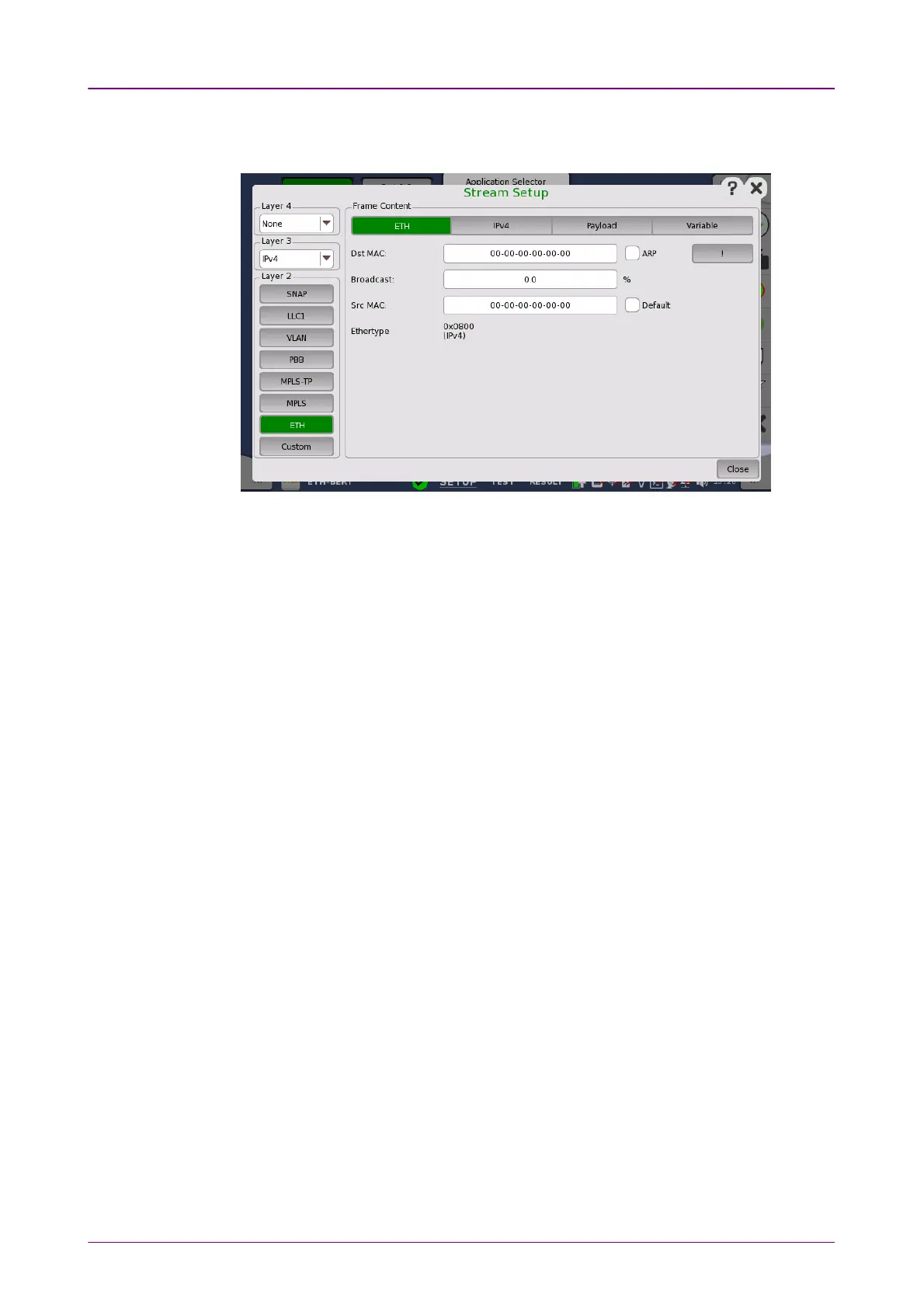
Touching the ETHETH layer button displays the parameters available for the
Ethernet header.
The Ethernet (MAC) header contains MAC addresses and Ethertype.
Dst MACDst MAC
The destination MAC address can either be specified manually. This can be
decided based on an ARP lookup when IPv4 is set to Layer 3 or based on an
NDP when IPv6 is set to Layer 3.
To enable ARP or NDP, select the ARPARP check box or the NDP(NS/NA)NDP(NS/NA) check
box to the right of the Dst MACDst MAC field.
The !! button is an
instant
button which when touched will perform an ARP or
NDP lookup immediately, instead of waiting until the transmitter starts.
BroadcastBroadcast
The Broadcast Share control is used to set the ratio between Unicast and
Broadcast frames transmitting.
Src MACSrc MAC
The source MAC address can be specified manually, but the instrument comes
with a default unique MAC address for each test interface port.
If the DefaultDefault check box is selected, the default unique MAC address is used.
EthertypeEthertype
When IPv4IPv4 or IPv6IPv6 is set to Layer 3, the EthertypeEthertype is automatically defined,
based on the next protocol element. When NoneNone is set to Layer 3, it can be set
between 0x05DD to 0xFFFF.



 To Next Page