The following addresses cannot be used for RFC 6349 application tests.
All numbers are zero. (i.e, ::)
Multicast address
For link local addresses (First 16 bits of prefix is FE80), RFC 6349 application tests can
be performed if the following requirements are met:
Requirement 1: Both Dst IP address and Src IP address are link local addresses.
Requirement 2: Src IP address satisfies the followings.
Prefix: FE80:0000:0000:0000
Interface ID: Modified EUI-64 format generated from Src. MAC
GatewayGateway
Select the EnableEnable check box to enable the use of a gateway. Packets whose
destination IP address is not found in the network are forwarded to the default
gateway address.
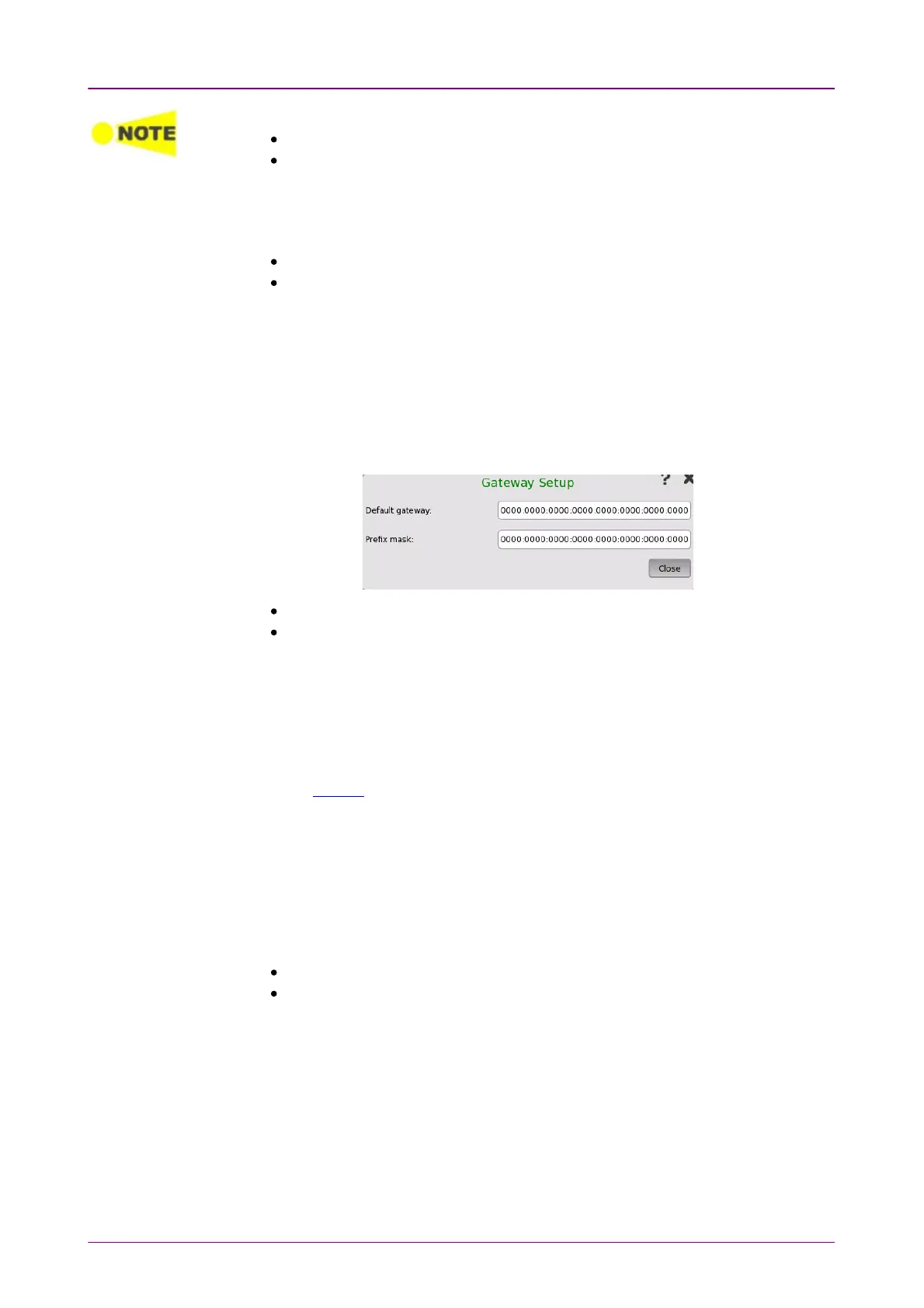
Touching SetupSetup next to the EnableEnable check box will open the Gateway SetupGateway Setup
dialog box.
Default gatewayDefault gateway: Set the IP address for the default gateway.
Prefix maskPrefix mask: Set bits, which are used for the prefix mask, to "1" consecutively
from the first bit.
Example
Default gateway 2001:0DBB:0000:0056:0000:1234:5678:9ABC
Prefix mask FFFF:FFFF:FFFF:FFFF:0000:0000:0000:0000:0000
In this example, the prefix is 2001:0DBB:0000:0056/64.
When the Follow button is green on the StreamStream screen, the FollowFollow button for
Gateway is available. If you select the EnableEnable check box when the FollowFollow
button is in green, FollowFollow will be canceled. To set FollowFollow again, close the
Stream Setup dialog box and turn the FollowFollow button in green.
MLD hostMLD host
MLD host is displayed in the following applications.
MLD stands for Multi Listener Discovery.
BERT
Mon./Gen.
1. Touch SetupSetup to set the group address, and JoinJoin becomes available.



 To Next Page