FEC Degraded SERFEC Degraded SER
Detection SetupDetection Setup
This is available when the interface is set to 200 Gbps or 400 Gbps. When the
check box is selected, the Network Master detects FEC degraded condition.
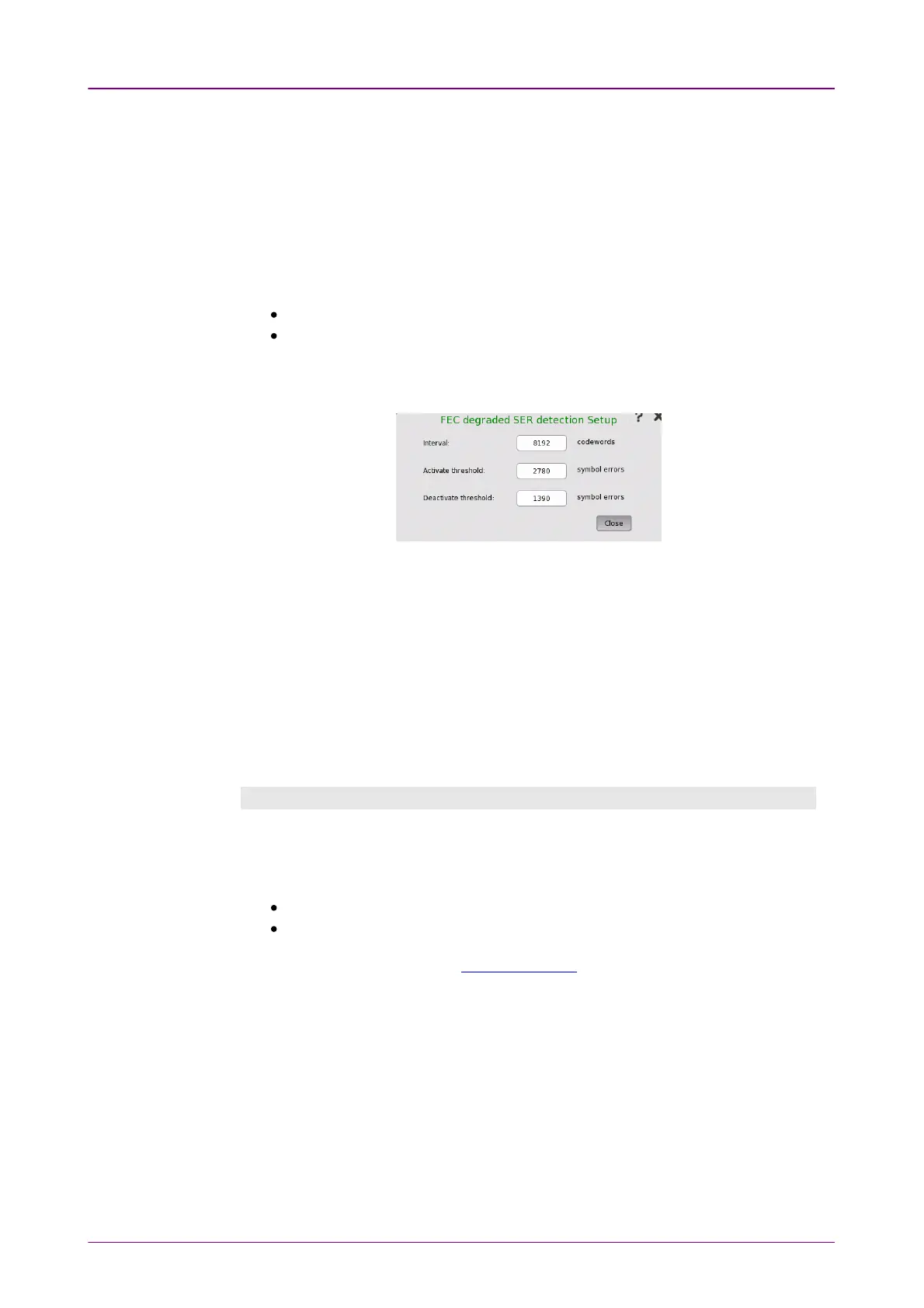
Touch the SetupSetup to display the dialog box for setting FEC degraded SER
detection.
Responsed remote degrade signalingResponsed remote degrade signaling
When the check box is selected, the Network Master sends the remote degrade
(RD) alarm if one of the following is met:
FEC degraded condition is detected.
The local degrade (LD) alarm is detected.
Set the parameters that define the symbol error rate (SER) used for the FEC
degrade judgement.
Interval
Set the interval used for judging the FEC degraded condition.
For example, if 8192 is set, the FEC degrade is judged at interval of 8192
codewords.
Activate threshold
Set the threshold for the number of symbol errors in an interval. If exceeding
the threshold, the FEC degrade condition is activated.
Deactivate threshold
Set the threshold for the number of symbol errors in an interval. If less than
the threshold, the FEC degrade condition is deactivated.
In-band SetupIn-band Setup
This tab provides the settings for the remote control of another Network Master
using commands via the test interface.
In-band control communication supports the following protocols.
Ethernet/IPv4/TCP
Ethernet/VLAN/IPv4/TCP
The TCP port number is set in Remote Control on the Instrument Tool bar.
Allow In-band controlAllow In-band control
Selecting the check box enables the remote control using commands via test
interface.



 To Next Page