Transport ProtocolTransport Protocol
Octet:0, Octet:1Octet:0, Octet:1
Select a checkbox to set the bit to 1.
To change flagField with keeping the time synchronization when UnicastUnicast
negotiationnegotiation on Setup tab is selected, it is necessary that addresses between the
master and the slave have been resolved.
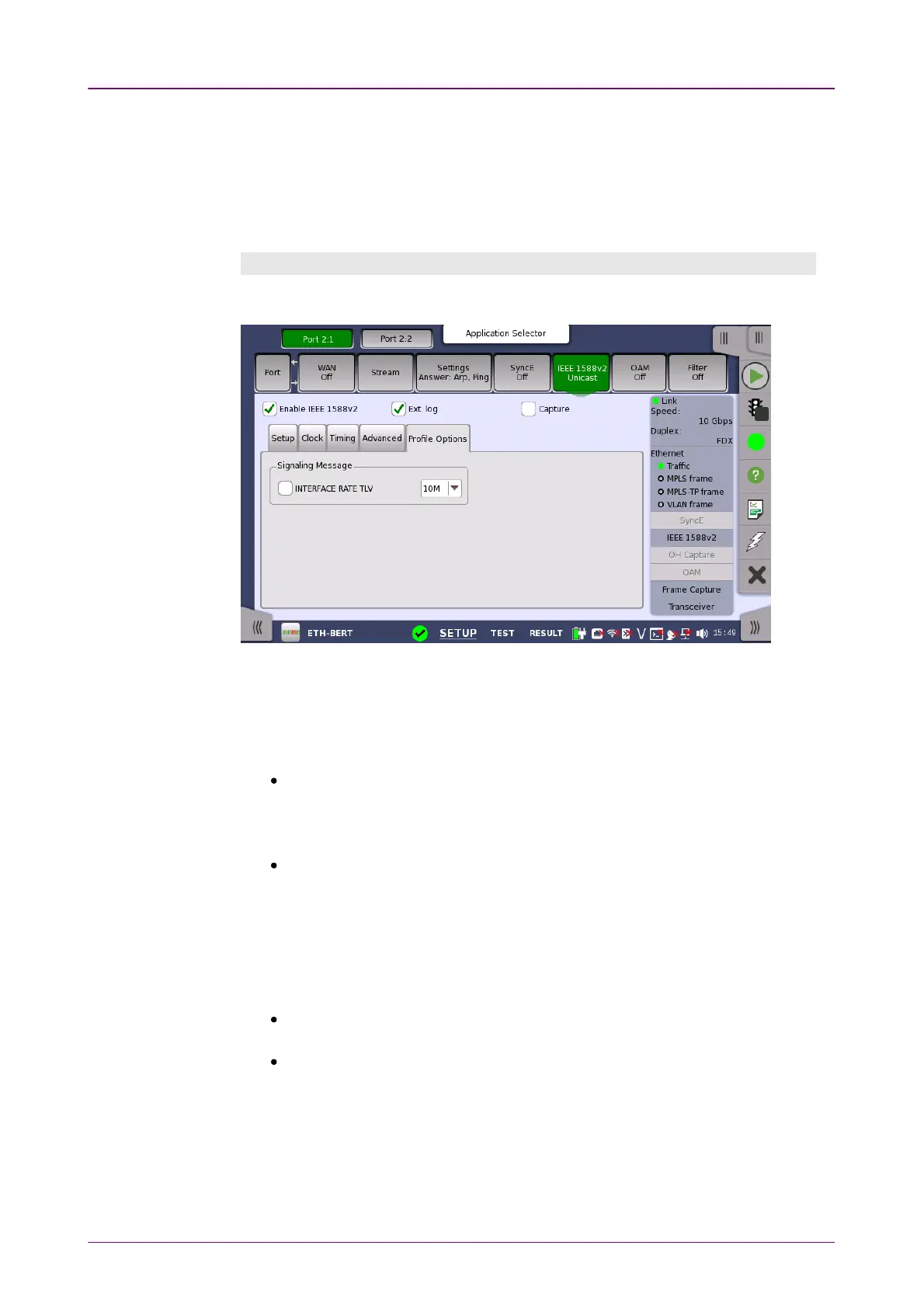
Profile Options tabProfile Options tab
The Profile OptionProfile Option tab contains the signalling message parameter.
INTERFACE RATE TLVINTERFACE RATE TLV
This checkbox is available only when Profile is set to G.8275.2G.8275.2 on the Setup
tab. Select this check box if bit rates are different between transmitted and
received signals. For INTERFACE RATE TLV, refer to the following standards.
ITU-T G.8271/Y.1366
Time and phase synchronization aspects of
telecommunication networks
Appendix V . Delay asymmetry resulting from interface rate change in PTP-
unaware network elements
ITU-T G.8275.2/Y.1369.2
Internet protocol aspects . Transport Precision time
protocol telecom profile for phase/time synchronization with partial timing
support from the network
Annex D . TLV for PTP interface rate
When the check box is selected, the Network Master performs the following
operation:
When the Network Master behaves as Master, INTERFACE RATE TLV is
appended to Signalling Message.
When the Network Master behaves as Slave, it calculates delayAsymmetry by
using the bit rate of the received INTERFACE RATE TLV.
In the drop-down menu, you can select a desired bit rate.
The IEEE 1588v2 ProtocolIEEE 1588v2 Protocol dialog box is launched by touching the protocol
button on the SetupSetup tab page. The dialog box allows you to configure the
protocols in detailed mode.



 To Next Page