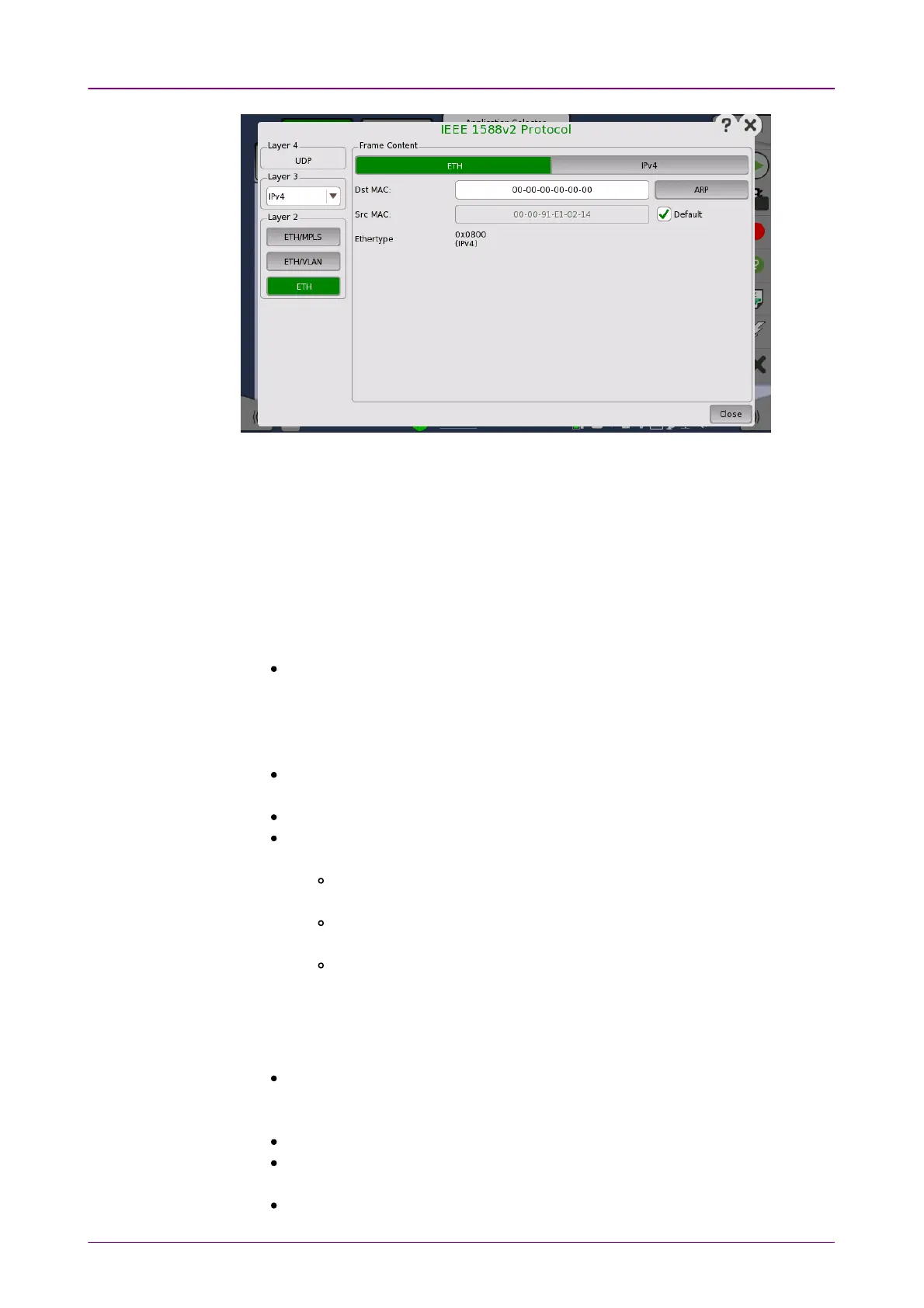
In the IEEE 1588v2 ProtocolIEEE 1588v2 Protocol dialog box, the buttons on the left-hand side
allow you to select the relevant layers. The current selection is shown at the top
of the Frame ContentFrame Content area. Touching one of the layer buttons in the FrameFrame
ContentContent area will display the setup parameters for that layer.
The following layers and parameters are available:
ETH layerETH layer
When the Layer 3 is set to NoneNone, you can set Src MACSrc MAC and Select MulticastSelect Multicast
MAC addressMAC address only.
Dst MACDst MAC - Type in the destination MAC address to be used with all PTP
unicast frames.
Touch the ARPARP button to solve any MAC setup in connection with IPv4.
Touch the NDP (NS/NA)NDP (NS/NA) button to solve any MAC setup in connection with
IPv6.
Src MACSrc MAC - Type in the source MAC address to be used with all PTP frames.
Select DefaultDefault to use the default MAC that comes with the Ethernet port.
EthertypeEthertype - Ethernet type is user-selectable only in case of VLAN use.
Select Multicast MAC addressSelect Multicast MAC address - The Multicast MAC address to be used in PTP
frames.
Automatic selectAutomatic select: - Multicast MAC address will be set depending on the
message.
01-80-C2-00-00-0E01-80-C2-00-00-0E: - Multicast MAC address used for non-peer-delay
measurement mechanism messages.
01-1B-19-00-00-0001-1B-19-00-00-00: - Multicast MAC address used for peer-delay
measurement mechanism messages.
MPLS layerMPLS layer
Select the number of levels using Level countLevel count drop down menu.
Level countLevel count Up to eight levels of MPLS fields can be inserted in the frame. The
number of MPLS fields is selected through the Level countLevel count drop-down menu,
and each level is set up individually.
LabelLabel Allows you to set up a denoting of the MPLS.
EXPEXP Allows you to set up the 3 bit value EXP (Experimental - used in MPLS to
support differentiated services (priority)).
TTLTTL Allows you to set up the 8 bit value TTL (Time To Live).



 To Next Page