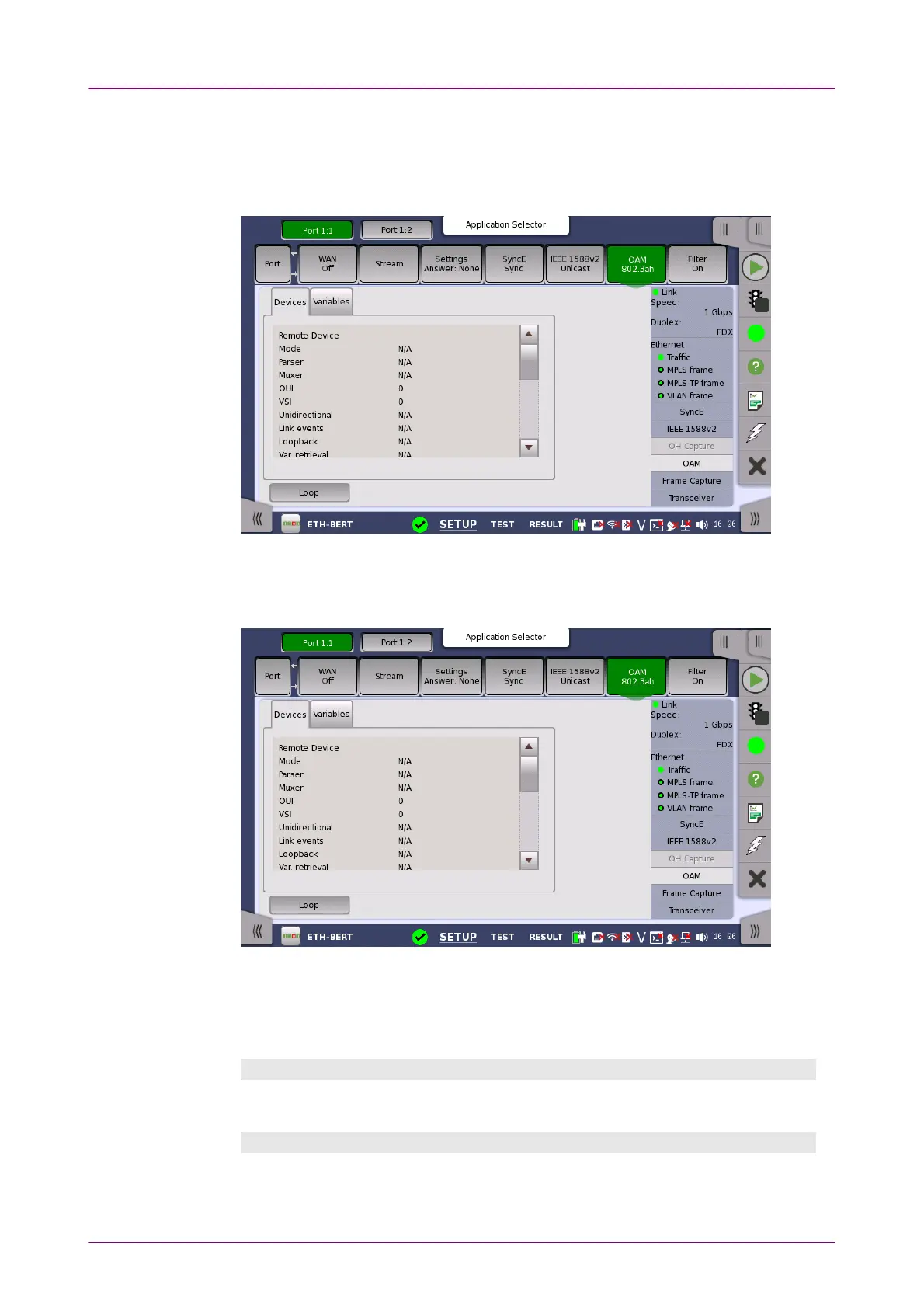
802.3ah status802.3ah status
informationinformation
66..11..33..77 OAMOAM
Touching the OAMOAM button in the status area of the Ports SetupPorts Setup screen displays
the status shown below.
This screen presents information about the status of the OAM functions. The
information is split up on a number of tabs. Note that the layout of the dialog
depends on the currently selected OAM protocol.
Loop buttonLoop button
Touch the LoopLoop button to send the far-end device into loopback mode and
reflect frames.
Devices tabDevices tab
Shows the status of the remote and local devices.
Variables tabVariables tab
On the VariablesVariables tab you can request various variables. Select the relevant
variable from the drop-down menu and then touch the RequestRequest button.



 To Next Page