I2C analysisI2C analysis
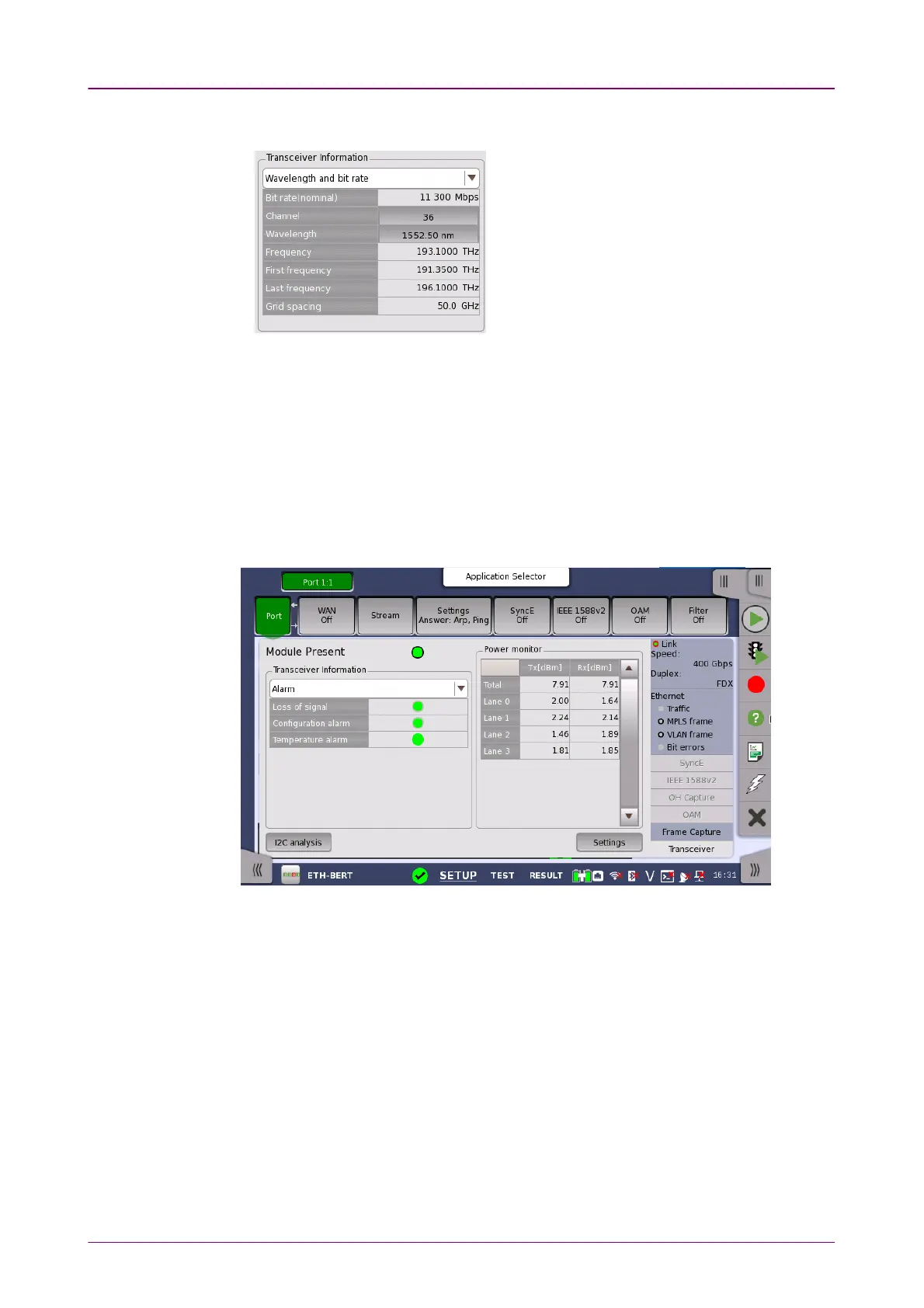
Power monitorPower monitor
Grid spacing
Touching ChannelChannel or WavelengthWavelength value opens
the dialog box to set the wavelength.
The optical power read out from the transceiver is displayed.
The transmitting optical power or current is displayed in left column. The
received optical power is displayed in right column.
In case of 40GbE and 100GbE, the total current and the currents by each lane
are displayed for Tx. The total optical power and the optical powers by each
lane are displayed for Rx.
In case of 200GbE or 400GbE, the total optical power and the optical powers
by each lane are displayed.
When the transceiver is SFP or SFP+, touching the I2C analysisI2C analysis button at the
bottom corner displays the dialog box below.



 To Next Page