I2C analysisI2C analysis
QSFP+ Memory Map
LOWERLOWER shows information in lower address registers.
LOWER LaneLOWER Lane shows information of each lane in lower address registers.
UPPER(00)UPPER(00) shows information in upper address registers (page 00).
UPPER(03)UPPER(03) shows information in upper address registers (page 03).
Read/WriteRead/Write allows you to read or write values to the specified registers.
Touching the UpdateUpdate button reads the register data of the transceiver.
Read/WriteRead/Write
Single Read/WriteSingle Read/Write
Specifying the address and the page allows users to read or write the data.
Burst ReadBurst Read
Specifying the top address, page, and length allows users to read the data.
Touching the ExportExport opens the dialog box to set the filename.
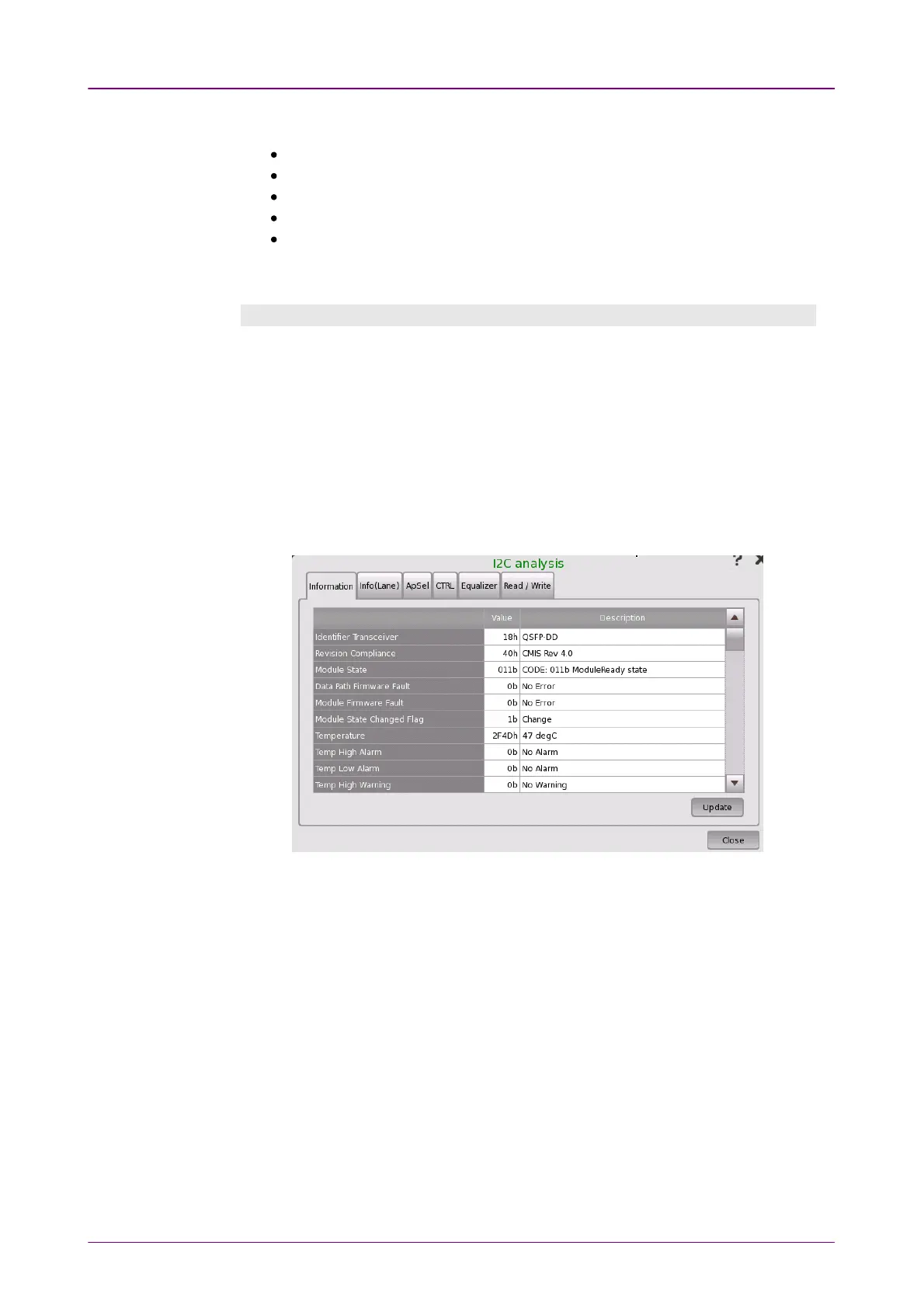
When the transceiver is QSFP56, QSFP-DD or OSFP, touching the I2C analysisI2C analysis
button at the bottom corner displays the dialog box below.
This dialog box allows reading/writing information into the registers of the
optical transceiver via I
2
C (Inter-Integrated Circuit) interface.



 To Next Page