66..99..33..11 SummarySummary
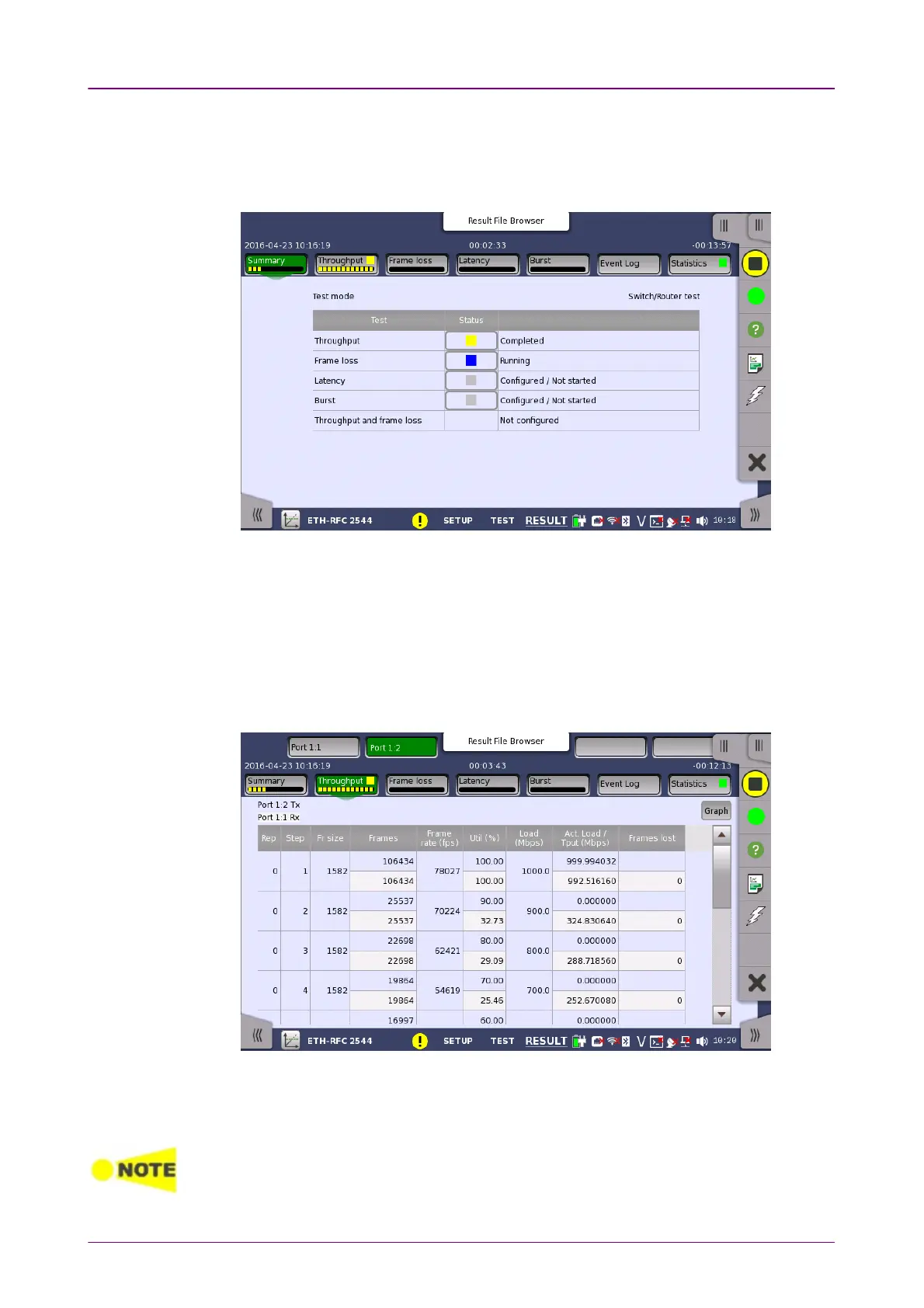
When you go to the test results of the Ethernet RFC 2544 application, the
following screen is displayed.
This screen presents the current status of the test(s) (Configured / Not StartedConfigured / Not Started,
RunningRunning, CompletedCompleted or Not ConfiguredNot Configured). Touching the status button for a
specific test will display the result screen of the test.
66..99..33..22 ThroughputThroughput
Touching the ThroughputThroughput button in the navigation area will display the screen
shown below.
This screen presents the results from the Throughput test.
The most important columns of the tables are the varied main parameters
Frame sizeFrame size and ThroughputThroughput and the performance parameter Frames lostFrames lost.
The order of the tables will vary depending on the test mode and the relation of the ports.



 To Next Page