77..11 OTN Setup and StatusOTN Setup and Status
An OTUkOTUk button in the navigation area of the Ports SetupPorts Setup screen gives you
access to the OTN setup for the transmitter and/or receiver of the currently
selected port.
OTN (Optical Transport Networking) provides support for optical networking using
wavelength-division multiplexing (WDM). OTN is defined in the ITU-T
Recommendation G.709 as a set of Optical Network Elements (ONE) connected by
optical fiber links, able to provide functionality of transport, multiplexing, switching,
management, supervision and survivability of optical channels carrying client
signals.
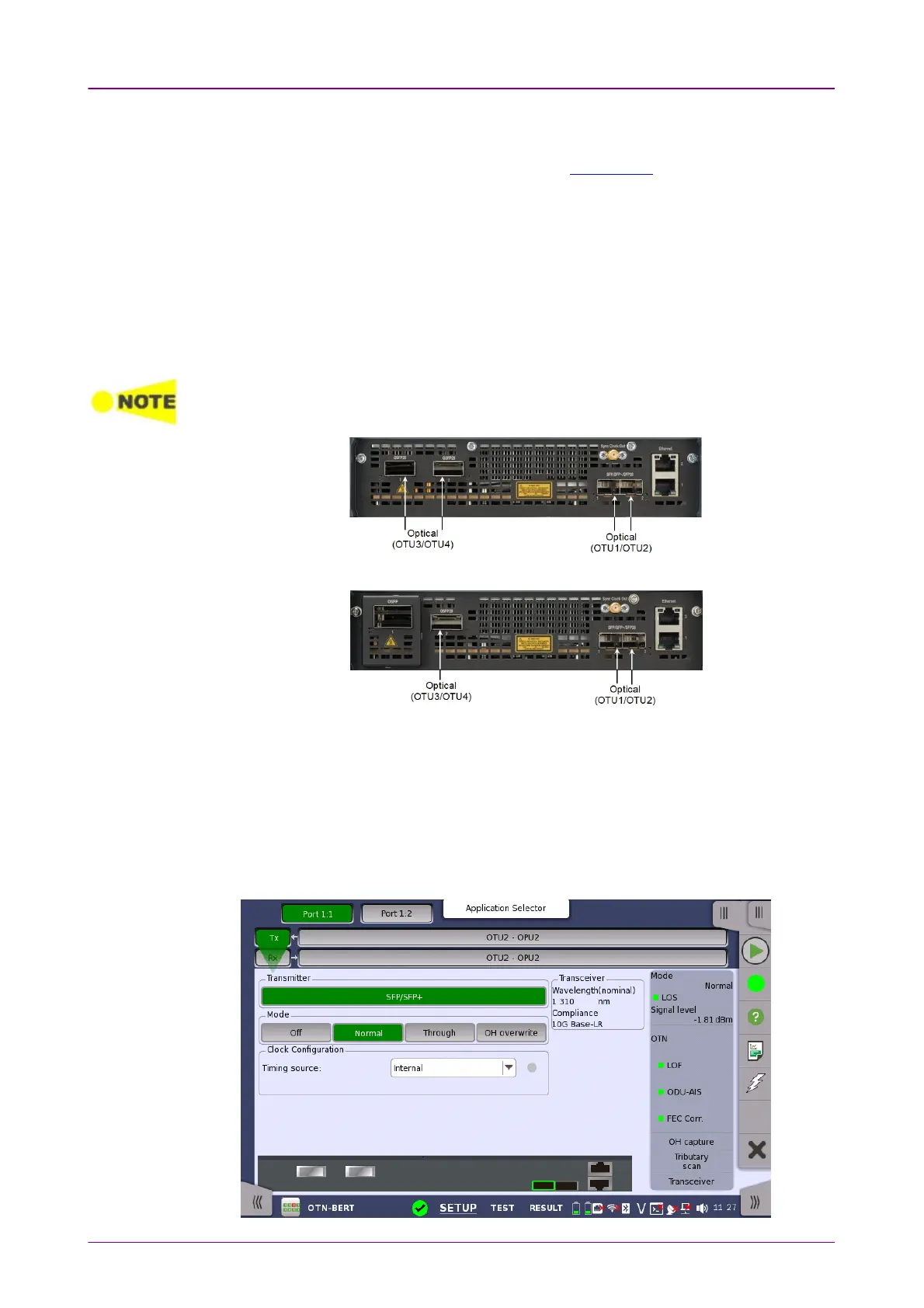
The OTUk interface uses the optical ports.
MU104011A, MU104014A Connector PanelMU104011A, MU104014A Connector Panel
MU104015A Connector PanelMU104015A Connector Panel
77..11..11 Transmitter SetupTransmitter Setup
77..11..11..11 Physical SetupPhysical Setup
When the transmitter is set up with an OTUk interface, touching the TxTx button
in the navigation area will launch the following screen.



 To Next Page