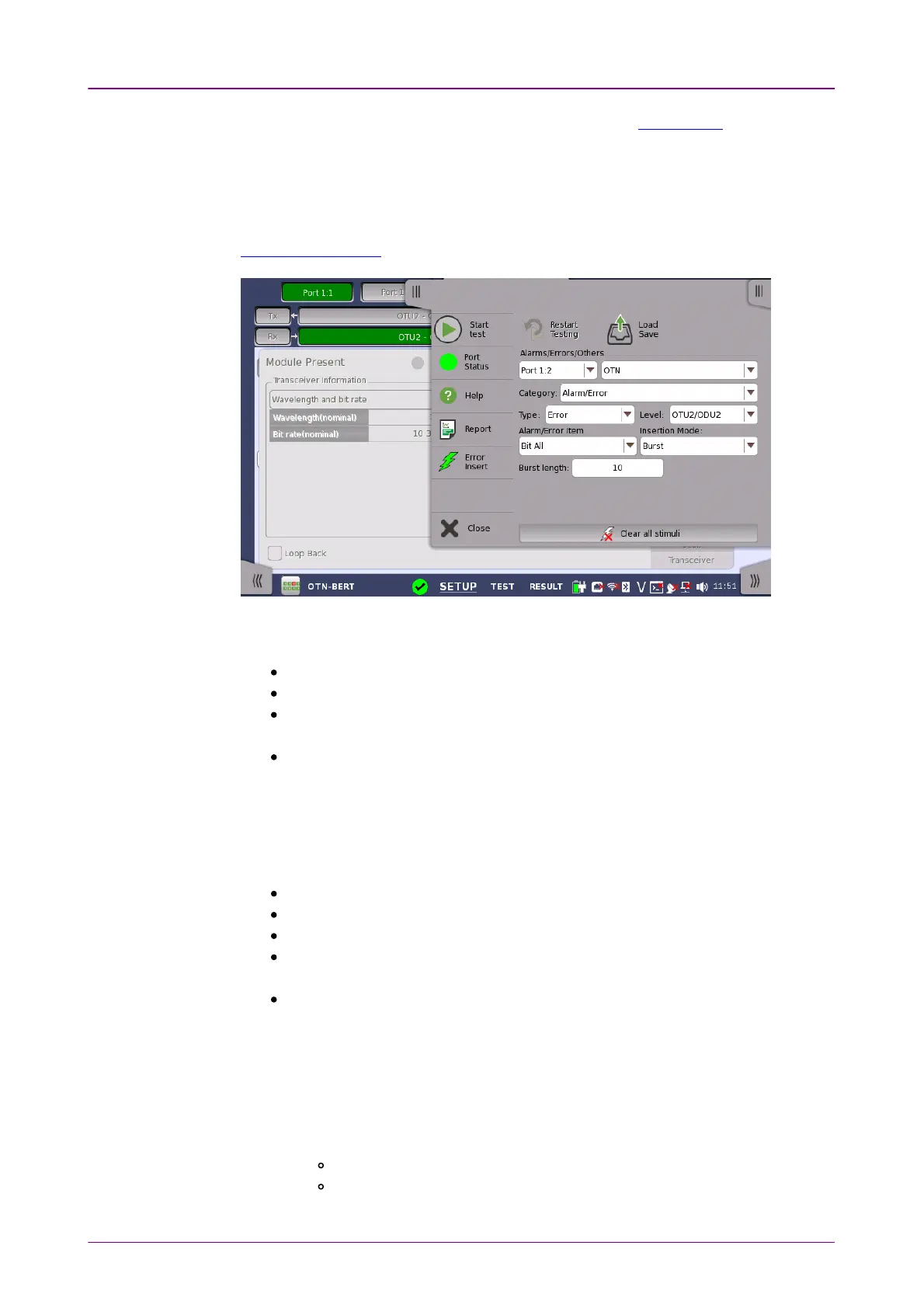
Alarms/Errors/Alarms/Errors/
OthersOthers
For description of MDIO analysisMDIO analysis and SettingsSettings, refer to Transceiver in Ethernet
Applications.
77..11..44 Error/Alarm InsertionError/Alarm Insertion
This section describes the errors or alarms insertion for the OTN layer on the
Application toolbar.
Select the port to insert errors, and the stimuli type. The settings items vary
depending on the selected stimulus type.
OTNOTN: Inserts errors or alarms related the OTN overhead or FEC.
OTN OTL skewOTN OTL skew: Inserts skew between specified lanes.
OTN frequencyOTN frequency: Adds the frequency offset to the OTU bit rate and Payload bit
rate.
OTN justificationOTN justification: Inserts positive or negative justification bytes of AMP
(asynchronous mapping procedure).
77..11..44..11 OTNOTN
If selecting OTNOTN, the CategoryCategory drop down menu appears.
Alarms/ErrorsAlarms/Errors: Inserts errors or alarms related the OTN overhead.
GMPGMP: Inserts errors to the general mapping procedure parameter.
GFPGFP: Inserts errors to the generic framing procedure parameter.
FEC TestFEC Test: Inserts errors to the forward error correction bytes in the OTU
frame.
OTLOTL: Inserts errors or alarms to the specified lanes.
Alarms/ErrorsAlarms/Errors
1. Select AlarmAlarm or ErrorError using TypeType drop down menu. If selecting OffOff, Errors and
Alarms are not inserted.
2. Select the LevelLevel.
3. Select the Alarm/Error ItemAlarm/Error Item.
4. Select the Insertion ModeInsertion Mode.
SingleSingle: Inserts an error or an alarm if you touch the Error Insert icon.
BurstBurst: Inserts errors or alarms in counts you have specified if you touch
the Error Insert icon.



 To Next Page