Stop functionStop function
Allows you to specify when the measurement ends.
If Manual stopManual stop is selected, the measurement will stop immediately when the
StopStop button is touched.
Selecting Stop atStop at will enable the adjacent field, in which you can specify the
stop time.
Selecting DurationDuration will allow you to specify a duration time in the adjacent
field.
Memory allocationMemory allocation
Allows you to specify how the measurement will be stored in the Network
Master's memory.
Use all storageUse all storage: When Network Master's memory became full with measured
data, the whole measurement is stopped.
ContinuousContinuous: When Network Master's memory became full with measured data,
the oldest records in that memory will be overwritten.
The Network Master's memory size (the file size of measurement results) is 64
Mbytes per one port.
Estimate of test durationEstimate of test duration
Contains an estimation of the time (in days, hours, minutes and seconds)
before the whole memory will be filled out by the test. During an ongoing
measurement, the estimate will be recalculated periodically.
1010..22..33 Test ResultsTest Results
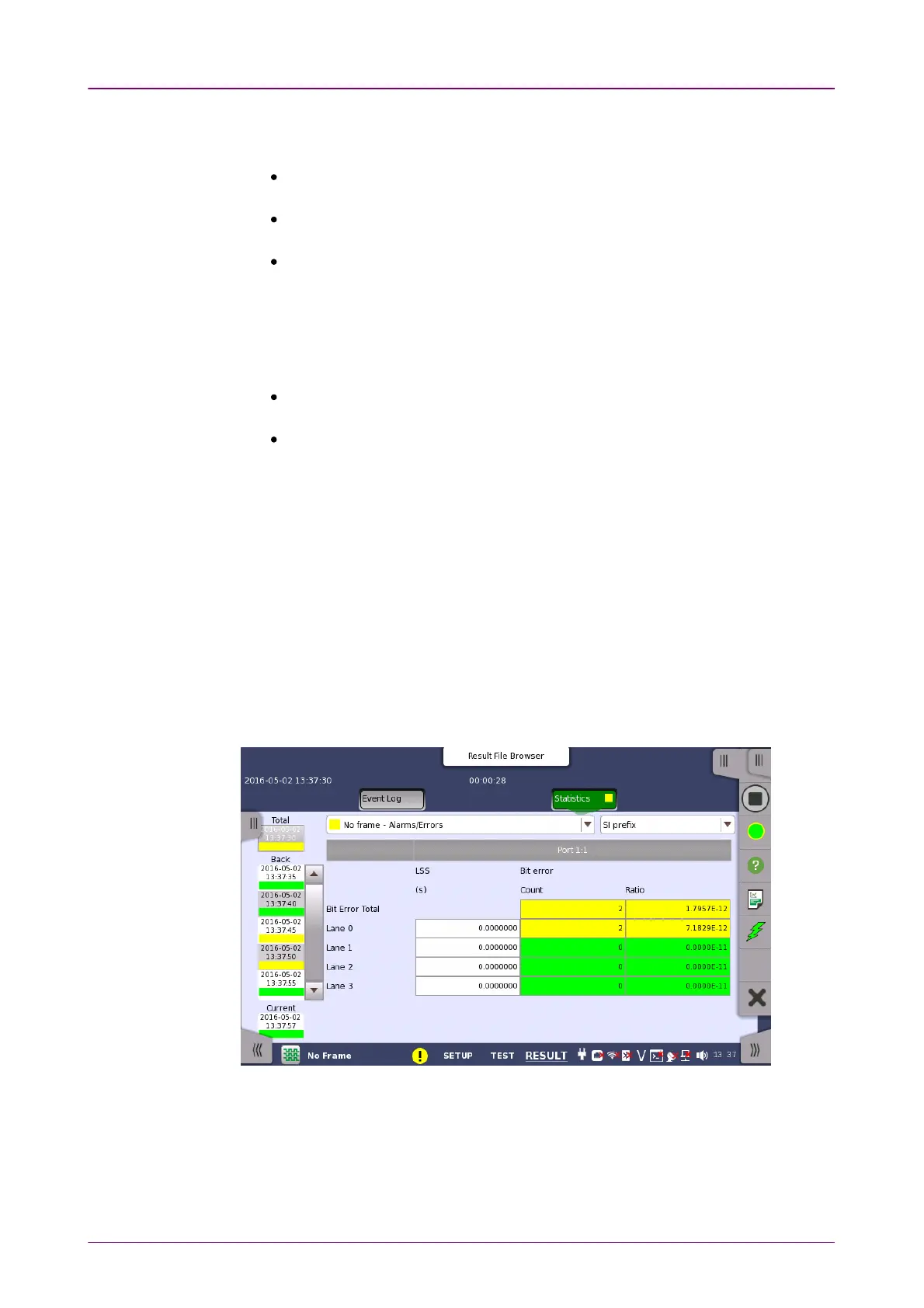
1010..22..33..11 StatisticsStatistics
This screen presents a detailed analysis of the test results. You can choose to
view either the results of a specific time interval or the total results from
measurement start. The results can be displayed either in table (list) form or as
graphs. You can also zoom in on a specific result item and display either a
zoom or a histogram.



 To Next Page