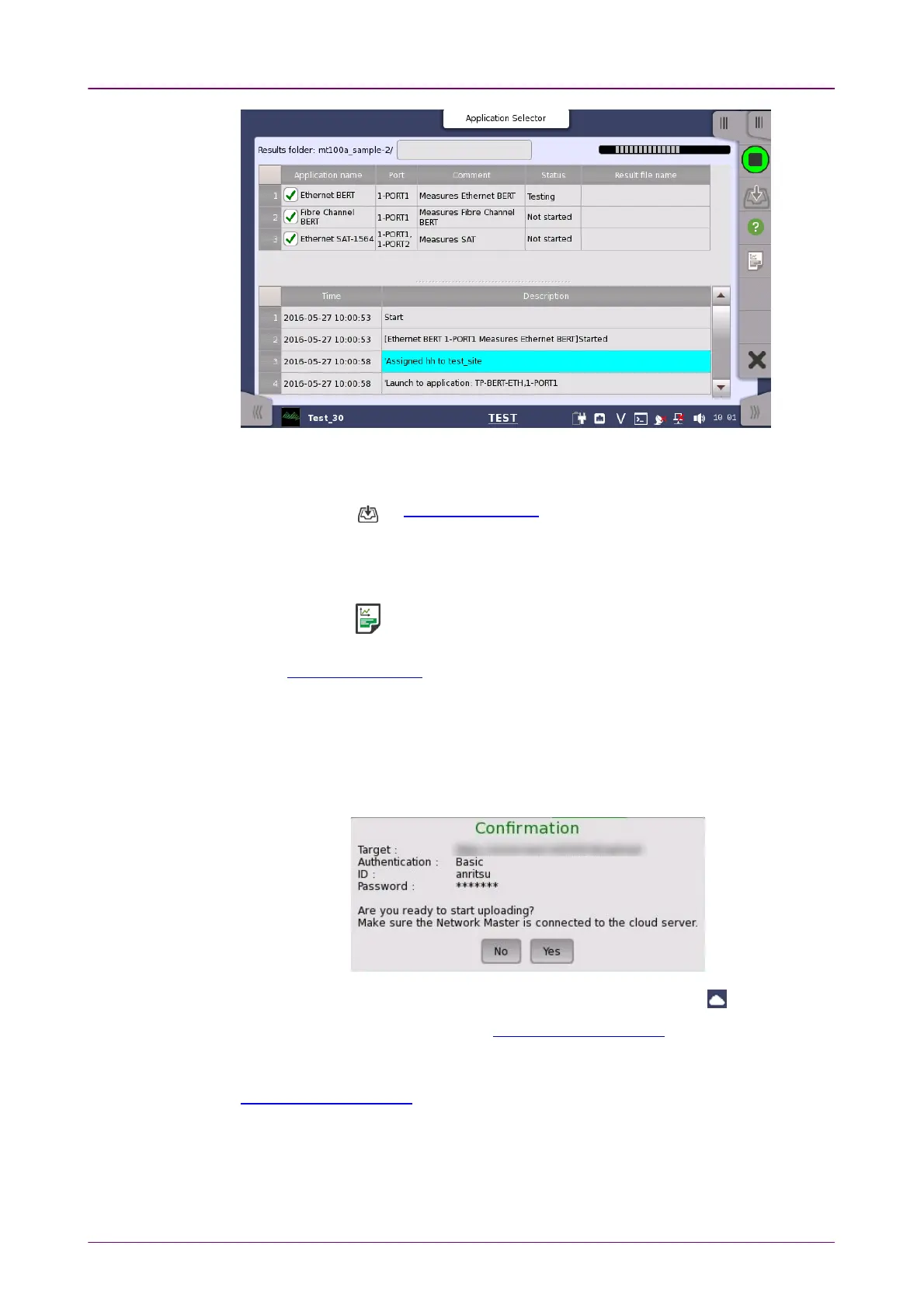
An example of the scenario execution
Save resultsSave results
1. Touch the on Application Toolbar
2. Set the file name using the dialog box displayed.
3. Touch SaveSave button.
Generating a reportGenerating a report
1. Touch the on Application Toolbar
2. Setup Report Generator using the dialog box. For details, refer to "Report" in
Application Toolbar.
3. Touch GenerateGenerate button.
Uploading result filesUploading result files
If the scenario is set to upload result files, they are uploaded to a storage
service or user-specified HTTP server. The upload information described in the
scenario is displayed in the Confirmation dialog box.
Make sure the Network Master is connected to the cloud server ( ), touch YesYes.
To cancel uploading, touch NoNo. In Upload Scenario Result screen, result files
can be uploaded by connecting to the cloud server.
Even if the file uploading is suspended, the remaining files can be uploaded on
Upload Scenario Result screen for Cloud Connection.



 To Next Page