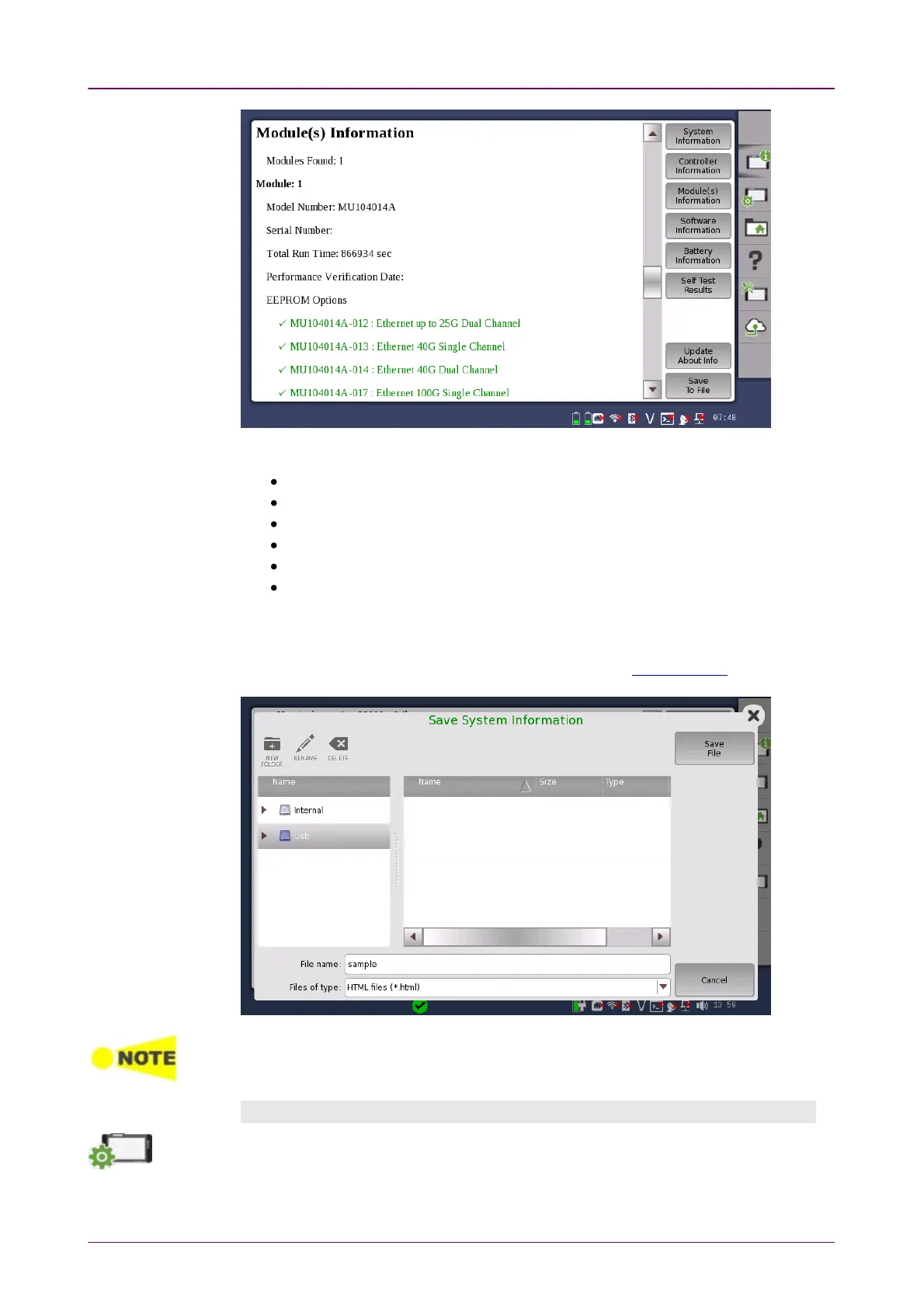
The following information is presented on the screen:
System Information
Controller Information
Module(s) Information
Software Information
Battery Information
Self Test Results
To save the instrument information in an HTML file, touch the Save To FileSave To File
button. This launches Save System informationSave System information dialog box, where you can
specify file name and location. For the icons, refer to "File Manager".
When there are "NG"s in the self test results, try to reboot the Network Master. If "NG"s
remain in the self test results, contact an Anritsu Service and Sales office.
ConfigurationConfiguration
The
Configuration
icon launches the
Global Configuration
screen. From this screen,
it is possible to configure both the general instrument settings (such as date/time,
password etc.) and various network settings.



 To Next Page