A7 Plus – OPERATOR'S MANUAL
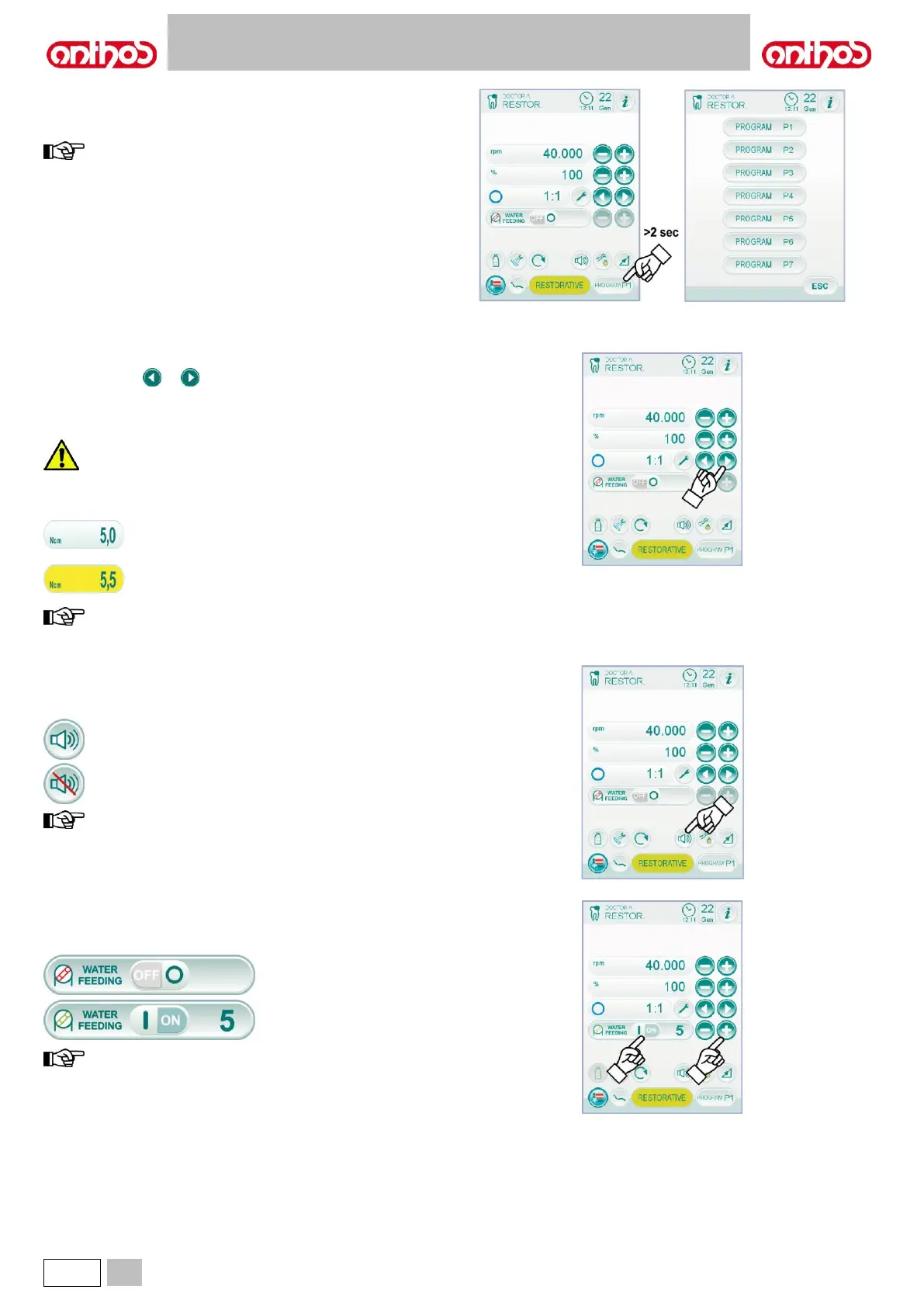
Micromotor working programme selection.
The micromotor has 7 different working programmes that can be
selected by touching the relevant icon button.
keep icon button pressed (for at least 2 seconds) to display a
screen showing all the 7 available programmes.
Each working programme saves the following data:
- operating mode,
- max. rotating speed / torque value,
- fiber optic on/off,
- fiber optic brightness,
- rotation direction reversal on/off,
- type of delivered spray,
- peristaltic pump on/off (if installed),
- handpiece reduction ratio.
Reduction ratio selection.
Use icon buttons or to select the desired reduction ratio among
the available ones.
The torque value (set or current) is expressed in % or Ncm for certified
reducers.
An icon identifying the reading tolerance on the indicated value is
shown close to the torque value:
the data set are automatically saved.
Activation/deactivation of alarm signal.
To activate/deactivate an alarm signal once max. torque set value is
reached, simply touch the relevant icon button:
data are automatically saved.
Activation/deactivation of Peristaltic pump (if installed, only).
• To activate/deactivate peristaltic pump, simply touch the relevant icon
button:
Peristaltic pump not active.
Peristaltic pump active with
quantity of delivered saline
solution equal to 5.
pump activation is confirmed by the appearance of a relevant
box next to the value of delivered saline solution.



 To Next Page