Patient monitor User’s manual
Chapter 19-22
You can start and stop NIBP measurement by the following two ways:
Select【Module Setup】→【NIBP Setup】→【STAT】to start NIBP
measurement. Detail operation is select 【 STAT 】 after you finish
connecting the sensor. The module measures NIBP continuously in 5
minutes then press the button on the front panel to stop it.
Press the button on the front panel directly to start NIBP
measurement and press it once again to stop the measurement.
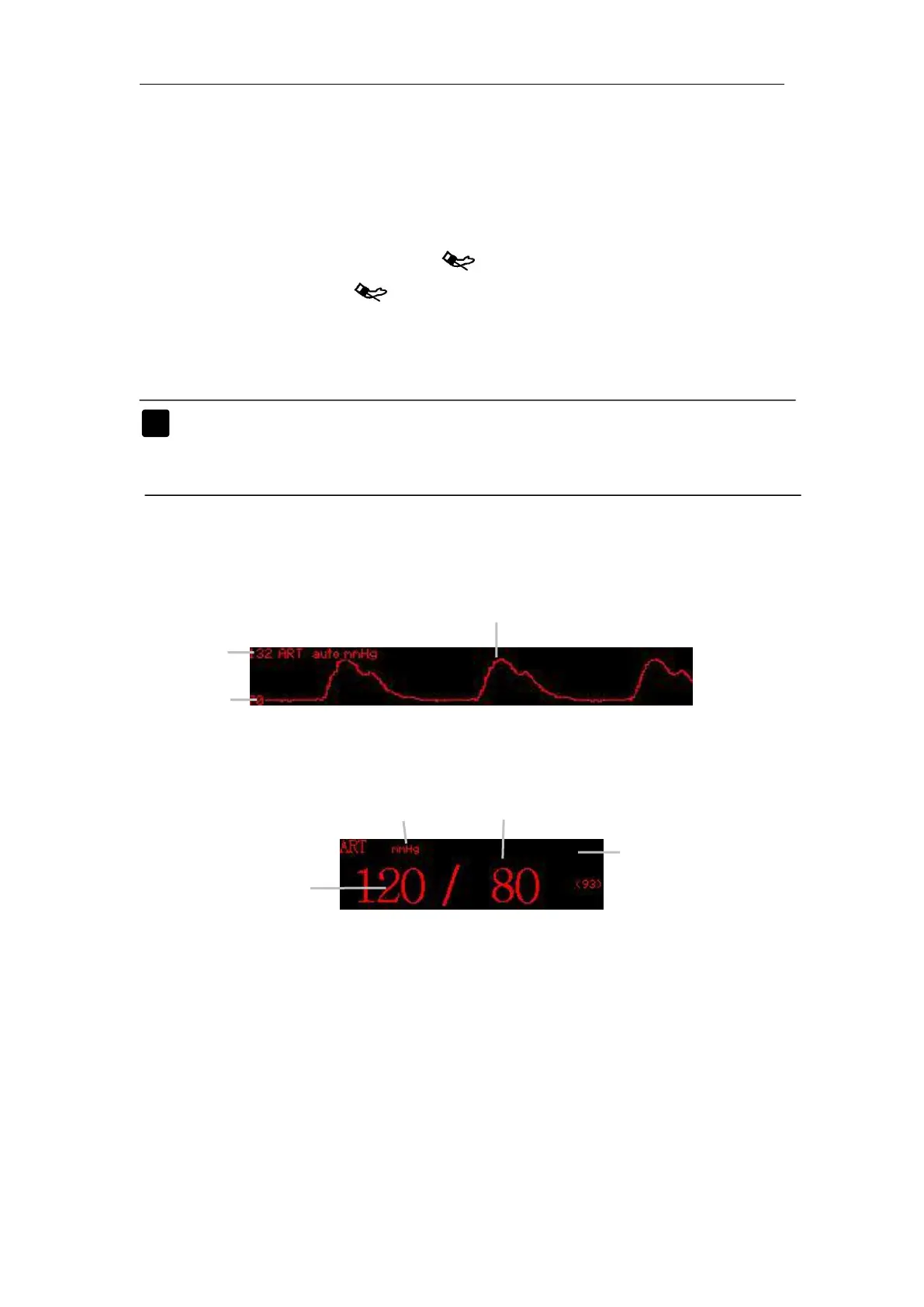
Note: More details about IBP measurement principle, safety
information and monitoring steps turn to Chapter 12: Section
12.1, 12.2 and 12.3.
Enter the main menu, Select
【
Module Setup
】
→
【
P1 Setup
】
or
【
P2
Setup 】, a IBP setup window appears. In the window you can set IBP
Select 【 ALM Source 】 , choose an appropriate alarm source by
upturning or downturning according to the patient’s actual situation.
Select【Unit】, upturn or downturn to choose an appropriate unit. You



 To Next Page