Patient monitor User’s manual
Chapter 1-13
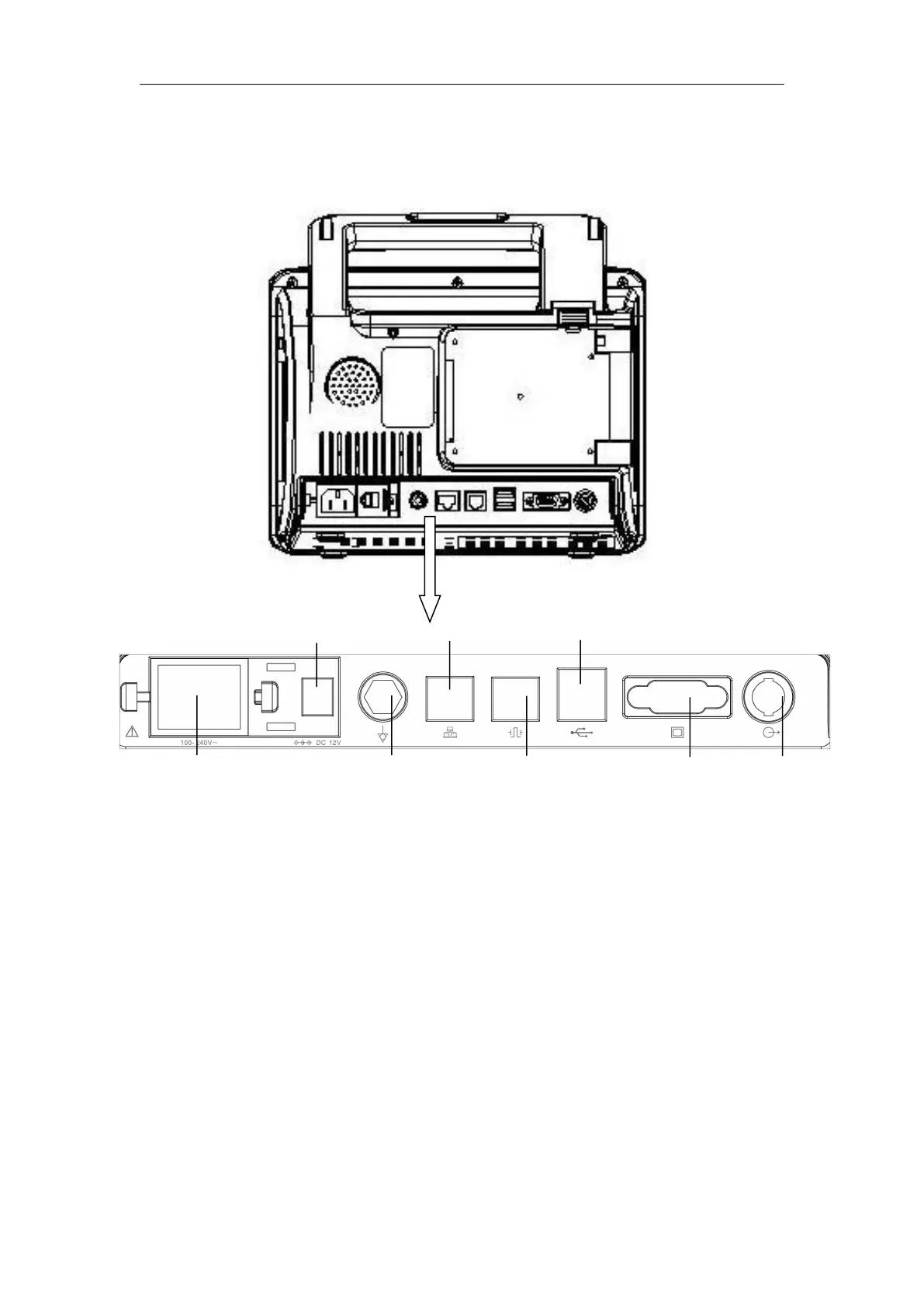
AnyView A3 Patient monitor
1. AC power input connector
2. Equipotential grounding terminal
Base on the requirements of safety and anti-interference, the monitor must
be connected with equipotential grounding system individual. Connect the
equipotential grounding terminal to the equipotential grounding system with
the green and yellow equipotential grounding cable. If the protective earth
system is damaged, the equipotential grounding system can take on the safety
function of protective earth conductor.
3. DVI display connector (AnyView A5 and AnyView A3 don’t have the
connector)
Connect to standard DVI display for secondary displaying.



 To Next Page