020852Y Crankshaft timing pin
Front head removal
•
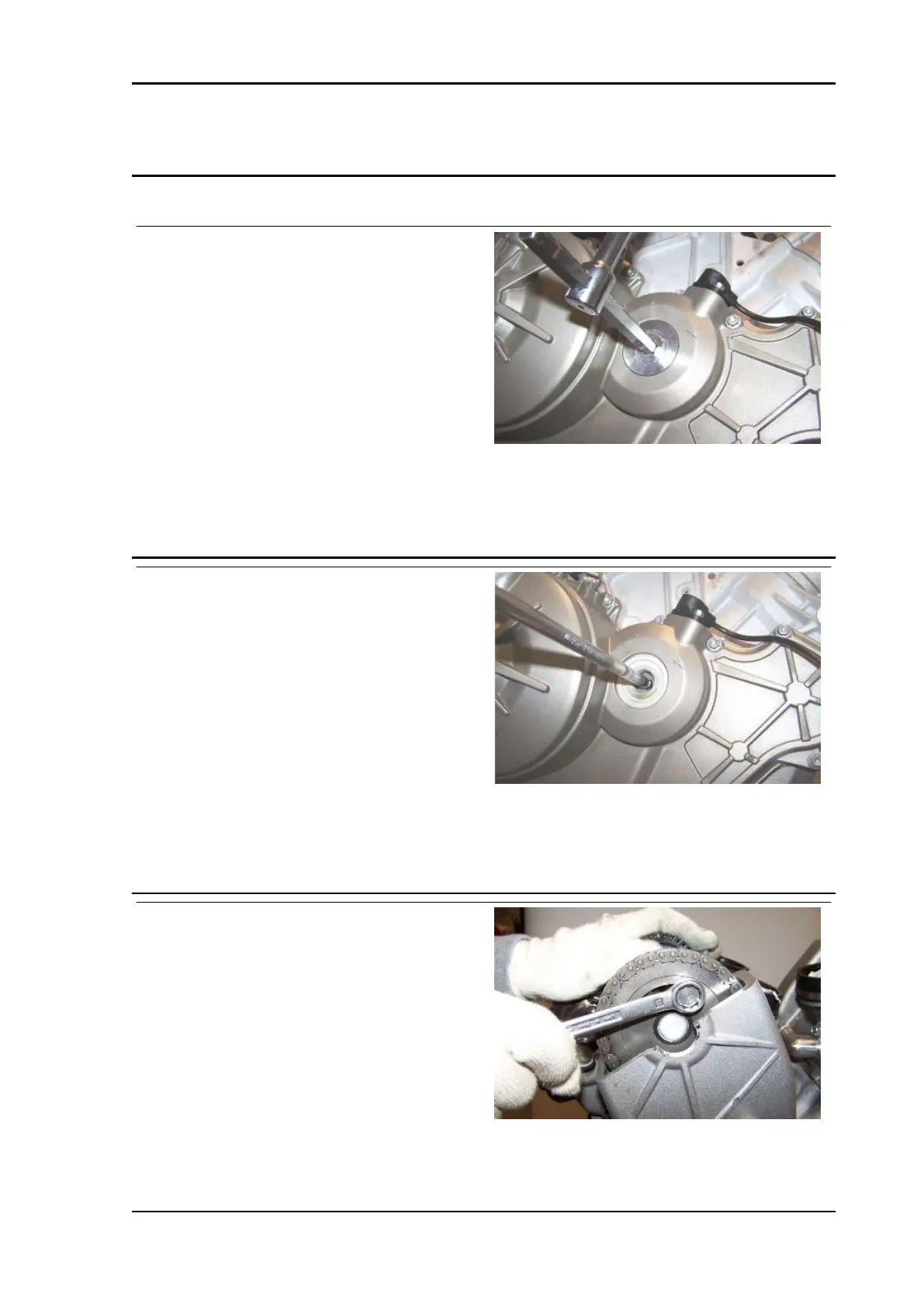
Remove both head covers, the alter-
nator side cover and remove the cap
on the clutch cover in order to rotate
the crankshaft.
•
Remove the O ring.
See also
Head cover removal
Removing the flywheel cover
•
Turn the crankshaft from the hole on
the clutch cover.
•
Move cylinder piston 1 (left rear piston)
to the overlap TDC;
•
Turn the crankshaft 150° in the engine
rotation direction (direction of travel), in
order to align the hole on the intake
camshaft with the specific hole on the
U bolt; this ensures that all the front
cylinder bank valve springs are decom-
pressed.
•
Turn the crankshaft until the gear
screw covered by the head when the
hole on the camshaft gear is aligned
with the hole on the U bolt, is visible.
•
Block crankshaft rotation using one of
the specific tools.
•
Unscrew and remove the camshaft
gear screw.
•
Remove the crankshaft locking tool.
Specific tooling
RSV4 Factory a-PRC Engine
ENG - 315


 To Next Page
 Loading...