54
4.15.3 Reset standard calibration
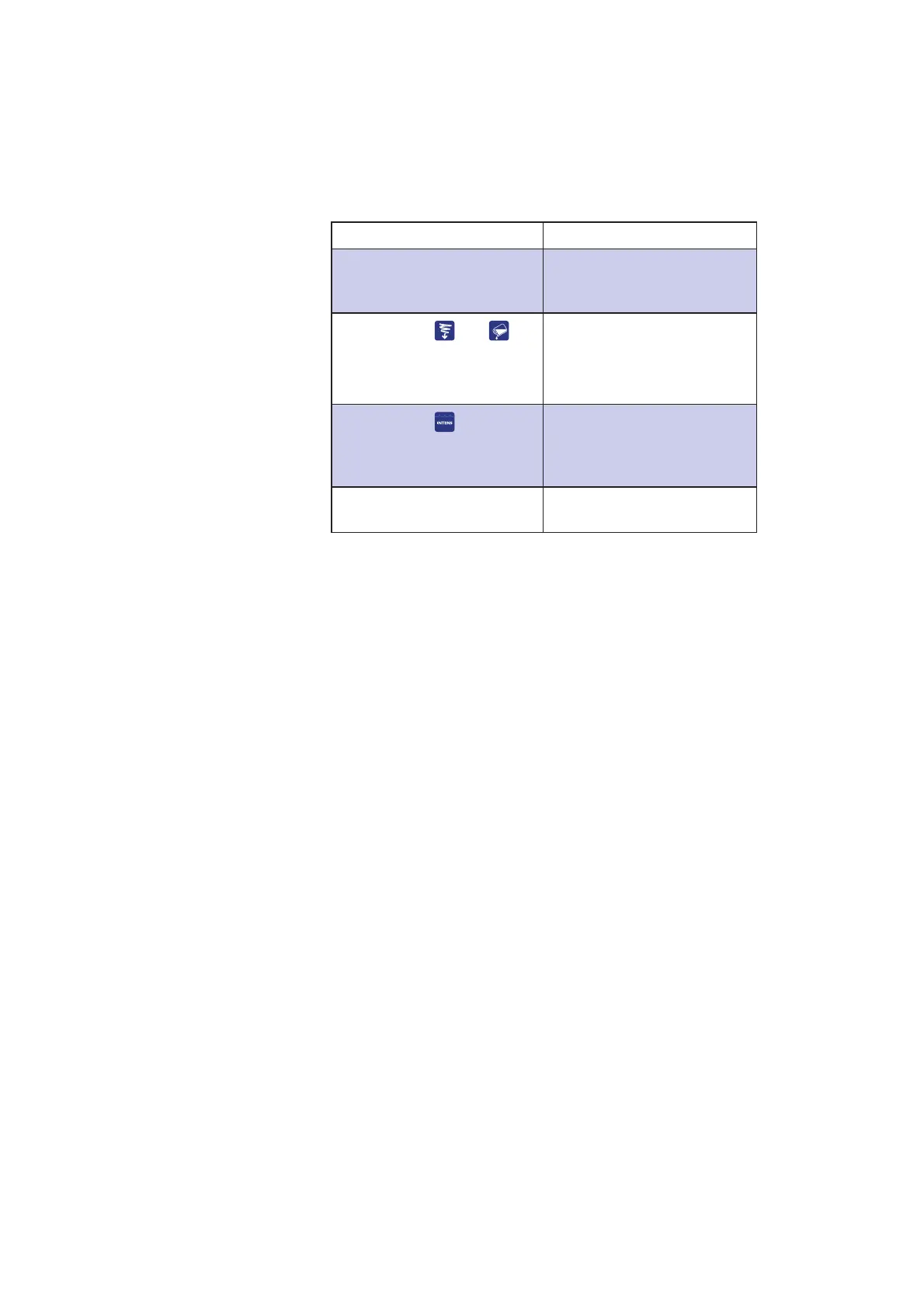
To reset the standard calibration for lines 87 and 88:
Step Results
1. Select line 87. The display shows the
current calibration, e.g.
200.526:900.796.
2. Press
and .
Press both buttons
simultaneously for
three seconds.
7KHGLVSOD\UHDGV³6HW
defaults?”
3. Press
.
7KHGLVSOD\UHDGV³&DOLE2.´
After a few seconds, the
standard calibration, e.g.
200.528:900.792, will appear.
4. Select line 88. The display shows the same
standard calibration as line 87.



 To Next Page