86
7.3 Printer (option)
7KHSULQWHUPXVWEHIDFWRU\FRQ¿JXUHG)RULQIRUPDWLRQRQKRZWR
FKDQJHWKHFRQ¿JXUDWLRQVHHWKHSULQWHUPDQXDO
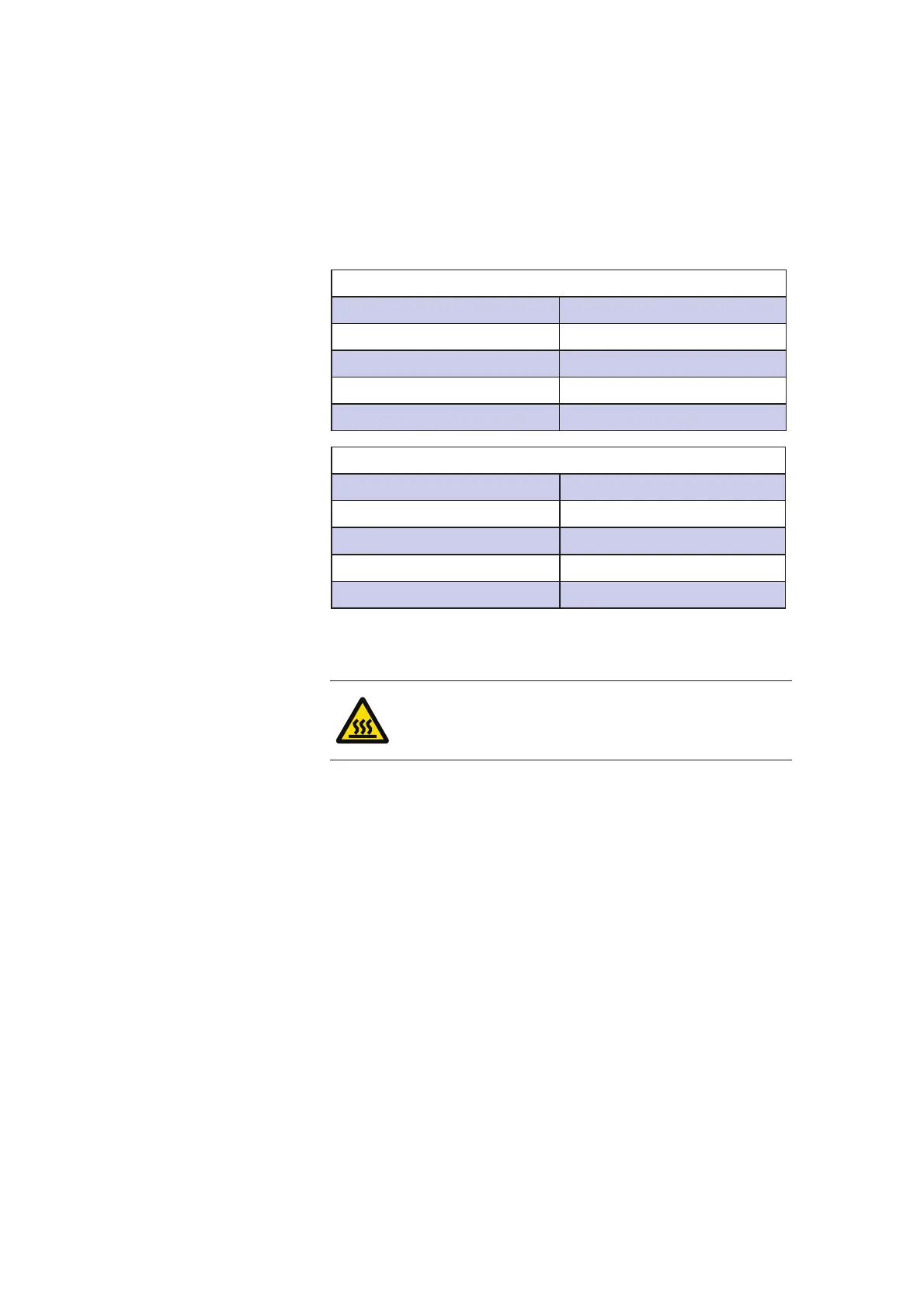
7KHGHIDXOWFRQ¿JXUDWLRQVDUHOLVWHGLQWKHWDEOHVEHORZ
RS232 port
Baud rate 9600
Parity None
Data bits 8
Stop bits 1
Handshake None
&RQ¿JXUDWLRQ
Print mode Normal
Print format 24CPL
Char width Normal
Char height Normal
Sleep mode Off
7.4 Draining the machine
WARNING!
Warm water can be found inside the steam
generator and the pump.
7.4.1 Draining the steam generator
Unscrew the cover from the underside of the ball valve on
the steam generator. Open the ball valve and drain the steam
generator. The amount of water in the steam generator is about
560 ml. When it is empty, close the ball valve and put it back and
close the cover.



 To Next Page