Getting Started
QL-E100 User Guide 10
Unpacking and Inspection
The printer is secured using cushioning materials to protect it against vibration and shock during
transportation. Use the following instructions to unpack and inspect the printer.
Note: Keep the packaging materials for future transportation.
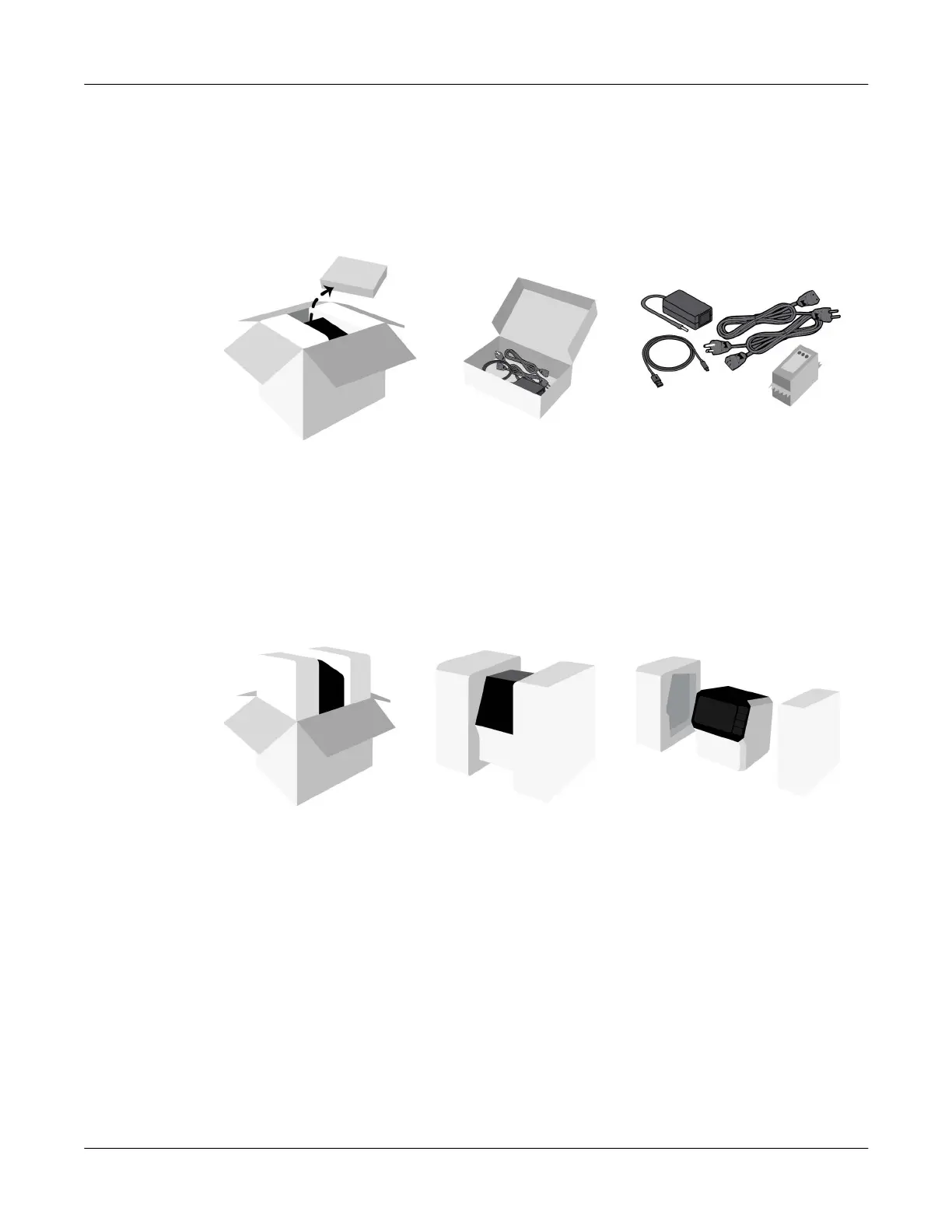
1. Open the top of the shipping carton. Remove the accessory box.
Open the accessory box and verify the following parts are included.
• Power adapter
• AC power cables (North American and European)
• USB-C to USB-A cable
• Ink cartridge (CMY)
2. Lift the printer out of shipping carton. Remove the packaging inserts from the printer. Place the
printer on a sturdy table.
3. Inspect the printer and accessories. Verify that no items were damaged during transit.



 To Next Page