Touchscreen Controls and Functions
QL-E100 User Guide 61
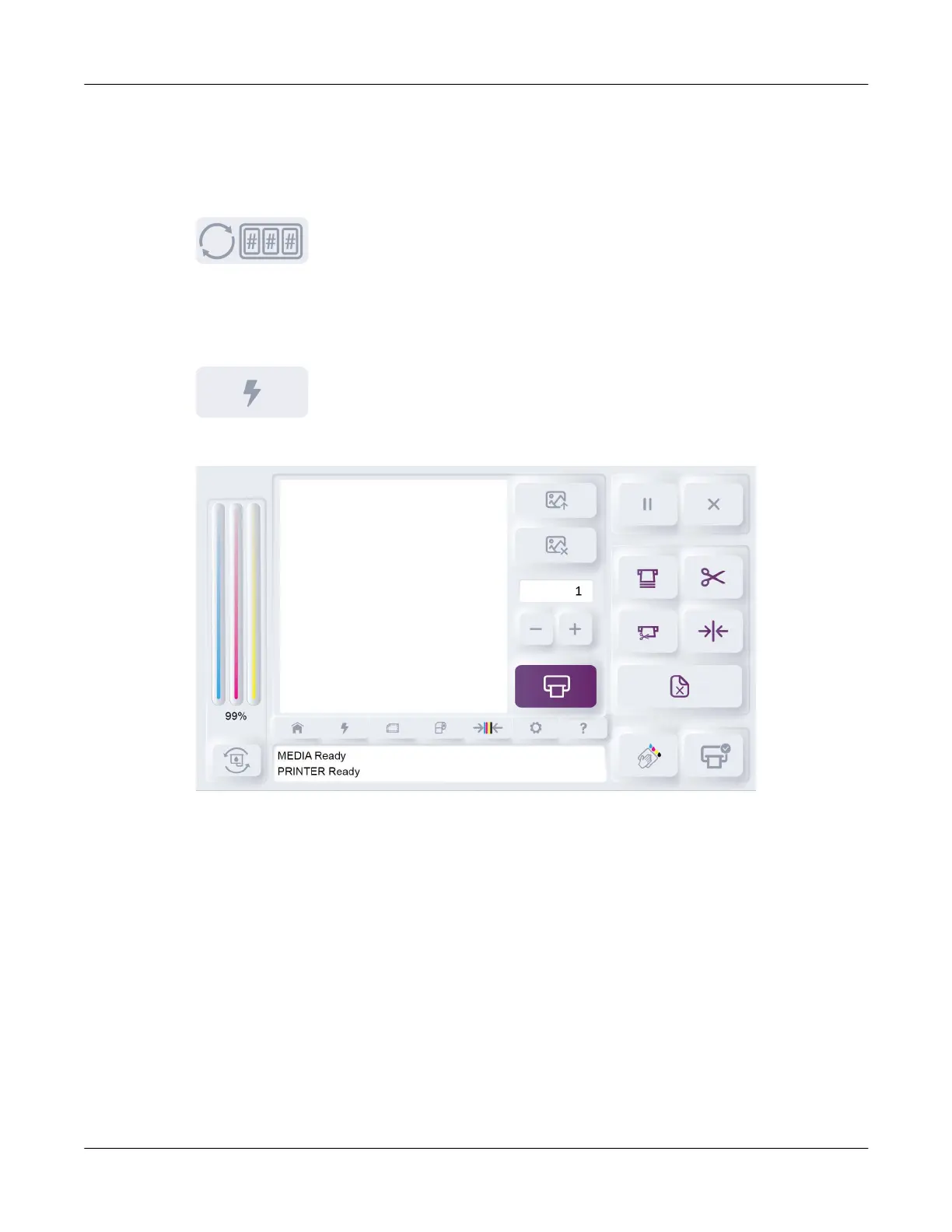
Total Printed
This area shows the total number of labels printed since the printer was powered on. This number
resets when you turn the printer power off.
You can tap the Reset Total Label Count icon to reset this count to zero.
QuickPrint Tab
Tap the QuickPrint icon.
The QuickPrint tab will open.
QuickPrint is an alternative way of printing that allows you to print labels stored on the printer’s
internal memory or a USB flash drive. This feature allows on-demand standalone printing without
the need for a computer.
Detailed QuickPrint instructions are provided in a dedicated chapter. See “QuickPrint Printing from
USB or Printer Memory” on page 50.



 To Next Page