Touchscreen Controls and Functions
QL-E100 User Guide 60
Main Area Tabs
The tab icons on the bottom of the main area change what is displayed. You will use these tabs to
view information and configure various settings. This section describes the tabs and their
associated options.
Home Tab
Tap the Home icon.
The Home tab will open.
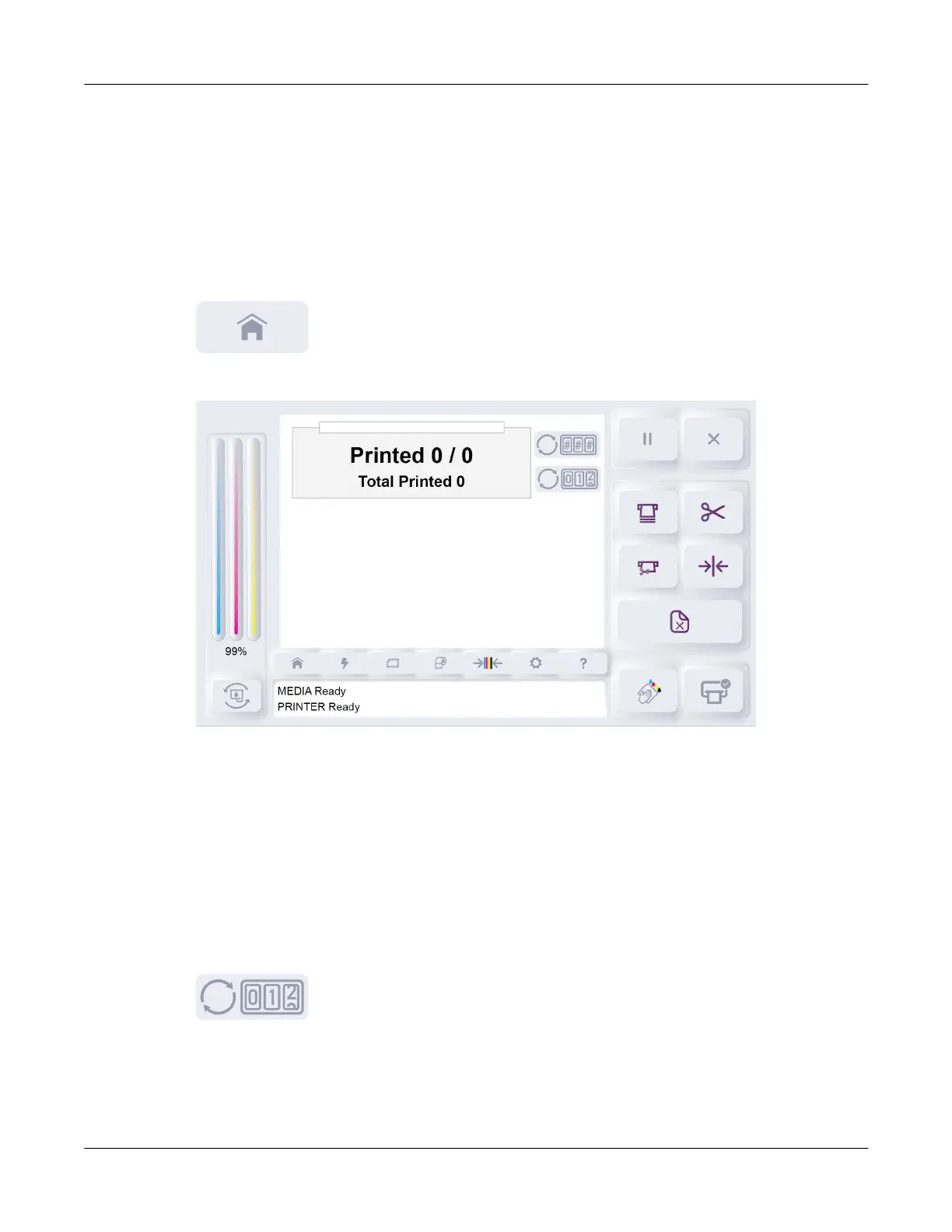
The Home tab shows information about label counts in print jobs.
Progress Bar
When a print job is in progress, this bar visually shows the job’s completion percentage.
Printed # / #
When a print job is in progress, this area shows the current number of printed labels and the total
number of labels in a job. For example, if six labels in a ten-label job have printed, the counter
displays Printed 6 / 10.
You can tap the Reset Job Label Count icon to reset this count to zero.



 To Next Page