Getting Started
QL-E100 User Guide 20
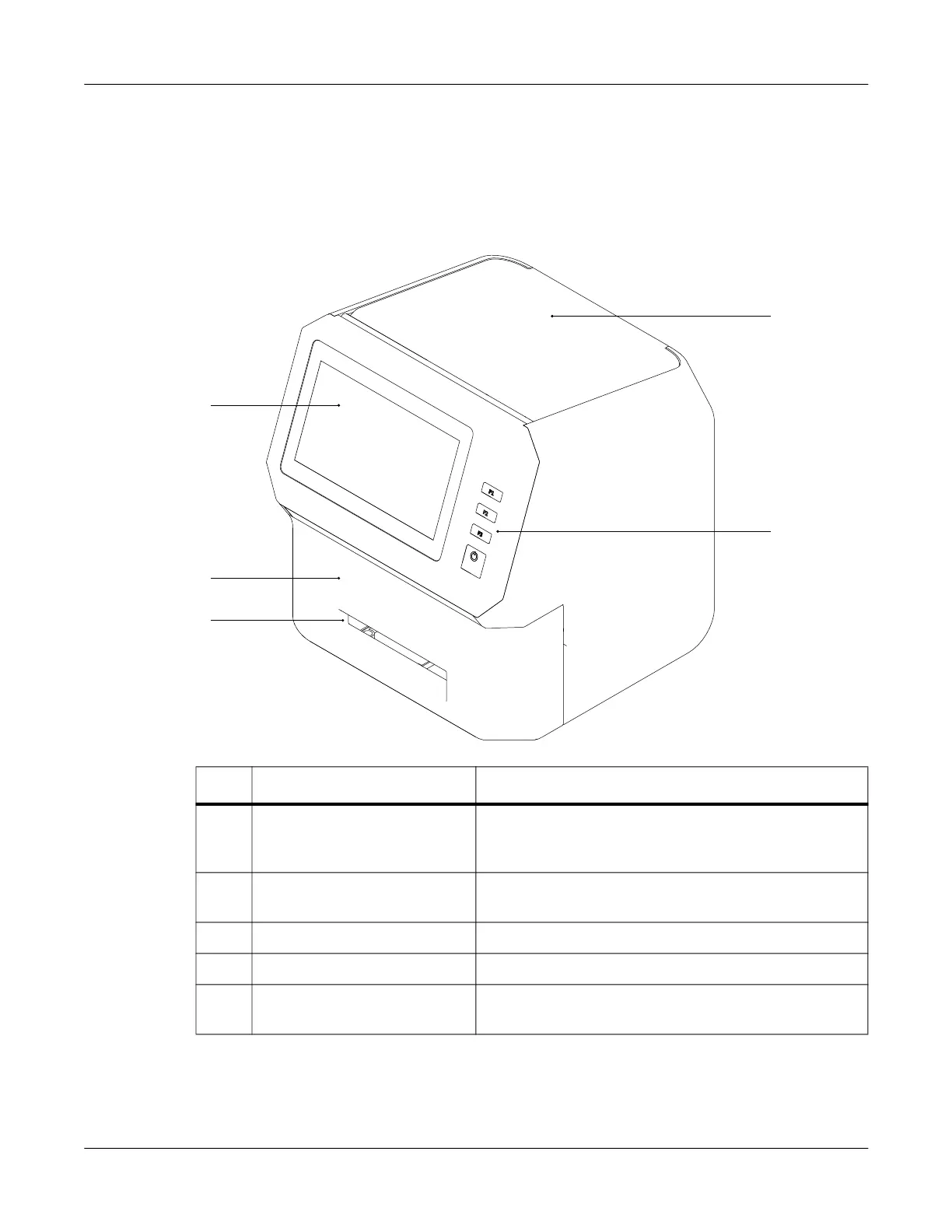
Identifying Printer Parts
This section provides a visual overview of the printer. Parts are identified and described using
illustrations and tables.
Printer Overview
# Name Description
1 Touchscreen The seven-inch touchscreen provides access to all
printer menus. It also displays information about the
status of the printer.
2 Front Lid The front lid provides access to the ink cartridge and
cutter.
3 Media Exit Slot Media is ejected through this slot.
4 Upper Lid The upper lid provides access to the media roll area.
5 Operation Panel The operation panel provides three function buttons
and the power button.
1
4
5
2
3



 To Next Page