Getting Started
QL-E100 User Guide 21
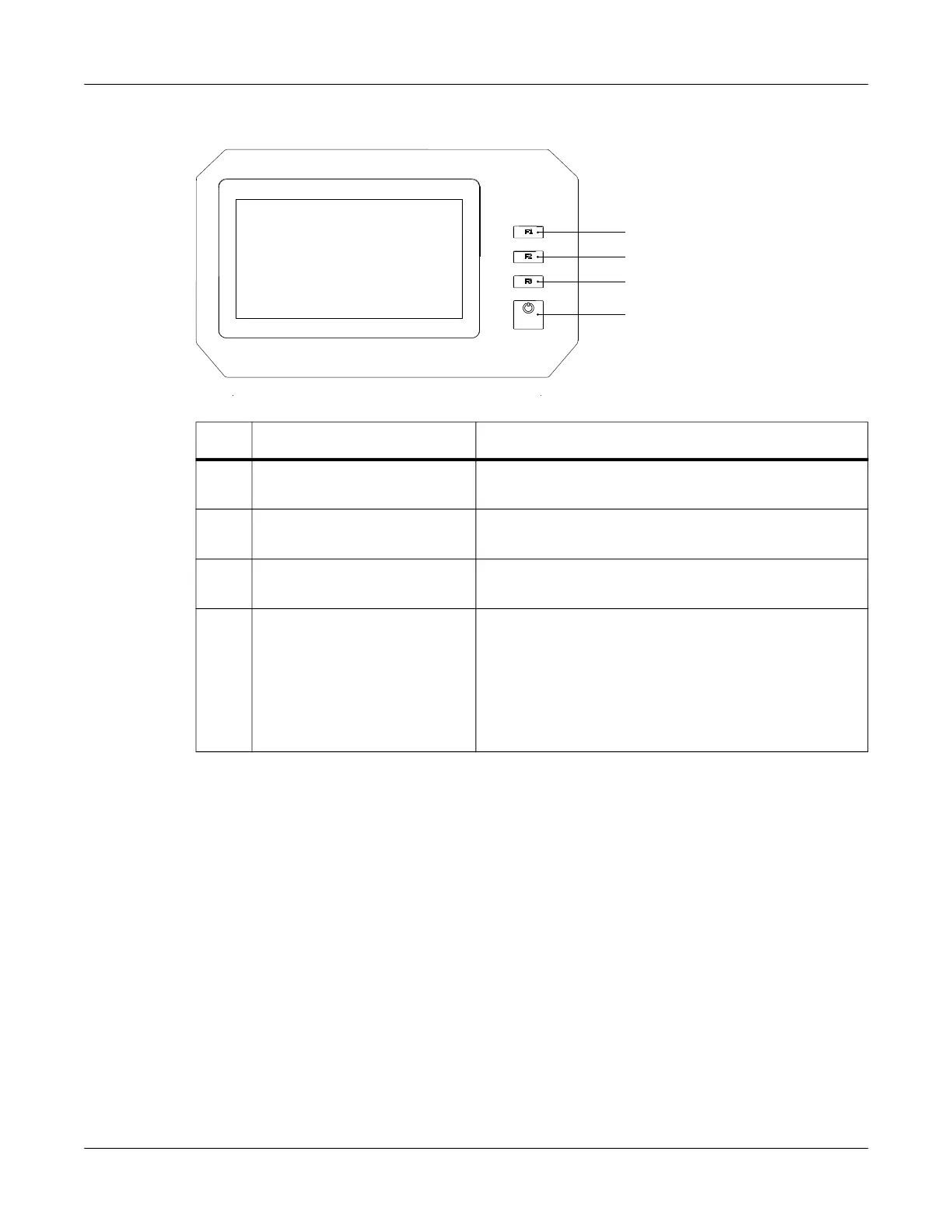
Operation Panel
# Name Description
1 F1 Press this key to change the ink cartridge. See
“Replacing the Ink Cartridge” on page 25.
2 F2 Press this key to perform a print carriage check
followed by a printhead cleaning.
3 F3 Press this key to unload the media. Media will be fed
backward out of the media entry slot.
4 Power Press this key for two seconds and then release it to
turn the printer on/off.
• When the printer is on, the power LED will light
green.
• When the printer is off, the power LED will light
red.
1
2
3
4



 To Next Page