Media and Ink Cartridges
QL-E100 User Guide 24
Ink Cartridges
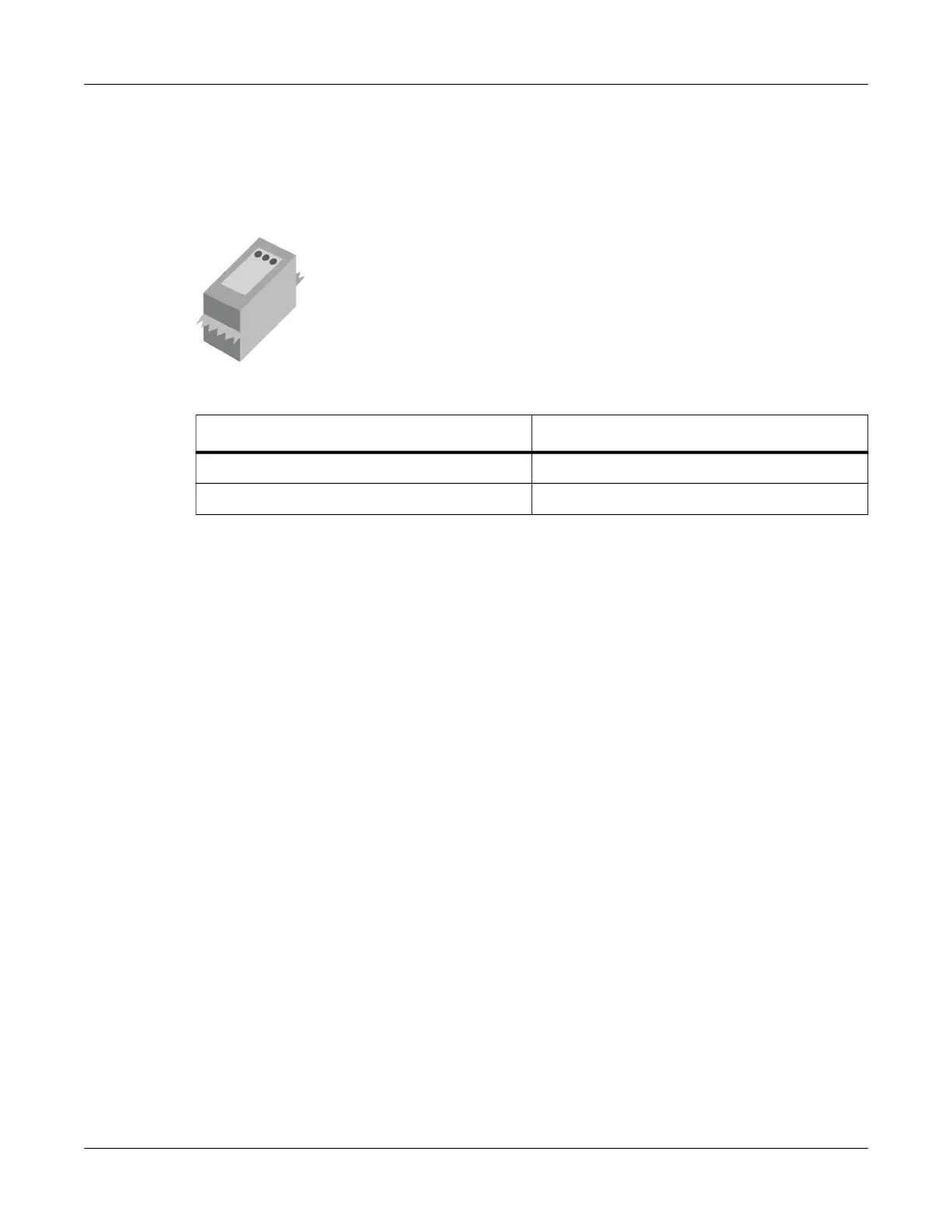
The printer uses one ink cartridge that contains cyan, magenta, and yellow (CMY) ink. An ink
cartridge is included with the printer to help you get started. You will need to replace ink cartridges
when they run out of ink. The service life of ink cartridges will vary based on your printing
quantities and label colors.
Use the following information when ordering replacement ink cartridges.
Caution: Ink cartridges are not refillable. Do not attempt to modify or refill ink cartridges or printer
damage may result. Printer damage caused by modified or refilled ink cartridges is excluded from
the printer warranty.
Handling Ink Cartridges
Use the following precautions when handling ink cartridges.
• For safety, keep ink cartridges out of the reach of children. If ink is accidentally ingested,
contact a physician immediately.
• Keep ink cartridges in their sealed packages until they are needed. Ink cartridges should be
stored at room temperatures.
• Do not leave the ink cartridge outside the printer for more than 30 minutes.
• Do not remove the plastic tape covering the ink nozzles until you are ready to install the ink
cartridge in the printer. If the plastic tape has been removed from the ink cartridge, do not
attempt to reattach it. Reattaching the tape damages the ink cartridge.
• Do not touch the ink cartridge ink nozzles or copper contacts. Touching these parts can result
in clogs, ink failure, and bad electrical connections. Do not remove the copper strips. They are
required electrical contacts.
• When the ink cartridge is removed from the printer, store it in the original packaging or an
airtight plastic container. Ensure the cartridge is stored with the ink nozzles facing down, but
not in contact with the container.
Initial Ink Cartridge Installation
The printer is shipped without the ink cartridge installed. The initial ink cartridge installation is
discussed earlier in this user guide. See “Installing the Initial Ink Cartridge and Powering On” on
page 13.
Item Description AstroNova Part Number
QL-E100 COLOR INK CARTRIDGE, 2-PK 14580102
QL-E100 COLOR INK CARTRIDGE, 5-PK 14580105



 To Next Page