Media and Ink Cartridges
QL-E100 User Guide 30
Installing the Media Roll
Use the following instructions to install the media roll and feed media into the printer.
1. Make sure that the printer is powered on. If the printer is off, press the power button for
two seconds and then release it. The power button will light green and you will hear the printer
initializing.
2. Prepare the media roll as described earlier in this user guide. Load the media roll on the roll
holder and then set the roll holder in the printer. See “Preparing Roll Media” on page 11.
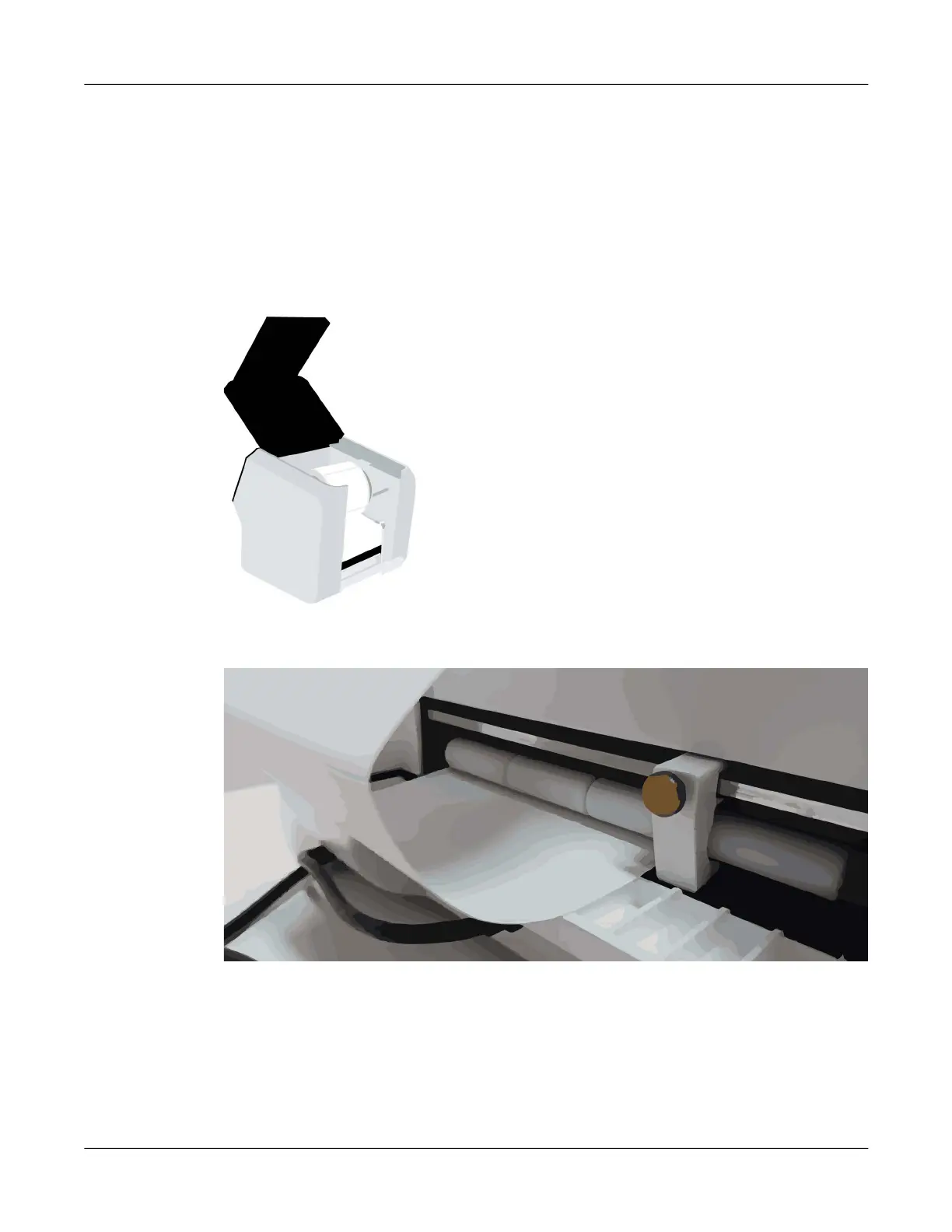
3. Open the upper lid.
4. Locate the adjustable media guide on the right side of the media entry slot. Loosen the screw
and slide the guide to the right.
Unroll a small amount of labels. Then feed the first label of the roll into the media entry slot.
Make sure the edge of the media is against the left side of the slot.
Gently and evenly advance the media into the slot until the printer clamps the media and pulls
it inward. Slide the adjustable media guide against the edge of the media. Then tighten the
screw.
5. Close the upper lid.



 To Next Page