Maintenance
QL-E100 User Guide 71
Cleaning Ink Cartridge Electrical Contacts
If the printer is used in a dusty environment, a small amount of debris may accumulate on the ink
cartridge contacts. You can clean the contacts with distilled water and lint-free cotton swabs.
Caution: Do not use tap water to clean the ink cartridge electrical contacts. Tap water may contain
contaminants that can damage the ink cartridge.
Caution: Use care when working with ink cartridges. Ink cartridges can be damaged from
improper handling. See “Handling Ink Cartridges” on page 24.
1. Make sure the printer is in the ready state.
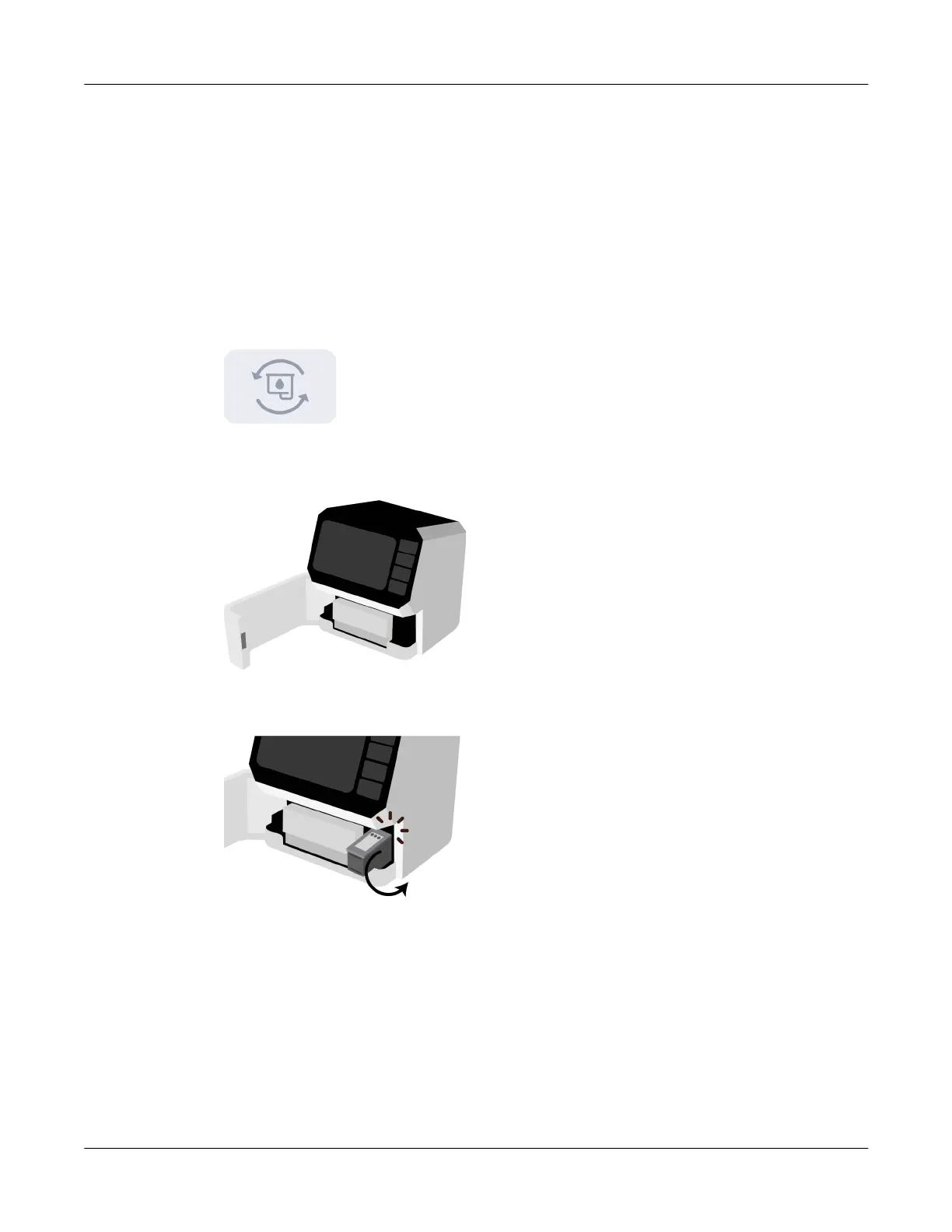
2. Tap the Change Ink Cartridge icon or press the F1 key.
The maintenance tray under the ink cartridge will move backward into the printer.
3. Open the front lid. The ink cartridge cradle is located on the right side of the printer.
4. Gently pull the cartridge down and outward until you hear it detach from the cradle. Remove
the ink cartridge from the cradle as shown.



 To Next Page