QuickPrint Printing from USB or Printer Memory
QL-E100 User Guide 53
Printing from QuickPrint
Use the following instructions to select and print a file using QuickPrint printing.
1. Make sure that the media for your label has been installed. See “Installing the Media Roll” on
page 30.
2. Prepare a USB flash drive. Copy any required images from your computer to the USB flash
drive.
3. Insert the USB flash drive into one of the USB A ports on the rear panel of the printer.
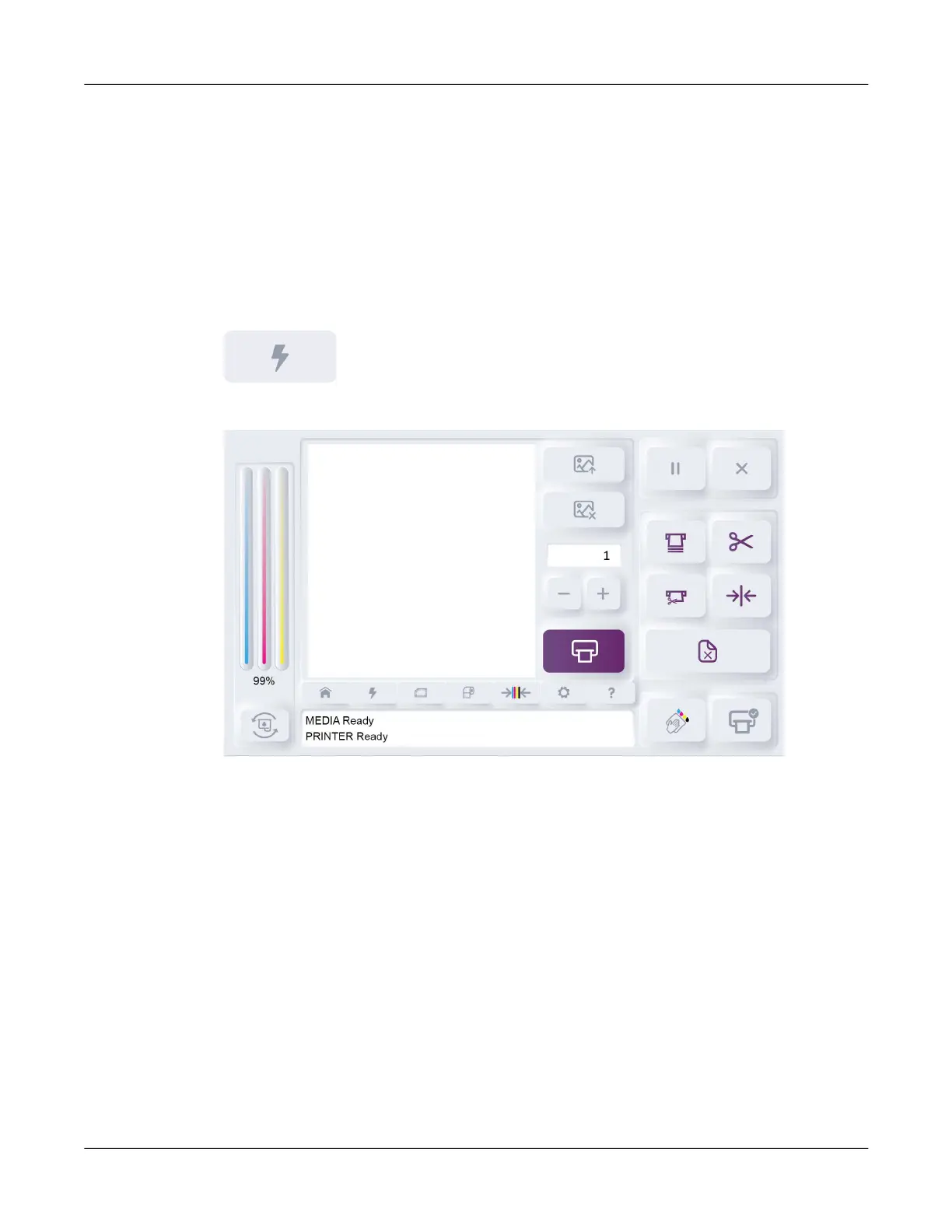
4. Tap the QuickPrint icon.
The QuickPrint tab will open.



 To Next Page