Printing from a PC
QL-E100 User Guide 48
Chapter 4: Printing from a PC
Preparing Label Artwork
This section describes factors you should consider when preparing your label artwork.
Choosing Design Software
You can print using any design software with printing functionality. There are many graphic design
software applications available, and the programs you choose will depend on your desired
workflow and design requirements.
Design software is available from QuickLabel and other software vendors.
• CQL Pro from QuickLabel - This software product, developed by QuickLabel, makes it easy
to create barcodes and position text and graphics on a label.
• Third-Party Applications - There are a variety of graphic design programs available from
other software companies such as Adobe and Corel. Adobe Photoshop, Illustrator, and similar
professional image editing programs provide advanced tools for creating your artwork.
A common scenario is to use a mixed approach to designing labels. For example, you may want to
edit a photographic element in Photoshop, create a logo in Illustrator, and then place both into a
CQL Pro file for final layout and printing.
Image Resolution
Images must have a resolution of at least 600 dots per inch (DPI).
Disabling Anti-aliasing
Most graphic design software applications provide anti-aliasing features that result in the
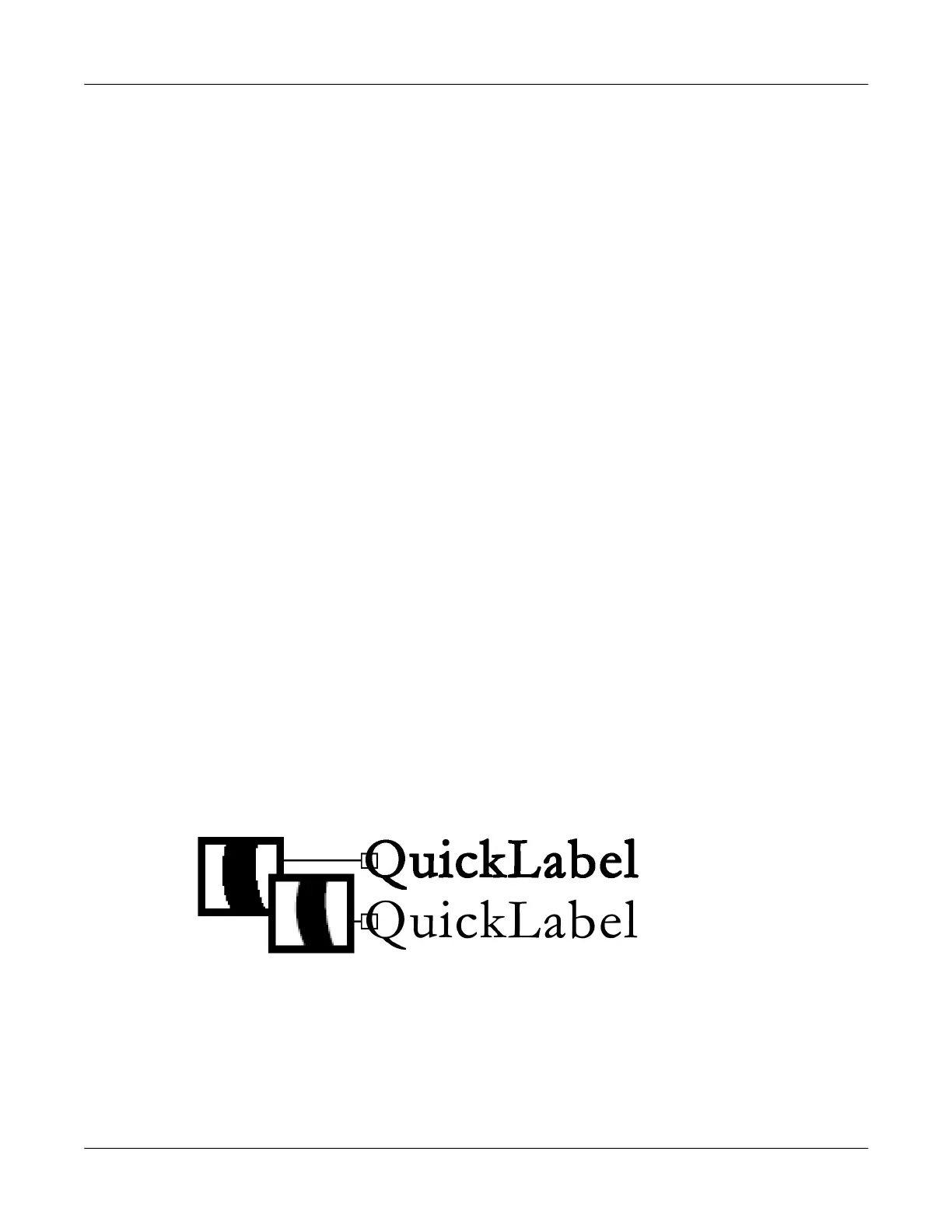
appearance of smooth color transitions. The following illustration shows text with anti-aliasing
disabled (top) and enabled (bottom). Note the smooth color transitions when anti-aliasing is
enabled.
When designing labels that will be printed on QL-E100 printers, do not use anti-aliasing. This is
especially important if you are printing text or barcodes. For example, an anti-aliased barcode may
not scan correctly due to the color transitions between lines.
The process for enabling/disabling anti-aliasing varies based on the graphic design application.
Refer to the documentation for your application for details.



 To Next Page