Touchscreen Controls and Functions
QL-E100 User Guide 66
TOF Calibration
The top-of-form (TOF) sensor was calibrated when you installed a media roll. See “Installing the
Media Roll” on page 30. The message “TOF Calibration successful” is shown in this tab.
If there is an issue with TOF calibration, a notification message will be displayed in this tab. You
can tap the Calibration icon to perform TOF calibration on the media currently installed in the
printer.
Restore Defaults
You can tap the Defaults icon to restore the original settings in the Media Settings tab.
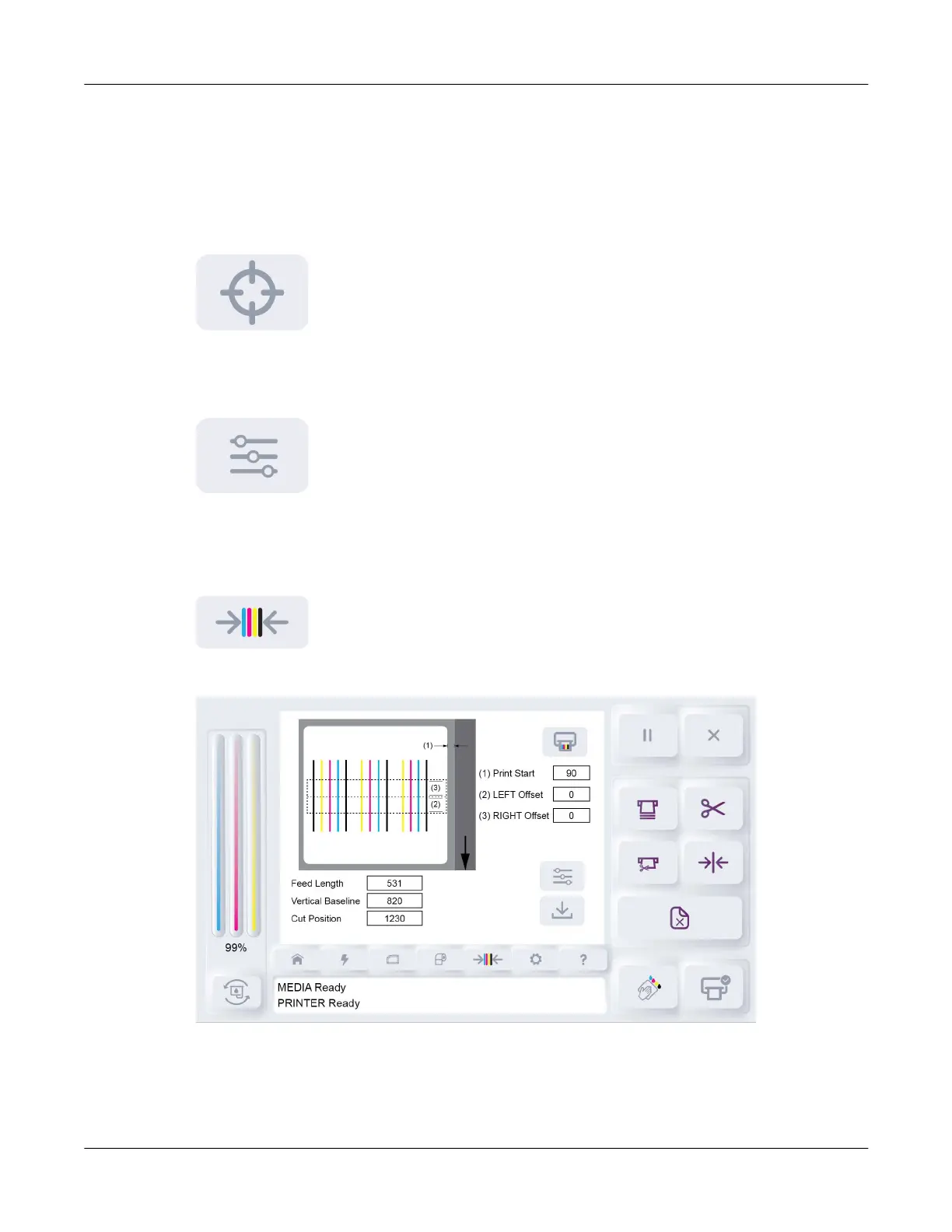
Alignment Tab
Tap the Alignment icon.
The Alignment tab will open.
The Alignment tab shows options for adjusting printing, feeding, and cutting features.



 To Next Page