Touchscreen Controls and Functions
QL-E100 User Guide 58
Media Controls
Media controls are located on the right side of the touchscreen. You can use these controls to
perform functions such as loading, cutting, and unloading media.
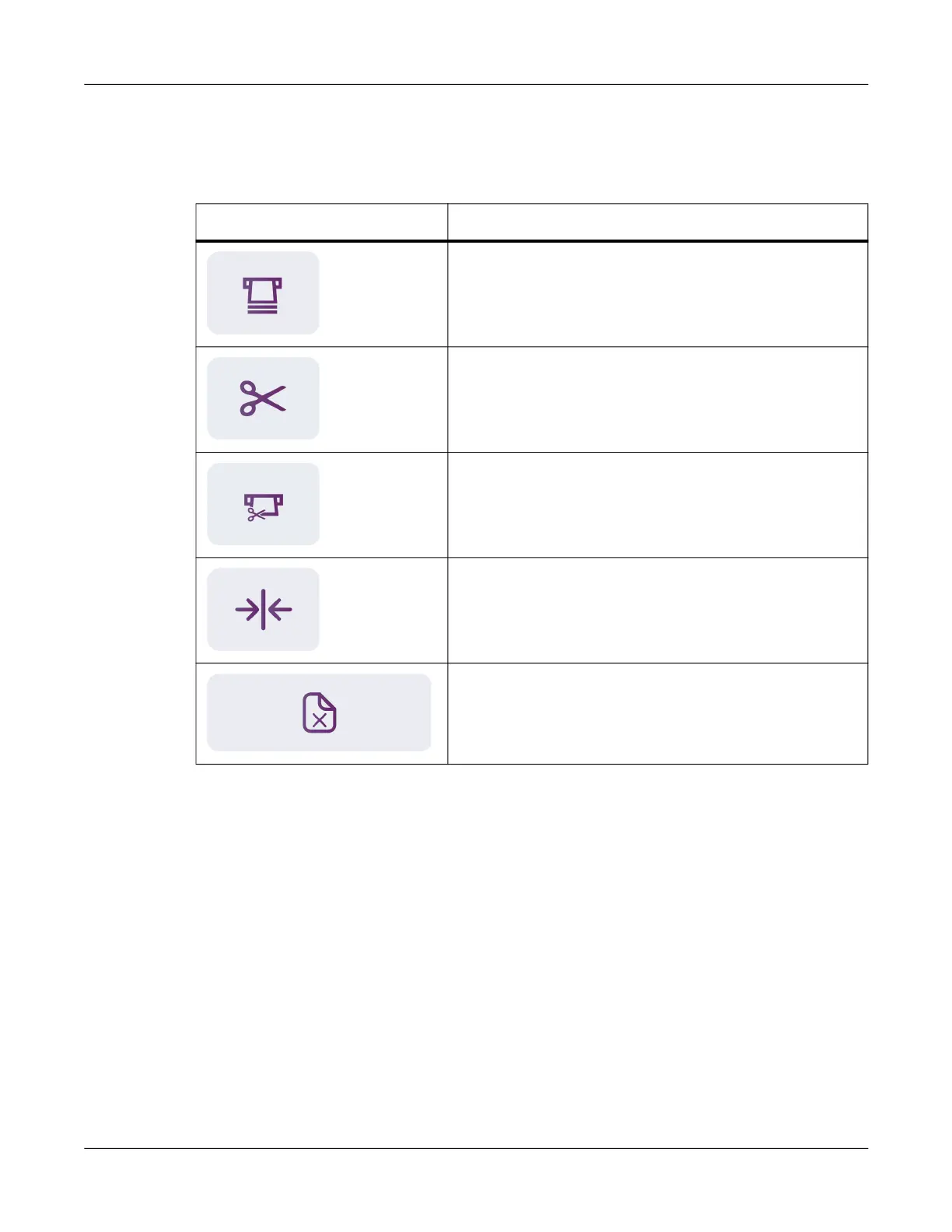
Icon Description
Feed Media - Tap this icon to feed media.
Cut Media - Tap this icon to cut the media.
Feed & Cut Media - Tap this icon to feed and then cut the
media.
Check Media Sensing - Tap this icon to check the
installed label media for sensor issues.
Unload Media - Tap this icon to unload the media. Media
will be fed backward out of the media entry slot.



 To Next Page