Media and Ink Cartridges
QL-E100 User Guide 27
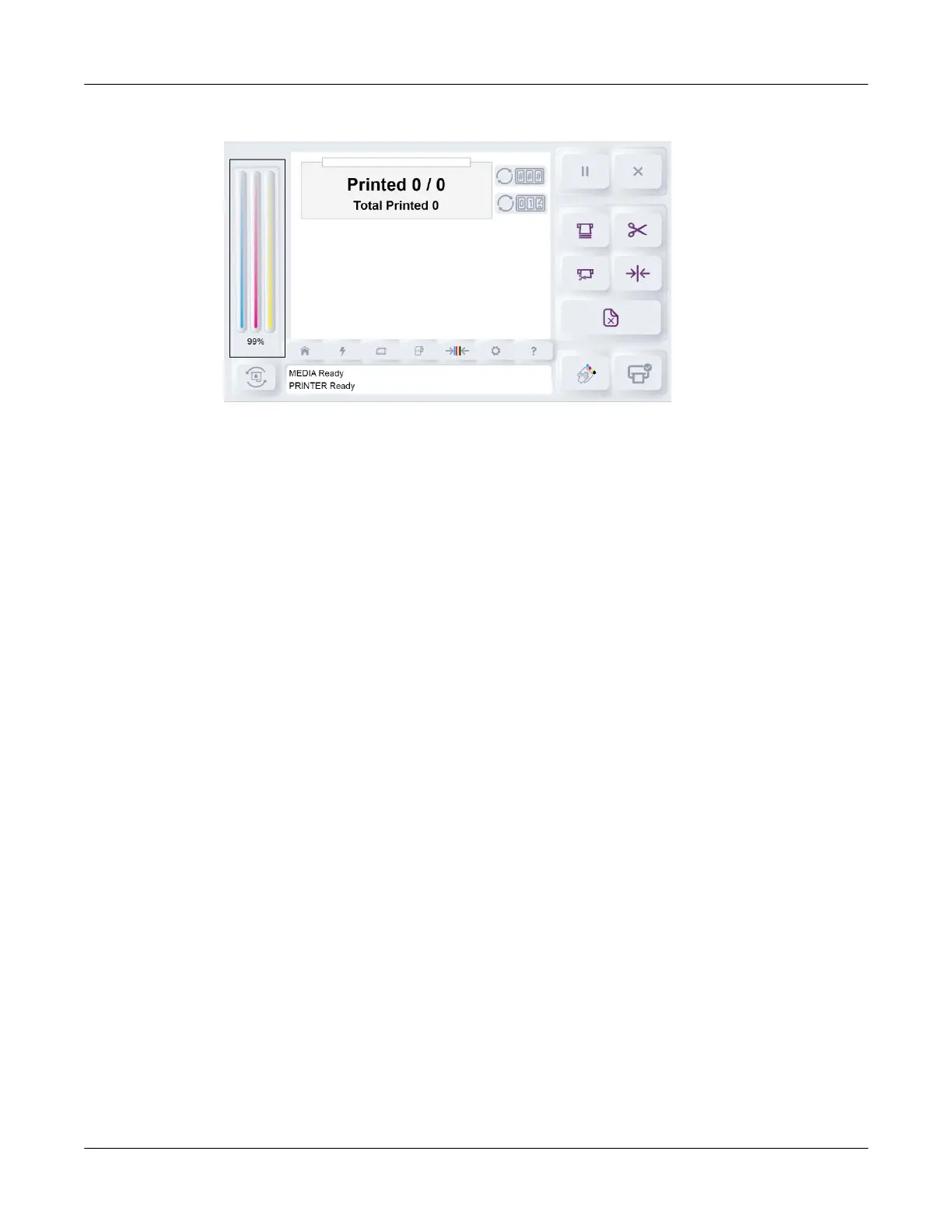
8. Check the ink level area on the left side of the touchscreen.
The ink level will be displayed using visual CMY bars. The ink level is also displayed as a
percentage under the bars. After installing the new ink cartridge, the ink level will be shown as
full (100%).
Note: If the ink level is not displayed, the ink cartridge might not be installed properly. If this
happens, reinstall the ink cartridge and be sure it fully clips into the cradle.
9. Recycle the empty ink cartridge. See “Recycling Empty Ink Cartridges” on page 27.
Recycling Empty Ink Cartridges
Empty ink cartridges can be recycled anywhere you can recycle ink cartridges for office printers.
This includes designated drop-off locations in office supply stores and local recycling facilities.



 To Next Page