Touchscreen Controls and Functions
QL-E100 User Guide 59
Maintenance Controls
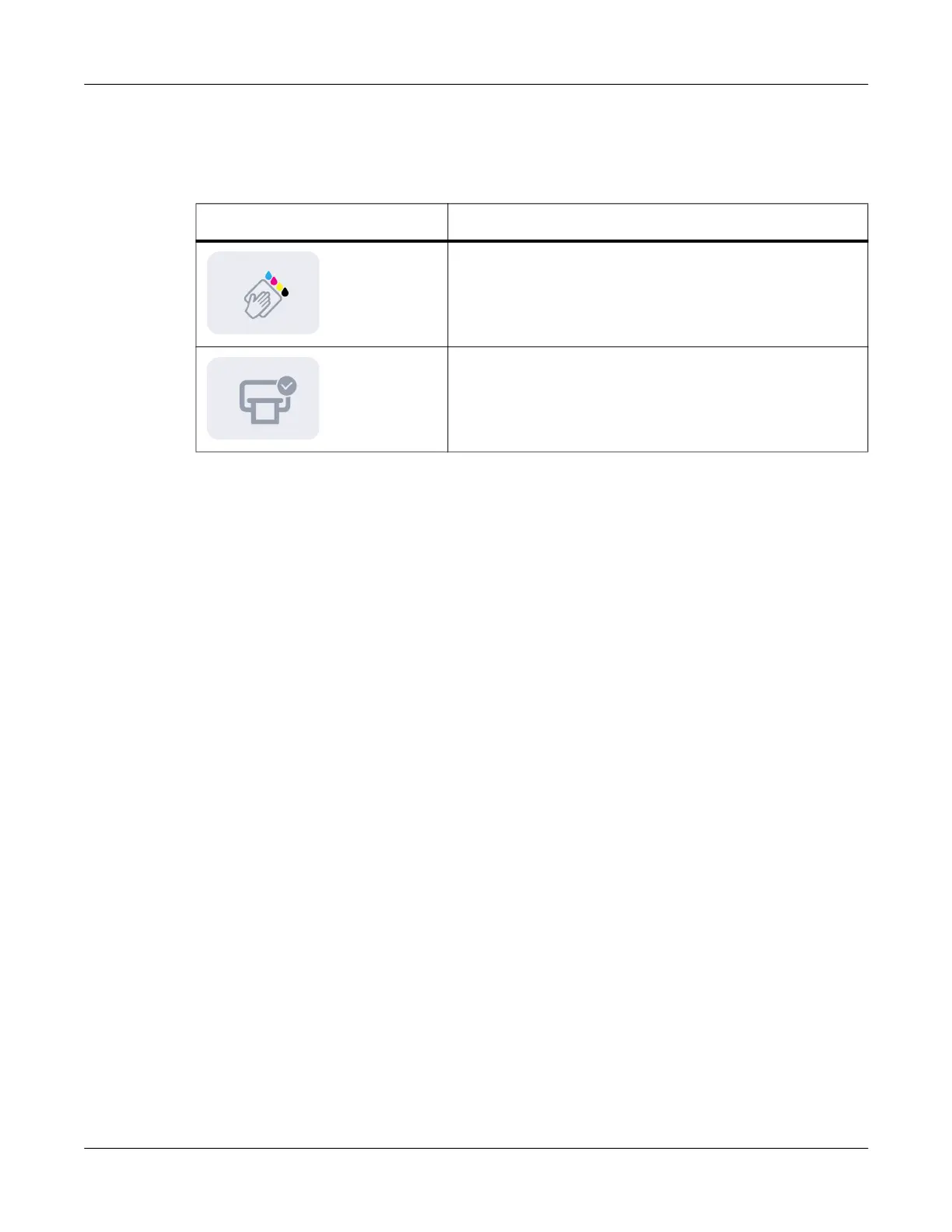
Maintenance controls are located in the lower-right corner of the touchscreen. You can use these
controls to clean the printhead and check the print mechanism movement.
Printer and Media Status
Printer and media status messages are displayed in this area. The media and printer will be in the
Ready state when both are ready for printing.
If an error is shown, resolve the error before printing. Status and error messages are described
later in this user guide. See “Status and Error Messages” on page 79.
Icon Description
Clean Printhead - Tap this icon to perform a printhead
cleaning. See “Cleaning the Printhead” on page 70.
Printer Check - Tap this icon to perform a printer check.
The movement of the maintenance tray and print carriage
will be checked.



 To Next Page