Installing and Setting Up the Printer Driver
QL-E100 User Guide 38
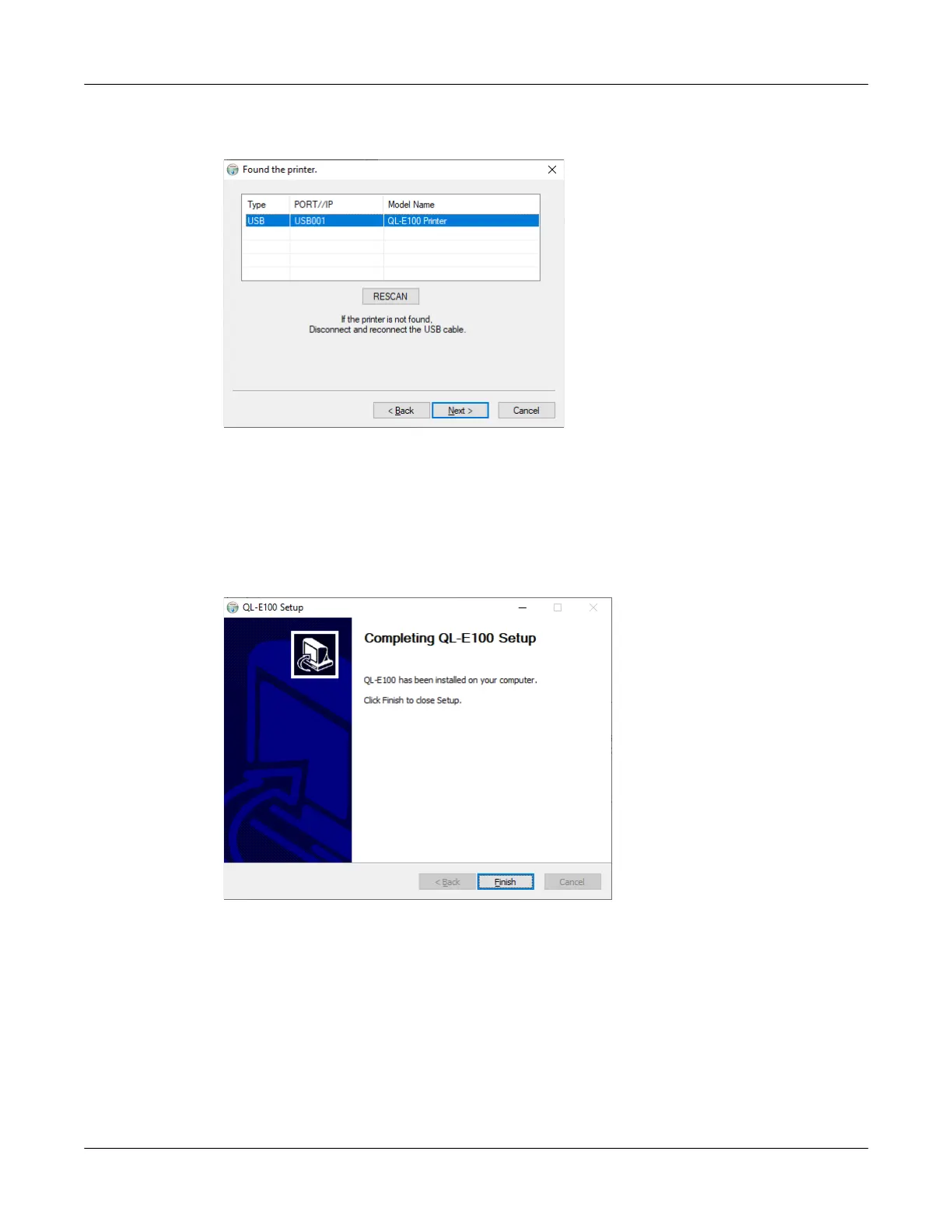
14. The next screen shows the USB port that will be used. The USB ports will automatically be
scanned and the printer will appear in the port list.
• If your printer was found, it will be shown in the port list.
• If your printer was not found, disconnect and reconnect the USB cable. Then rescan the
USB ports.
With the printer selected in the port list, choose the Next button.
15. The next screen shows that the printer driver has been successfully installed on your
computer.
Choose the Finish button. The installer software will close.



 To Next Page