Released Rev. C 2000-1252-01 Page 131
VersaPort 2200 Technical Manual
Appendix A: ISIM
Indexer Simulator (ISIM) Menu List
a
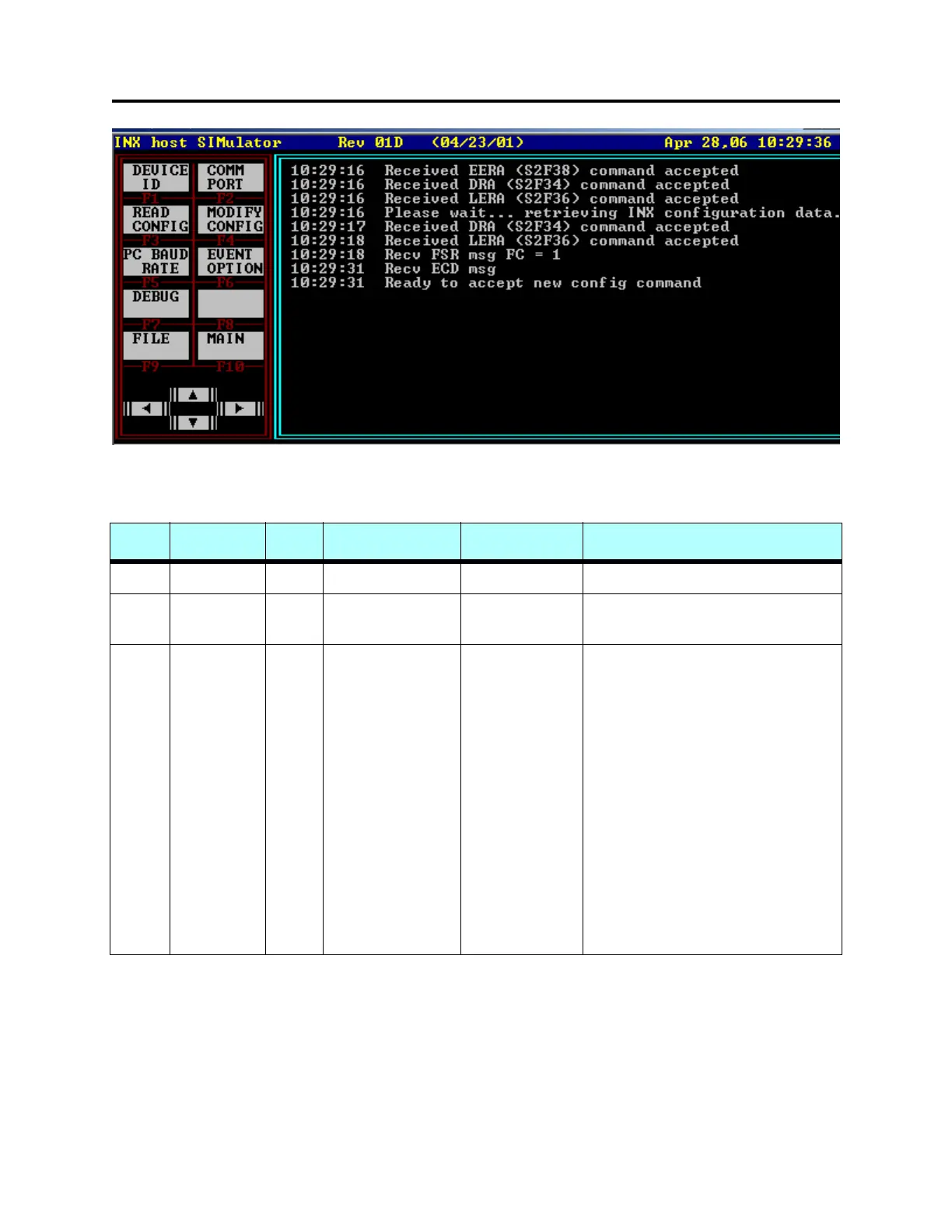
FIGURE 41 F6 - CONFIG Menu
T
ABLE 15 Configuration Menu
F Key Main Menu F Key Sub Menu Menu Options Explanation
F6
CONFIG F1 DEVICE ID Device = Enter Host device identity code
F2 COMM PORT COM1
COM2
Select COM1 or COM2 of Host
computer
F3 READ CONFIG Displays VersaPort configuration:
External Host
PIO Interlock Mode
MSC (SAM) Interlock Mode
Send/Receive Mode
Slot Offset
Wafer Offset
Min Wafer Position
Open Position
Slot Count
Slot Width
Tweek Distance
Port Assignment
Comm Protocol
Cassette Size
INX Device ID



 To Next Page