Page 28 2000-1252-01 Released Rev. C
VersaPort 2200 Technical Manual
Chapter 2: Theory of Operation
VersaPort Components
a
Air Exhaust Motor
A single speed 24vdc fan connected to the Main Control board, J12.
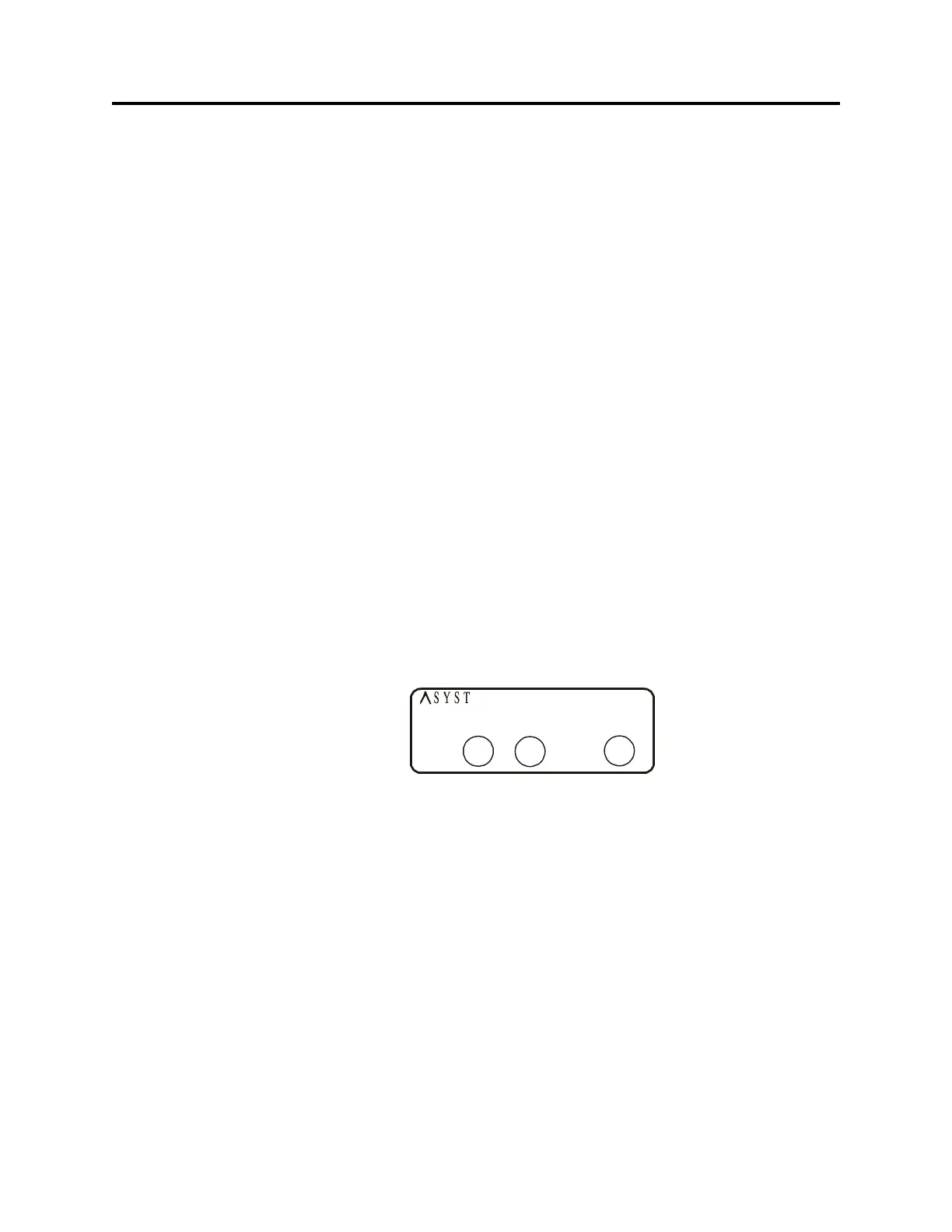
Status Indicators
The indicators are located on the top of the port plate to indicate the operational status of
the VersaPort.
Power Indicator
The POWER indicator, when lighted, indicates that +24vdc power is applied to the
VersaPort. The indicator is powered from +5vdc which is derived from the +24vdc input
power.
Ready Indicator
The READY indicator, when lighted, indicates the readiness of the VersaPort. When the
indicator is lighted, the VersaPort is idle and ready to accept a new command from the
Host. When it is off, the VersaPort is busy and cannot accept any more action commands
until all motions in progress are completed. The state of this indicator, however, has no
affect on commands initiated by the MSD (SAM) or commands interrogating the
VersaPort status.
Pod-in-Place Indicator
The POD-IN-PLACE indicator, when lighted, indicates the presence of a Pod on the port.
When the indicator is lighted, a Pod has been properly placed on the port. When it is off,
either a Pod is missing or it is improperly seated on the port.
Communications Interface
Table 2, “Serial Port Pin Usage,” on page 29 displays the PIN connections for the three
serial communications interfaces available for the VersaPort. Table 3, “Parallel
Communications Interface - Asyst Compatible,” on page 30 displays the 25-pin parallel
connections.
Serial Communications Interface
The VersaPort has three ports for serial-computer-communications interfaces. All are
9-pin D-subminiature RS232 interface. Each has a transmit (TX) and a receive (RX) line
and four control lines.
• SECS Host Port
The SECS Host port interface is used with SECS protocol.
F
IGURE 9 Status Indicators
POWER READY
POD IN
PLACE
TECHNOLOGIES



 To Next Page