Released Rev. C 2000-1252-01 Page 47
VersaPort 2200 Technical Manual
Chapter 3: Diagnostics and Troubleshooting
Self-Test
a
Self-Test
Perform the self-test to determine proper operation of the VersaPort. When activated, the
self-test feature checks motors, sensors, and IRQs.
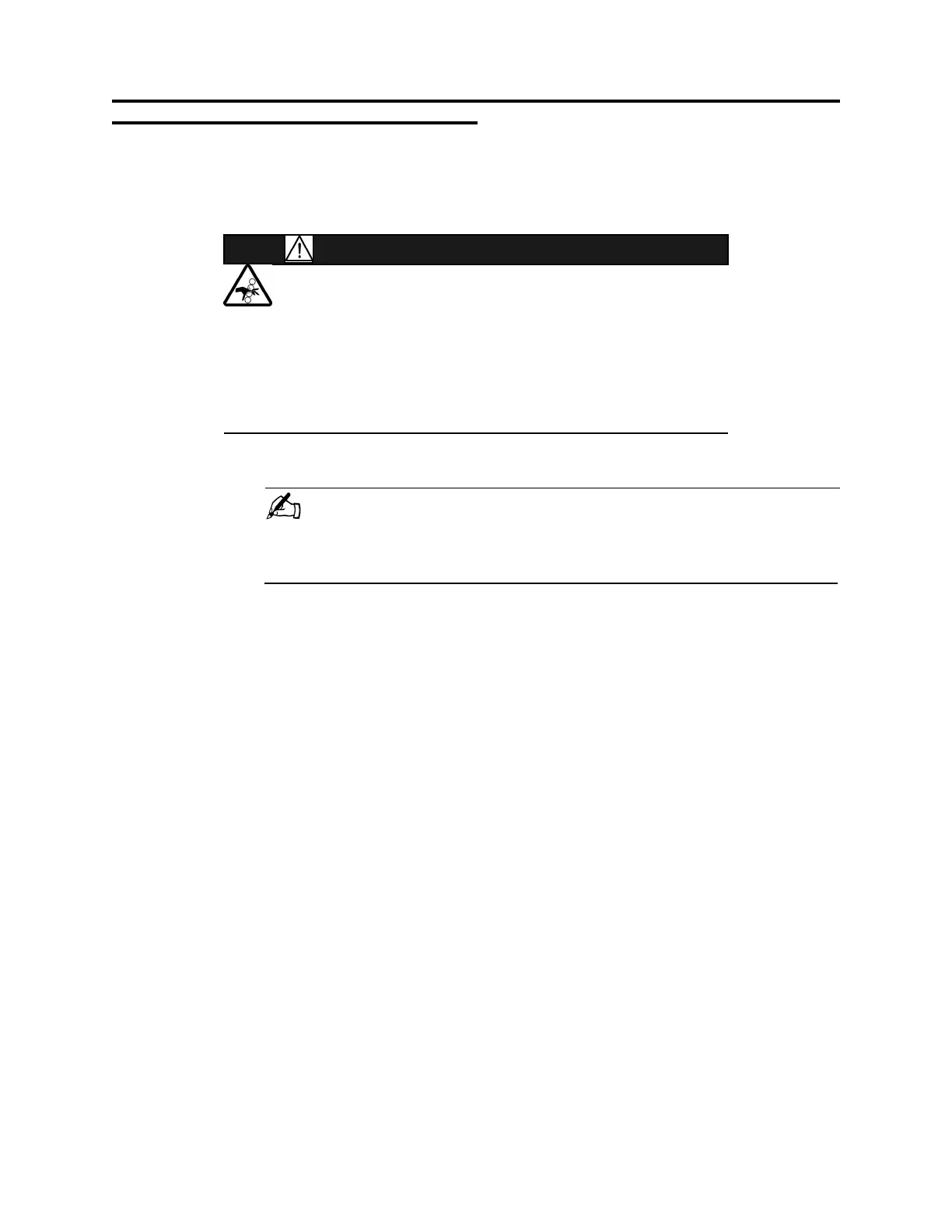
WARNING
MECHANICAL HAZARD
USAGE OF ISIM CAN PUT THE VERSAPORT IN AN UNSAFE
MODE FOR OPERATORS
, AS INTERLOCKS CAN BE DISABLED.
P
INCH HAZARDS MAY BE PRESENT. PERSONNEL SHOULD
BECOME THOROUGHLY FAMILIAR WITH ALL ASPECTS OF
SAFETY FOR INDIVIDUALS AND EQUIPMENT PRIOR TO USING
ISIM TO OPERATE THIS EQUIPMENT.
NOTE . . .
ISIM IS ONLY TO BE USED BY TRAINED OPERATORS AND TECHNICIANS.
CONTACT ASYST TECHNOLOGY FOR TRAINING.
Self-test can be run using ISIM software:
From the MAIN Menu, press F2 (MANUAL).
From the MANUAL Menu, press F3 (SELF TEST).
The VersaPort performs the test and returns a screen message. If no errors were
encountered the screen display will read:
Errors detected during self test: None.
The screen will display any Errors detected. Refer to appropriate service procedure to
resolve the errors.
Return VersaPort to AUTO mode for communication.
Press F10 to go to the MAIN Menu.
Press F1 to enter AUTO mode.



 To Next Page