600-00151-001 Rev 01 -55- Envision EX5000
described in Section 2.2, "Map Symbols—Terrain and Position"
on page 16.
6) Trip Display Area—Displays the information that you select with
the Display button for the selected waypoint, when available.
7) Destination Airport Info—Provides quick access to airport
information for the destination airport, when available.
8) Display—Controls the display shown in the lower portion of the
screen. The selections are:
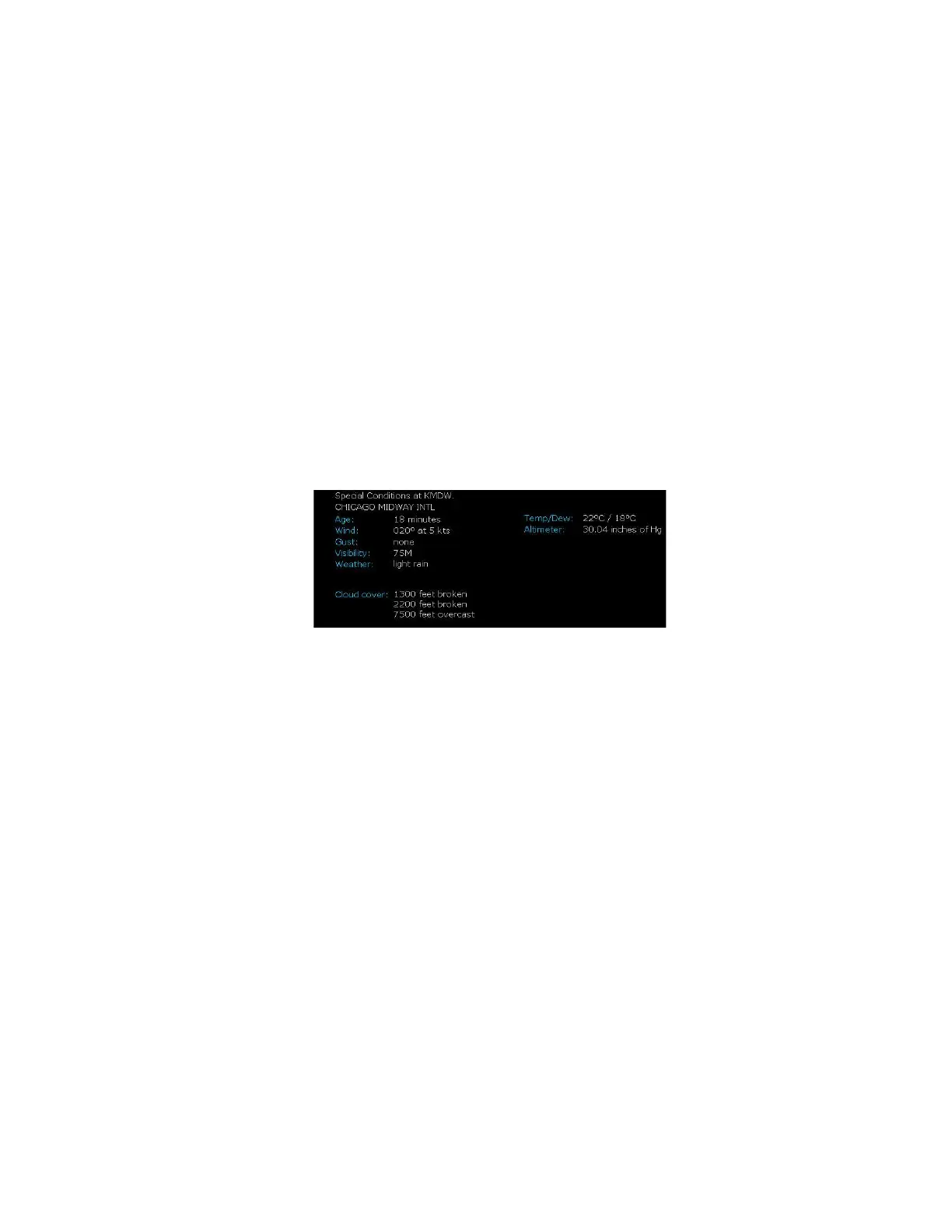
n METAR—Displays the decoded text METAR for the selected
waypoint, when available. If METAR cannot be decoded, raw
text METAR will be displayed.



 To Next Page