103 of 285
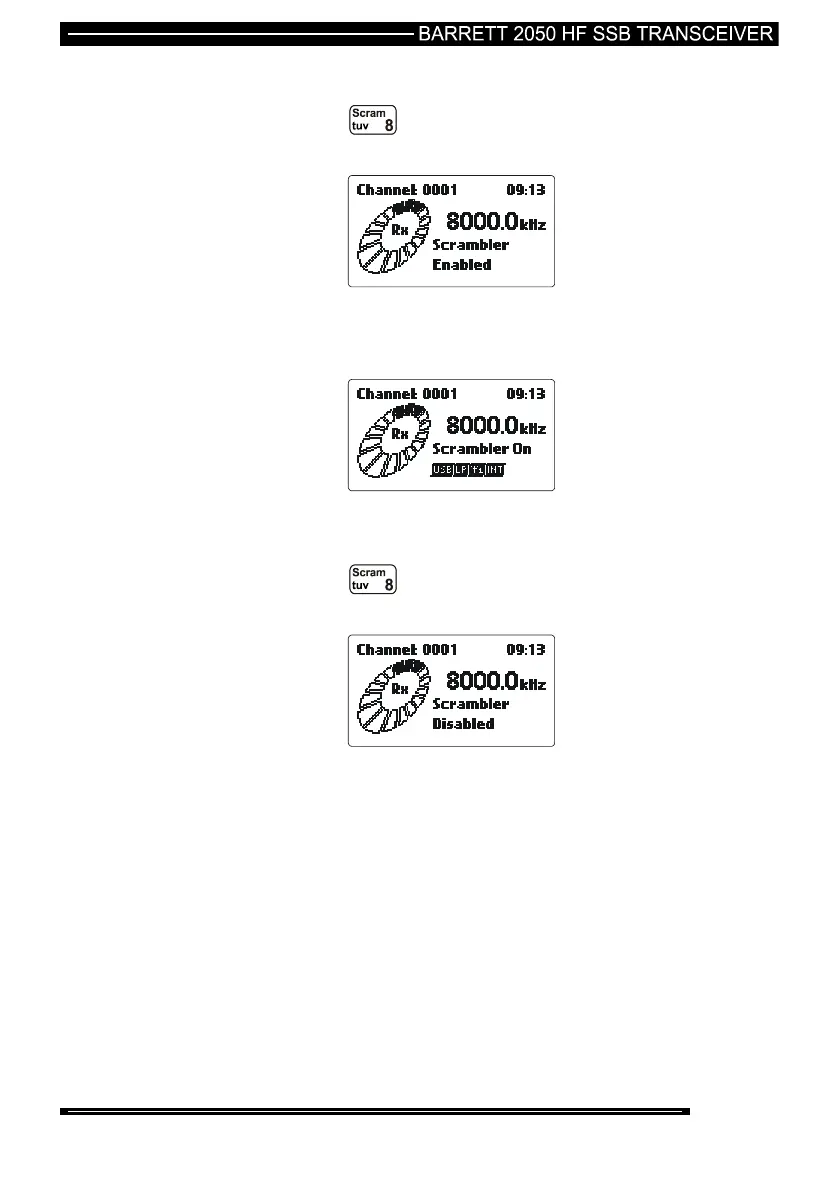
To Enable Scrambled Mode
Press the key for more than two seconds, the “Scrambler
Enabled” screen will be shown.
While the transceiver is in scrambled mode the “Scrambler On” message will be
displayed.
To Disable Scrambled Mode
Press the key for more than two seconds, the “Scrambler
Disabled” screen will be shown.



 To Next Page